
Your smartphone is only as useful as its battery allows. Whether you’re a heavy user or simply tired of hunting for a charger by mid-afternoon, learning how to extend the battery life of your smartphone can save you time, hassle, and the cost of an early upgrade.
The good news? You don’t need technical expertise to make a difference. With a few simple adjustments to your settings and daily habits, you can keep your phone running longer between charges and preserve its battery health for years to come.
Introduction
Your smartphone is likely the most-used device in your life, and its battery is the silent engine behind every call, map, photo, and message. When the battery drains quickly, the whole day feels harder. This article explores How to Extend the Battery Life of Your Smartphone with clear, practical guidance that you can apply immediately, regardless of whether you use an iPhone or an Android device.
Battery life is not about a single magic setting. It is the result of dozens of small decisions: how you charge, what you leave running in the background, how bright your screen is, and how you treat the battery over months and years. Understanding the fundamentals of How to Extend the Battery Life of Your Smartphone helps you make informed decisions instead of relying on myths.
The good news is that most improvements cost nothing. You do not need a new phone or an expensive accessory. You need reliable information and consistent habits, which lead to better long-term outcomes. This guide is written for everyday users who want straightforward steps, not technical jargon. Whether your battery is brand new or two years old, the principles here can help you get more usable hours from every charge.
Key Concepts
Before changing settings, it helps to understand what actually happens inside a smartphone battery. Most modern phones use lithium-ion or lithium-polymer batteries. These batteries store energy through chemical reactions, and those reactions age over time. Two factors accelerate aging more than anything else: high heat and staying at extreme charge levels for long periods.
Battery capacity is measured in milliampere-hours (mAh), but the number printed on the spec sheet is not what you experience. What matters is usable capacity and how quickly it declines. A phone rated at 4,000 mAh might deliver close to that when new, then drop to 3,400 mAh after a year of heavy use. The difference shows up as fewer hours of screen time.
Another key concept is the charge cycle. One cycle equals using 100% of your battery’s capacity, not necessarily one plug-in. If you use 50% today and recharge, then use 50% tomorrow and recharge, that is one full cycle. Lithium-ion batteries are typically rated for 300 to 500 full cycles before capacity drops noticeably, though quality and usage patterns shift that range.
You will also encounter terms like background app refresh, push notifications, and screen-on time. Each one affects drain. Background refresh lets apps update even when you are not using them, which can be convenient but costly. Push notifications keep a live connection to servers. Screen-on time is usually the single biggest power draw, because the display and processor work together whenever the screen is lit. Finally, battery health or battery health percentage is a software estimate of your battery’s current maximum capacity compared to when it was new.
Deep Dive
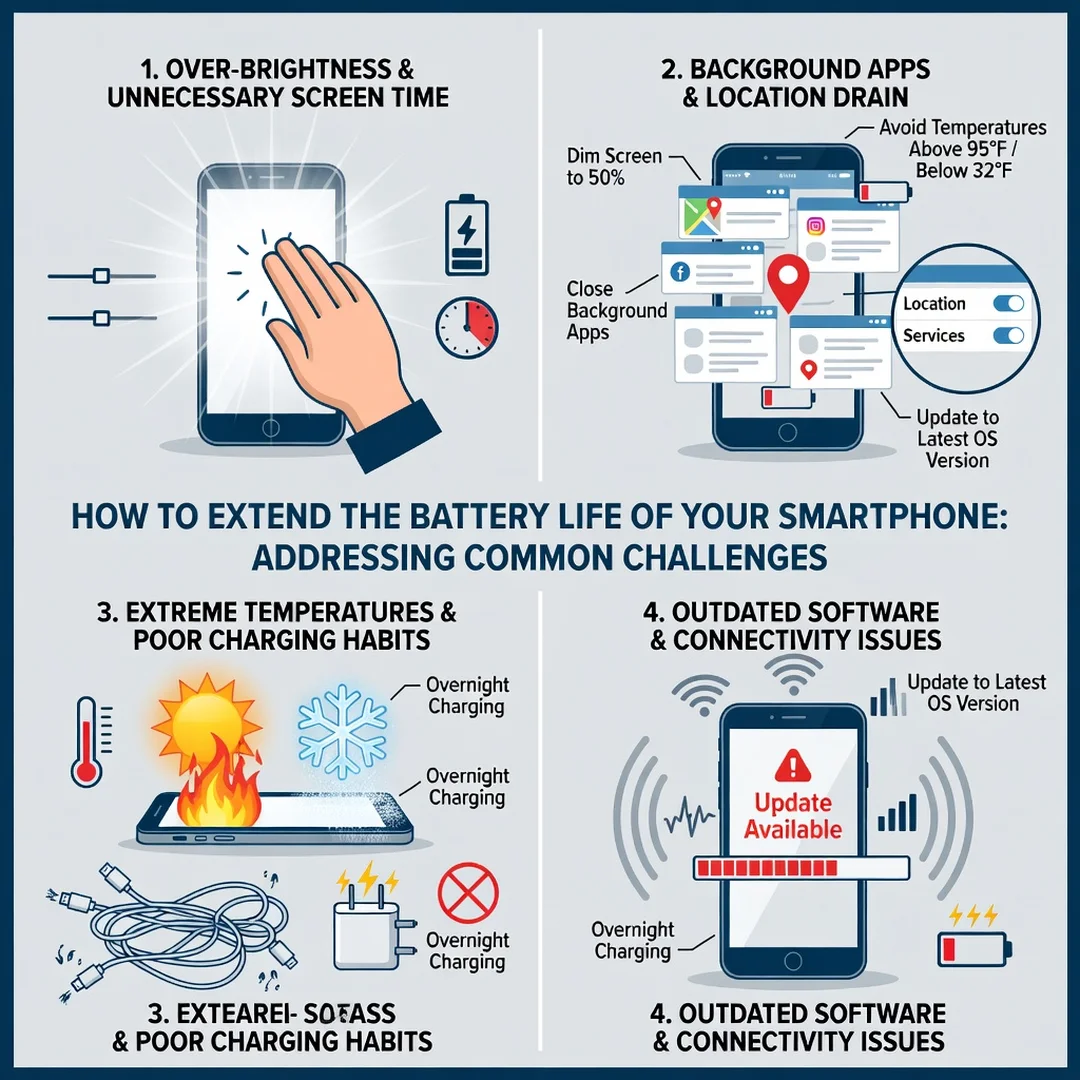
Extending battery life means managing two separate goals: getting more hours per charge today, and slowing long-term capacity loss over months and years. Many people focus only on the first goal and accidentally harm the second. For example, keeping your phone plugged in at 100% overnight in a hot room may give you a full battery each morning, but it also stresses the battery and reduces its lifespan.
Heat is the biggest enemy. Whether it comes from gaming, direct sunlight, fast charging, or a thick case during navigation, heat speeds up the chemical reactions that degrade capacity. If your phone feels uncomfortably warm, that is a signal to change something. Remove the case, stop the intensive app, or move out of the sun.
Charge level matters too. Lithium-ion batteries are happiest between roughly 20% and 80%. They do not like being fully drained regularly, and they do not like sitting at 100% for hours. Some phones include optimized charging that learns your routine and pauses at 80% until you need the rest. If your phone offers this feature, turn it on.
Screen brightness is the most direct lever you control. Many phones default to high brightness or adaptive brightness that responds slowly. Reducing brightness by even 20% can add meaningful screen time. Dark mode also helps on OLED displays, where black pixels turn off entirely.
Background activity is the hidden drain. Apps that constantly check for location, sync photos, or refresh feeds wake the processor and radio. Social media, navigation, and messaging apps are common culprits. You do not need to delete them, but you should review their permissions and background settings.
Signal strength also matters. When your phone struggles to find a signal, it increases transmit power, which drains the battery faster. In areas with weak coverage, switching to airplane mode or Wi-Fi calling can help significantly. Similarly, 5G can use more power than 4G LTE, so using 4G in low-signal areas may extend runtime.
Charging habits deserve attention as well. Cheap, uncertified chargers can deliver inconsistent voltage and generate excess heat. Fast charging is convenient but produces more heat than slow charging. When you have time, especially overnight, slow charging is gentler. Avoid charging in hot cars, on soft surfaces that trap heat, or under pillows.
Finally, software updates matter. Manufacturers frequently refine power management, fix battery-draining bugs, and improve background restrictions. Keeping your operating system and apps updated is one of the simplest long-term strategies.

Best Practices
These habits combine the biggest impact with the least effort. Start with a few and add more over time.
- Keep your battery between 20% and 80% when practical. Partial charges are better than full cycles.
- Enable optimized or adaptive charging if your phone supports it.
- Lower screen brightness and enable auto-brightness with a conservative baseline.
- Use dark mode on OLED or AMOLED screens.
- Turn off background app refresh for apps you do not need updated constantly.
- Disable unnecessary location tracking and set apps to “While Using” instead of “Always.”
- Turn off push email and fetch it manually or at longer intervals.
- Use Wi-Fi when available, and switch to airplane mode in very weak signal areas.
- Close or restrict apps that run heavy background processes, especially navigation and games.
- Avoid extreme temperatures. Never leave your phone in a hot car or direct sun.
- Remove thick cases during fast charging or intensive use.
- Use certified chargers and cables from reputable brands.
- Update your operating system and apps regularly.
- Reduce screen timeout to 30 seconds or one minute.
- Turn off vibration and haptic feedback if you do not need them.
- Use low power mode or battery saver when your charge drops below 30%.
- Avoid draining to 0% regularly. Occasional calibration is fine, but not routine.
Beyond daily habits, consider your long-term charging routine. If you charge overnight, place the phone on a hard surface in a cool room and enable any battery protection feature. If you use wireless charging, know that it generates more heat than wired charging and is less efficient. Use it for convenience, not as your only method.
For heavy users, a battery case or power bank can reduce the need to fast-charge mid-day. But remember that adding charge also adds heat. The goal is not to keep the battery at 100% all day, but to keep it in a comfortable range with minimal stress.
Step-by-Step Guide
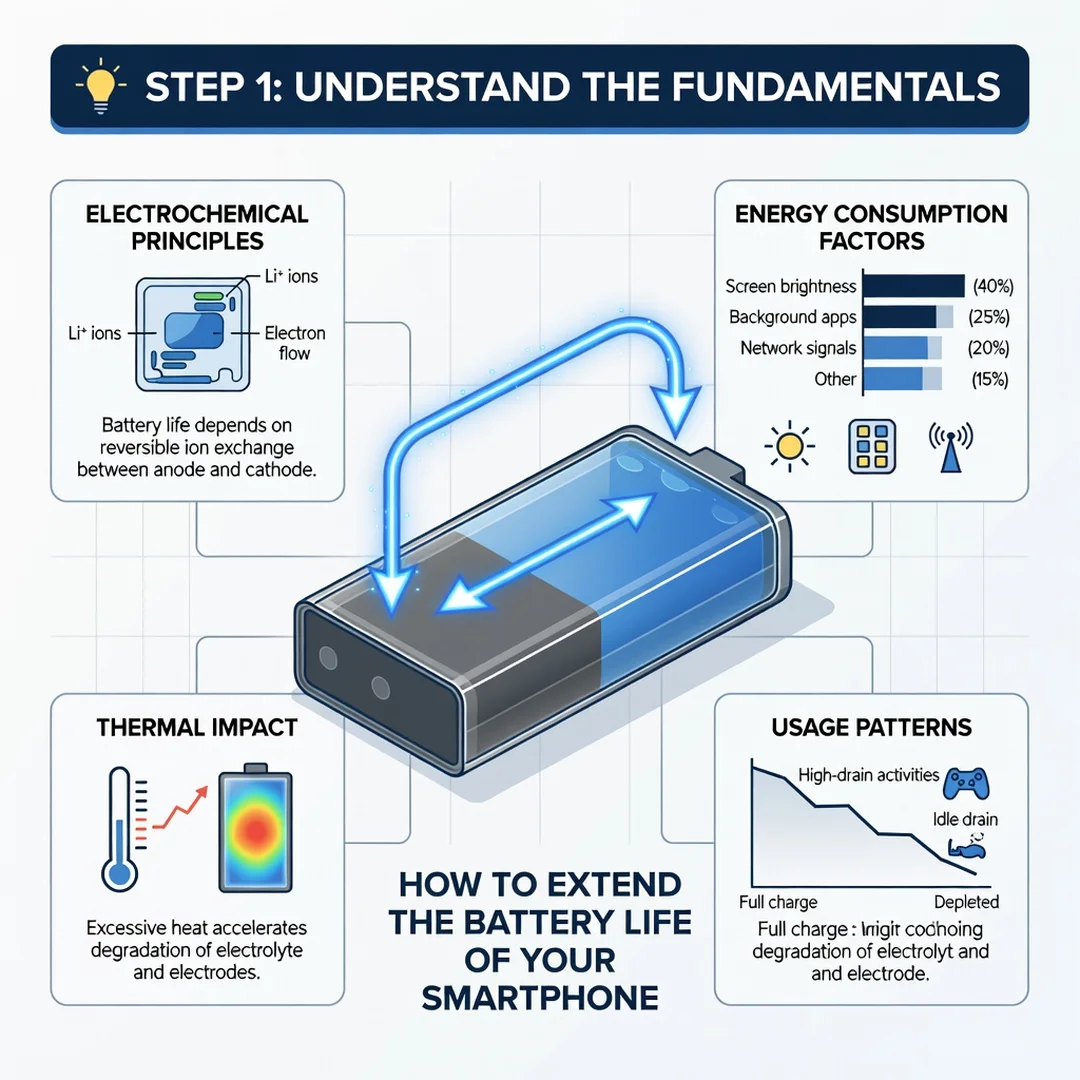
Step 1: Understand the fundamentals
Learn the basics of lithium-ion behavior: heat accelerates aging, extreme charge levels stress the battery, and charge cycles accumulate over time. Knowing these fundamentals helps you evaluate every tip you read and avoid habits that trade short-term convenience for long-term damage.
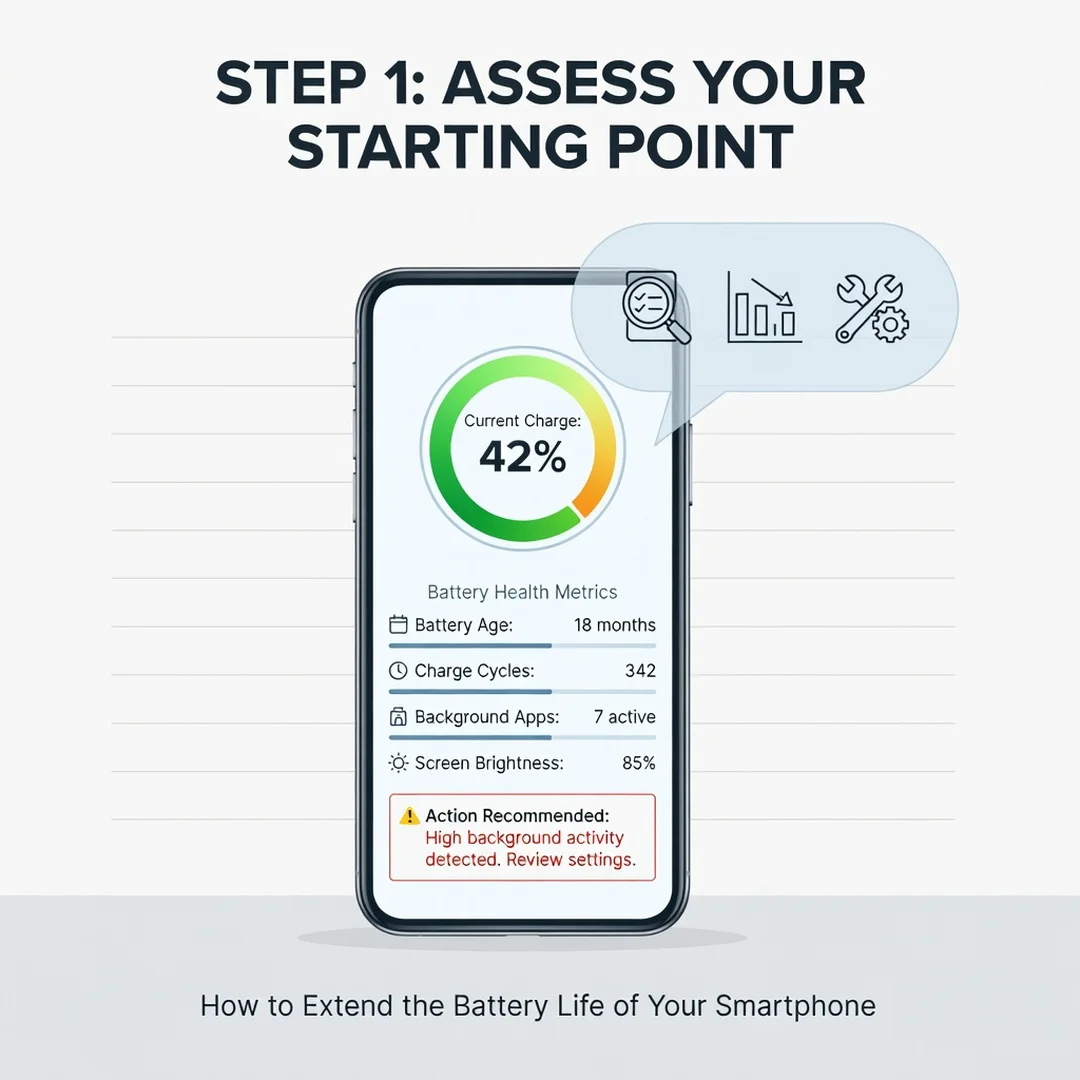
Step 2: Assess your starting point
Check your battery health or maximum capacity in your phone’s settings. Review which apps consume the most battery in the last 24 hours and the last 10 days. Note your typical screen-on time, brightness level, and whether you use 5G, Wi-Fi, or Bluetooth constantly. This baseline tells you where the biggest opportunities are.
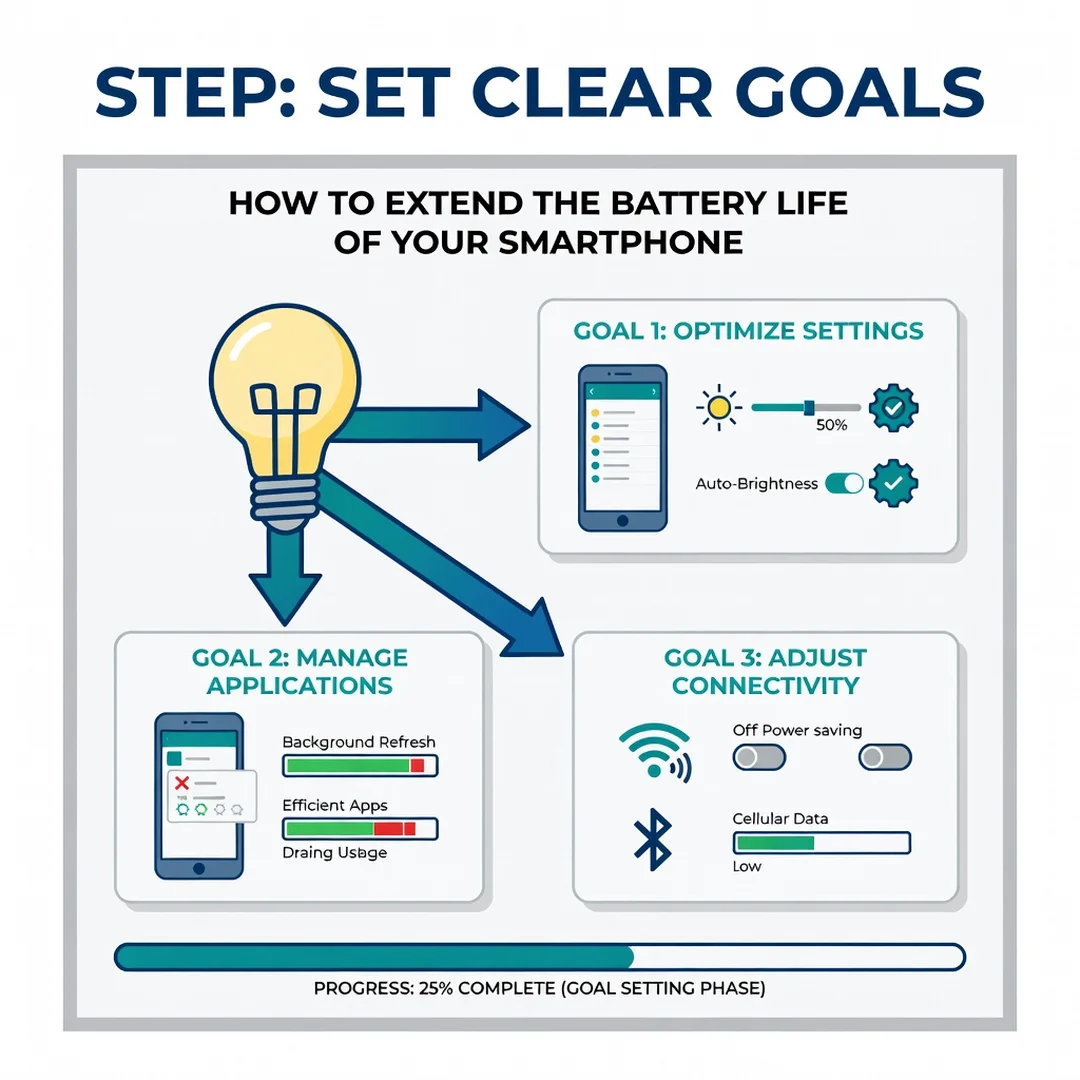
Step 3: Set clear goals
Decide what you want to improve. Maybe you want two extra hours of screen time per charge, or you want to slow capacity loss over the next year. Write down one or two measurable goals, such as “reduce background drain by 20%” or “keep charge between 30% and 80% on weekdays.” Clear goals make it easier to stay consistent.
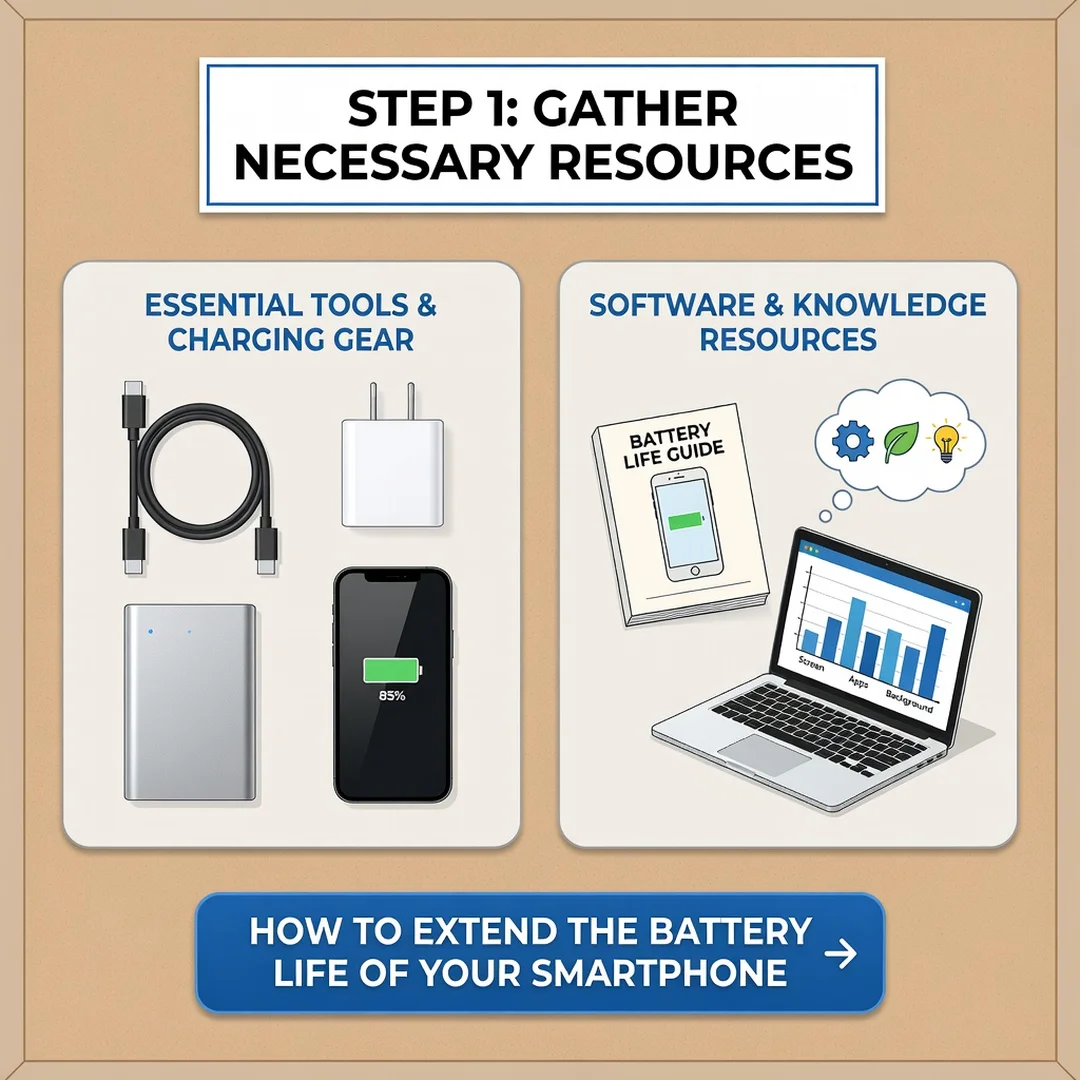
Step 4: Gather necessary resources
You may need a certified charger and cable, a battery monitoring app if your phone lacks built-in tools, and a cool, well-ventilated charging spot. If you use a case, check whether it traps heat. If your phone supports optimized charging, locate that setting now so you can enable it.
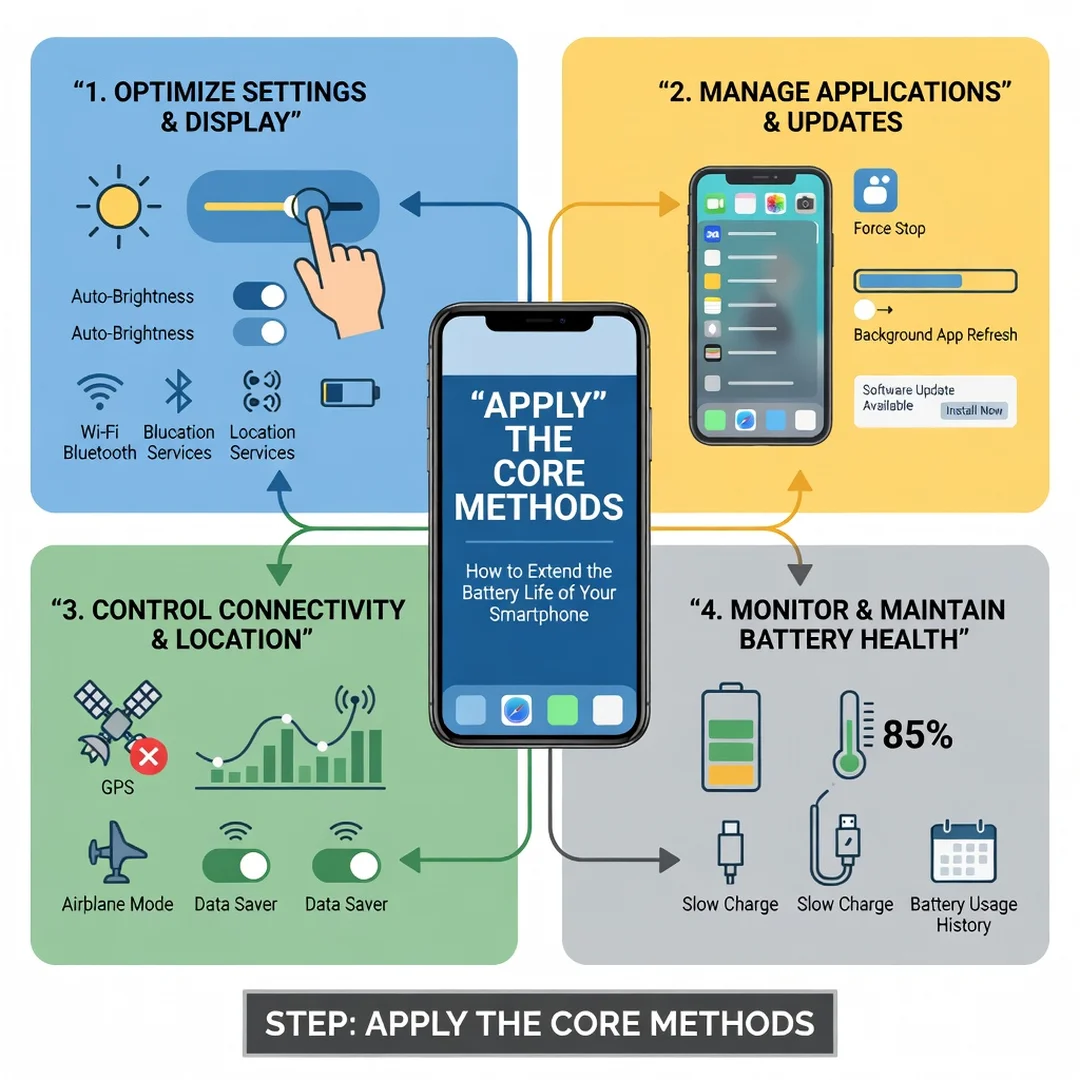
Step 5: Apply the core methods
Start with the highest-impact changes: lower brightness, enable dark mode, restrict background refresh, turn off unnecessary location access, and enable battery saver when needed. Adjust charging habits to avoid prolonged 100% and deep 0% states. Reduce heat by removing the case during fast charging and avoiding direct sun. These core methods typically deliver the most noticeable improvement within days.
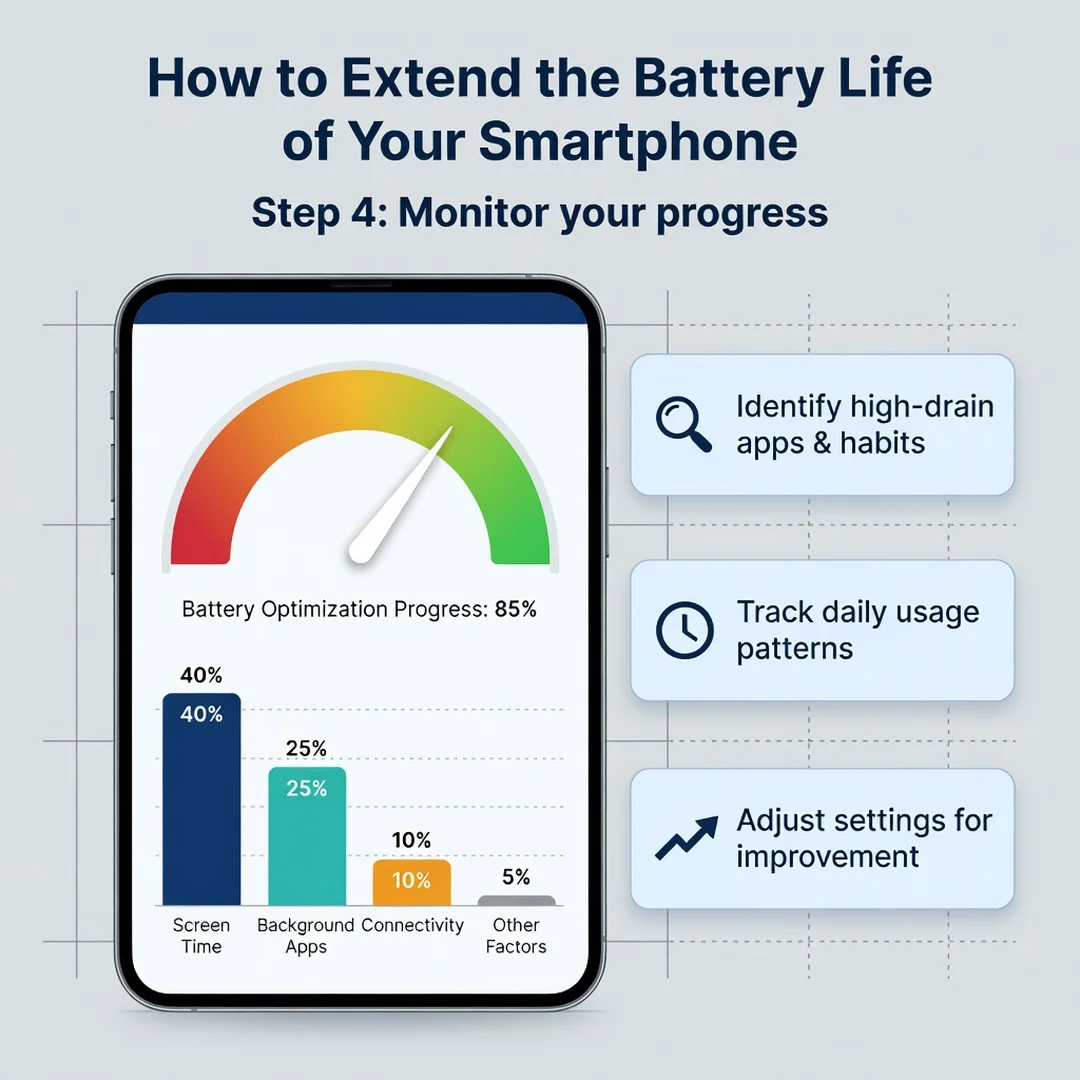
Step 6: Monitor your progress
After one week, revisit your battery usage screen. Compare screen-on time and background drain to your baseline. If progress is slow, identify the top draining app and restrict it further. Adjust your goals if needed. Consistent monitoring turns good intentions into lasting habits and helps you catch new battery-draining apps early.
FAQ
What should I know about How to Extend the Battery Life of Your Smartphone?
The most important thing to know is that battery life depends on both daily habits and long-term care. Heat, extreme charge levels, background activity, and screen brightness are the biggest factors. You do not need to follow every tip perfectly. Focus on the few changes that address your biggest drains, and be consistent. Reliable information and steady habits produce better results than occasional drastic measures.
Who is this guide for?
This guide is for anyone who wants more usable hours from their phone battery and wants to slow long-term capacity loss. It suits iPhone and Android users, casual and heavy users, and people with new or older devices. No technical background is required. If you can open your settings menu and adjust a.
You now have a solid foundation for How to Extend the Battery Life of Your Smartphone. Apply the best practices above and revisit this guide as your needs evolve.