
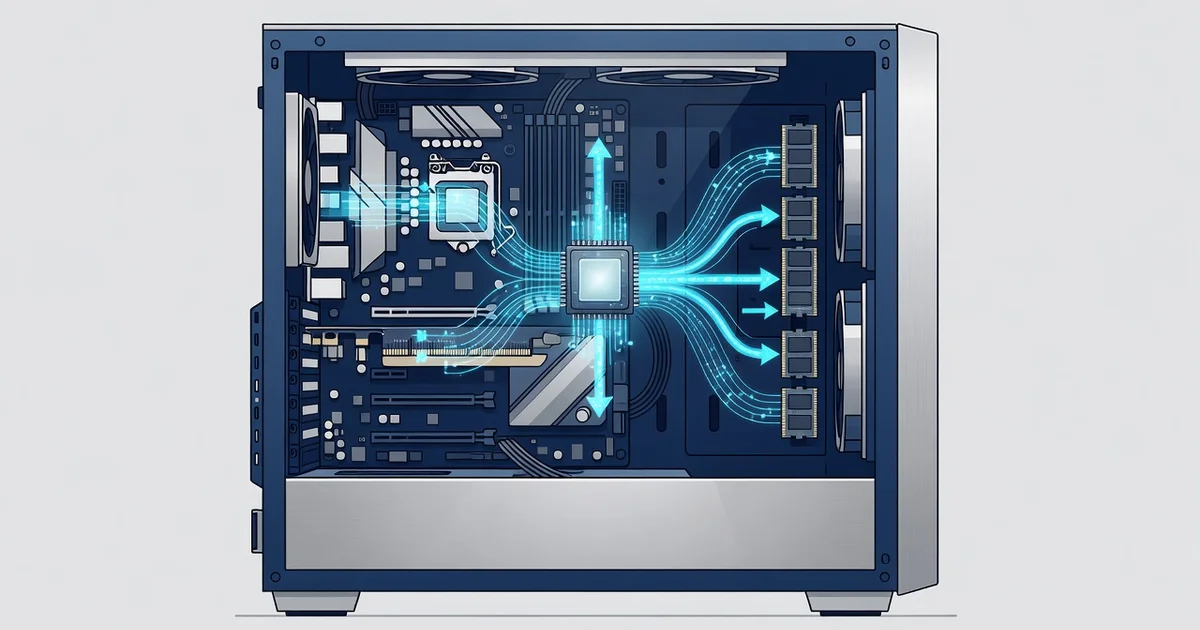
A Neural Processing Unit (NPU) is a specialized chip designed to run AI and machine-learning tasks directly on your device. Unlike a CPU or GPU, it handles neural network calculations with far greater efficiency, delivering faster responses while using less power.
That’s why modern PCs, laptops, and smartphones now include an NPU as standard. From real-time language translation to on-device image editing and smarter assistants, the NPU keeps AI features fast, private, and battery-friendly. Here’s what you need to know.
Introduction
A neural processing unit, or NPU, is a specialized computer chip designed to run artificial intelligence and machine learning tasks directly on your device. If you have shopped for a laptop, desktop, or smartphone recently, you have probably noticed NPU specifications listed alongside the processor and graphics card. These tiny silicon blocks are quickly becoming a standard feature in modern PCs. Understanding what an NPU is and why it matters helps you make smarter buying decisions and get more value from the technology you already own.
In practical terms, an NPU handles the math behind AI features such as voice recognition, photo enhancement, translation, and background blur. Unlike a general-purpose CPU, which juggles every kind of instruction, an NPU is built to perform huge numbers of small calculations in parallel while using very little power. That efficiency is the main reason modern PCs are adopting NPUs. This article explores what a neural processing unit is and why modern PCs are using it, with clear, practical guidance you can apply right away.
You do not need an engineering degree to benefit from this information. Whether you are choosing a new machine, managing a fleet of office computers, or simply curious about the AI features appearing in your apps, the fundamentals will help you evaluate claims and avoid overspending. Reliable information and consistent habits lead to better long-term outcomes, and that principle applies to technology choices just as much as it does to personal finance or health.
Key Concepts
Before comparing devices or enabling features, it helps to understand a few core ideas. The field uses some jargon, but the concepts are straightforward once broken down.
What an NPU actually does
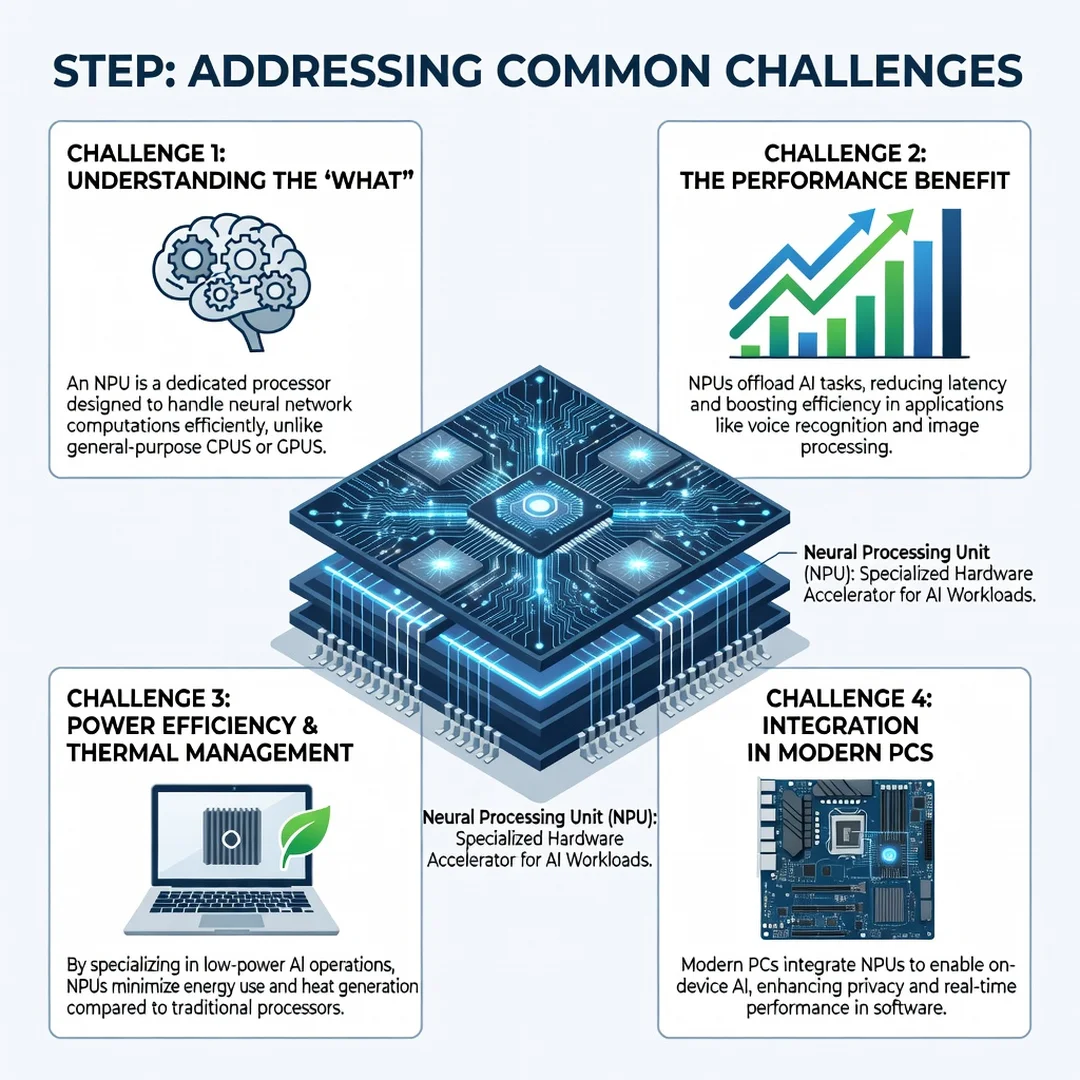
An NPU executes neural network operations, primarily matrix multiplications and activation functions. Neural networks are the engines behind modern AI, and they work by passing data through layers of weighted connections. An NPU is optimized for exactly this pattern, so it can run these operations faster and more efficiently than a CPU for sustained AI workloads.

NPU versus CPU versus GPU
A CPU is a generalist that handles operating system logic, browsing, and spreadsheets. A GPU is a parallel processor built for graphics and also used for AI training. An NPU sits between them in purpose: it is highly parallel like a GPU but tuned for low-power, always-on inference, which means running a trained model rather than training one.
- CPU: Best for general tasks and sequential logic.
- GPU: Best for graphics and large-scale AI training.
- NPU: Best for efficient, on-device AI inference.
Inference versus training
Training is the process of teaching a model using large datasets, usually done in data centers. Inference is using that trained model to produce an answer, such as recognizing your face or transcribing your voice. NPUs focus on inference because that is what runs constantly on a personal computer.
TOPS and performance ratings
You will often see NPU performance measured in TOPS, or trillions of operations per second. A higher number generally means more AI capacity, but TOPS alone does not determine real-world speed. Memory bandwidth, software support, and the specific model being run all matter just as much.
Why power efficiency matters
Running AI on a CPU or GPU can drain a battery quickly. An NPU can perform the same inference with a fraction of the energy, which extends battery life and reduces heat. That efficiency is why NPUs appear in thin laptops and tablets where cooling and battery space are limited.
Deep Dive
Now that the vocabulary is clear, let us examine why the PC industry has moved so decisively toward NPUs and what it means for you.
The shift to on-device AI
For years, most AI features ran in the cloud. Your voice assistant sent audio to a server, processed it, and sent back a result. This approach works, but it introduces latency, requires an internet connection, and raises privacy concerns because your data leaves your device. NPUs make it practical to run these models locally. On-device AI responds faster, works offline, and keeps sensitive data on your machine.
Real examples you can use today
- Video calls: Background blur, eye contact correction, and noise suppression run smoothly on NPUs.
- Photography and video: Automatic tagging, object removal, and upscaling happen instantly.
- Productivity: Live captions, translation, and summarization tools execute without sending text to a server.
- Security: Windows Hello face unlock and similar biometric features use NPU-accelerated models.
- Accessibility: Real-time speech-to-text and text-to-speech become more responsive and private.
Why PC makers are adding NPUs
Several forces are converging. First, software vendors are building AI features directly into operating systems and applications, and they need hardware to run them efficiently. Second, users expect long battery life and quiet operation, which general-purpose chips struggle to deliver under constant AI load. Third, privacy regulations and user preferences favor local processing. Finally, marketing plays a role: an NPU is a visible differentiator in a competitive market.
What an NPU does not do
An NPU is not a replacement for a CPU or GPU. It will not make your games run faster or speed up a spreadsheet macro. It accelerates specific AI workloads. If your daily tasks do not involve AI features, the immediate benefit may be modest, though that is changing as more software adopts on-device models.
The software gap
Hardware is only half the story. An NPU delivers value only when software is written to use it. Support varies by operating system, driver version, and application. This is why two laptops with similar NPU specifications can perform very differently in practice. Checking software compatibility is just as important as checking the chip.
Best Practices
Use these guidelines to get real value from NPU-equipped hardware and avoid common pitfalls.
- Match the hardware to your actual tasks. If you mainly browse, write documents, and stream video, a mid-range NPU is plenty. If you edit video or run local AI models, prioritize higher TOPS and more memory.
- Check software support before buying. Confirm that the applications you rely on have NPU-accelerated versions or that the operating system routes AI tasks to the NPU.
- Keep drivers and the operating system updated. NPU performance often improves significantly through software updates after launch.
- Prioritize memory and storage. AI models consume RAM and disk space. 16 GB of RAM is a sensible baseline for AI-capable PCs, with more for heavy workloads.
- Manage power settings thoughtfully. Some systems throttle the NPU on battery to save power. Adjust settings if you need consistent AI performance.
- Verify privacy claims. On-device processing improves privacy, but confirm whether an app truly runs locally or still sends data to a server.
- Do not overbuy for future-proofing alone. NPU technology is advancing quickly. Buy for the next two to three years of realistic needs rather than an uncertain decade.
Step-by-Step Guide
Follow this sequence to evaluate, adopt, and benefit from NPU technology in your own setup.
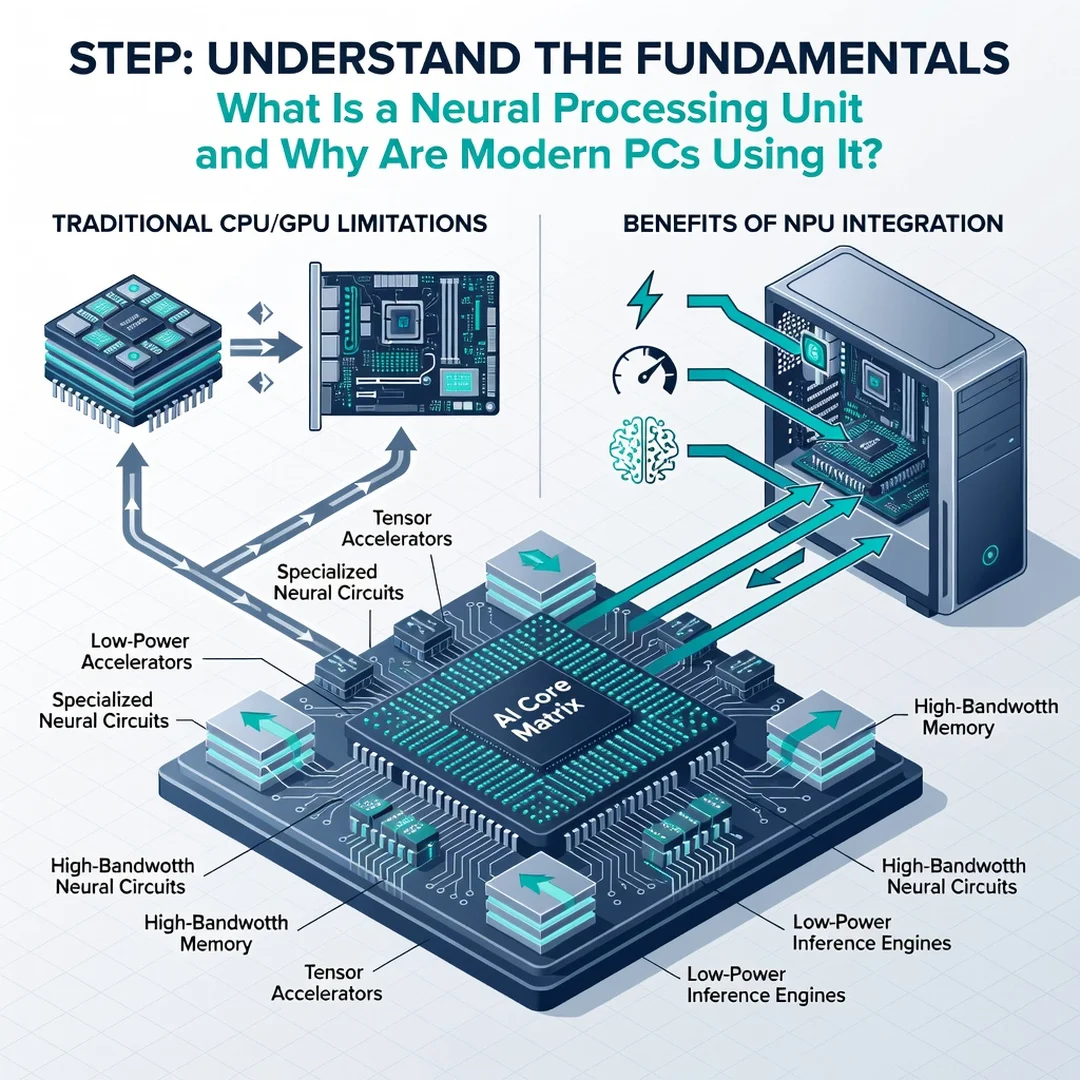
Step 1: Understand the fundamentals
Start by confirming you can explain, in your own words, what an NPU is and what it does. Review the Key Concepts section above. Knowing that an NPU accelerates AI inference at low power gives you the foundation to judge marketing claims and technical specifications accurately.
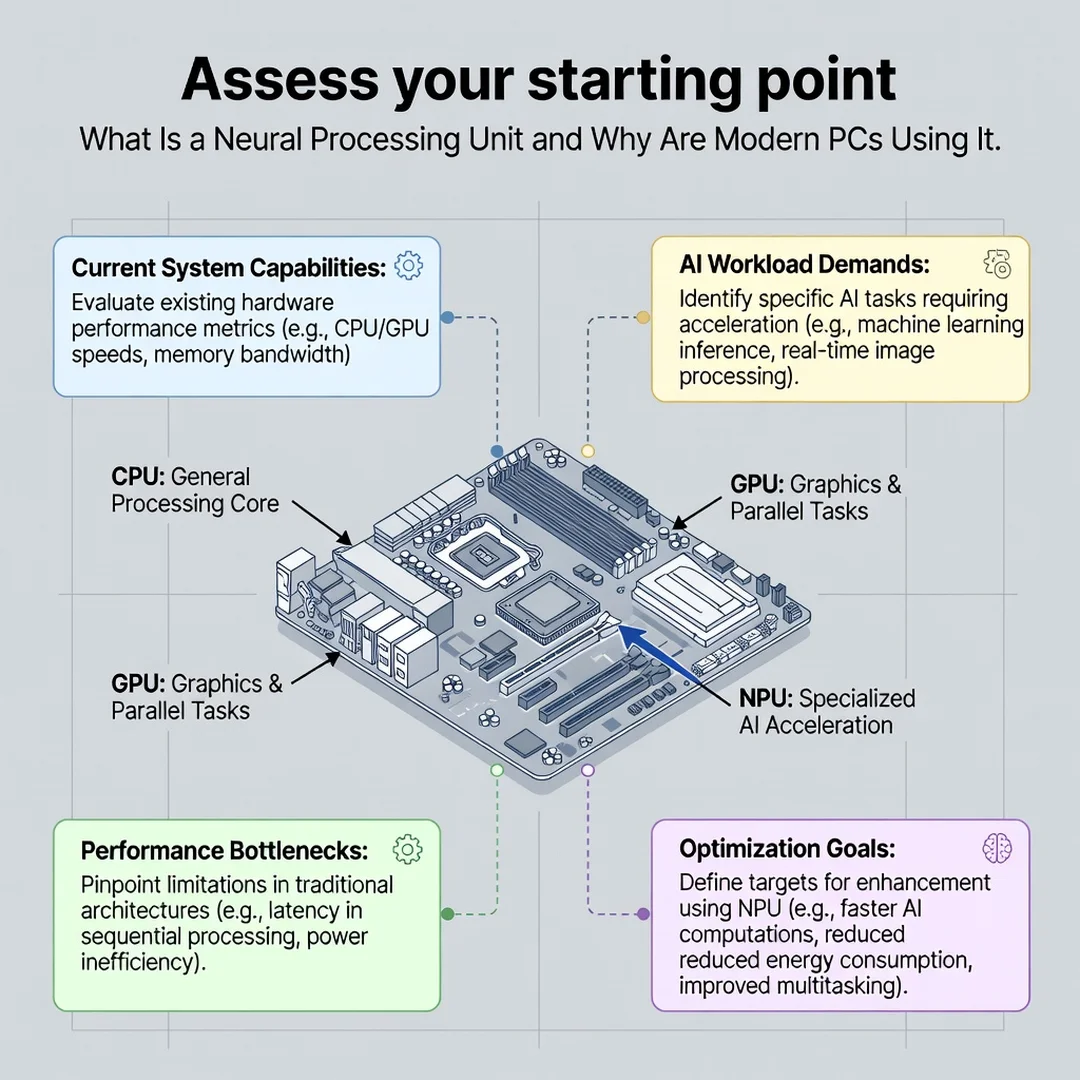
Step 2: Assess your starting point
Inventory your current devices and the AI features you already use or want to use. Check whether your computer has an NPU by reviewing its specifications or system settings. Note which applications feel slow, drain your battery, or require an internet connection for AI tasks. This baseline tells you where an upgrade would actually help.
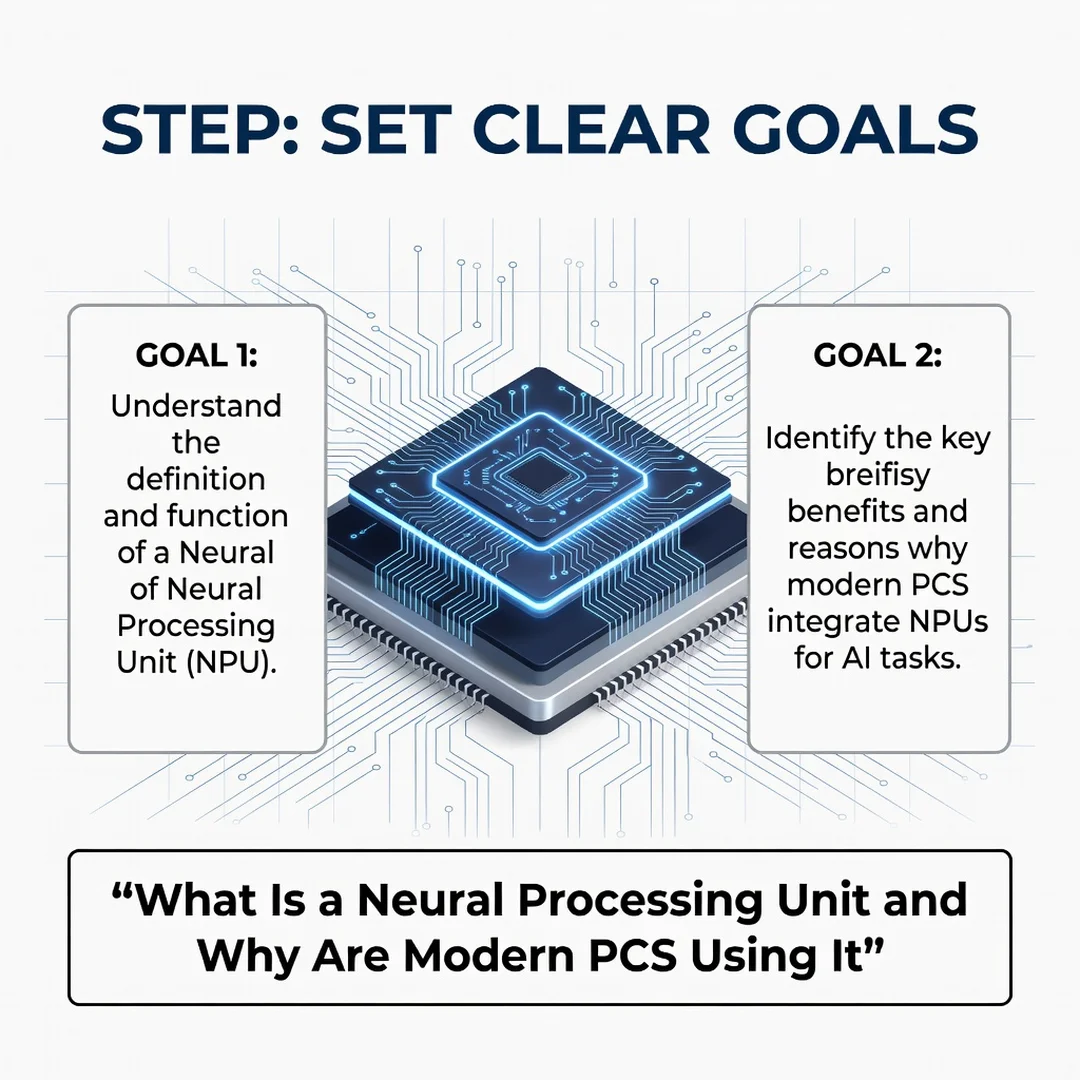
Step 3: Set clear goals
Define what success looks like. Perhaps you want longer battery life during video calls, faster photo editing, or the ability to run a local AI assistant offline. Write these goals down. Clear goals prevent you from paying for capability you will never use and help you measure whether a purchase delivered value.
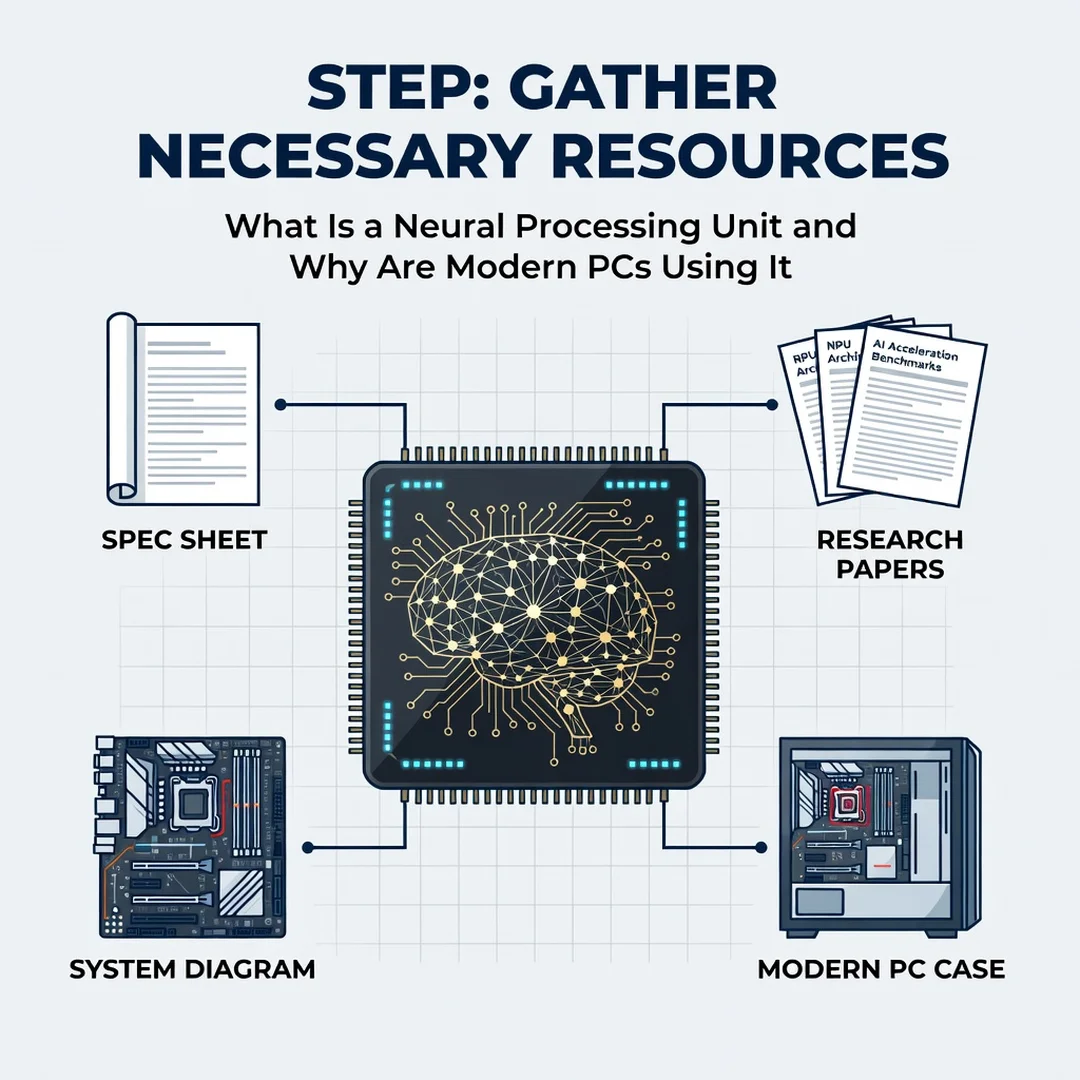
Step 4: Gather necessary resources
Collect the information and tools you need. This includes manufacturer specification sheets, independent benchmark reviews, software compatibility lists, and your budget range. If you manage devices for a team, gather requirements from users as well. Reliable information at this stage leads to better long-term outcomes.
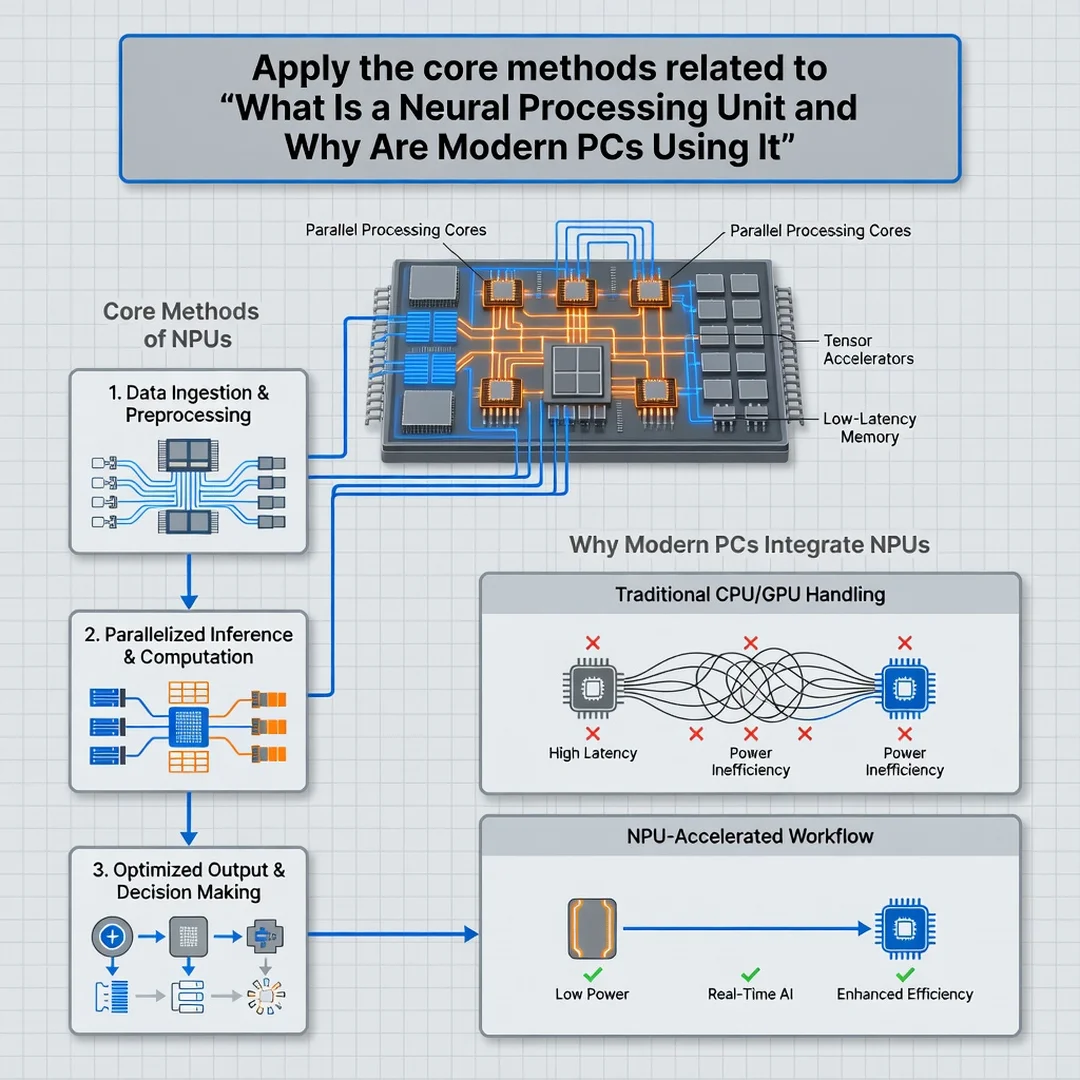
Step 5: Apply the core methods
Put your plan into action. Shortlist devices that meet your goals and budget, then compare them on real-world AI performance rather than TOPS alone. After purchase, enable the relevant AI features, update drivers, and configure power settings. If you are optimizing an existing machine, adjust settings and software to take advantage of whatever NPU capacity you already have.
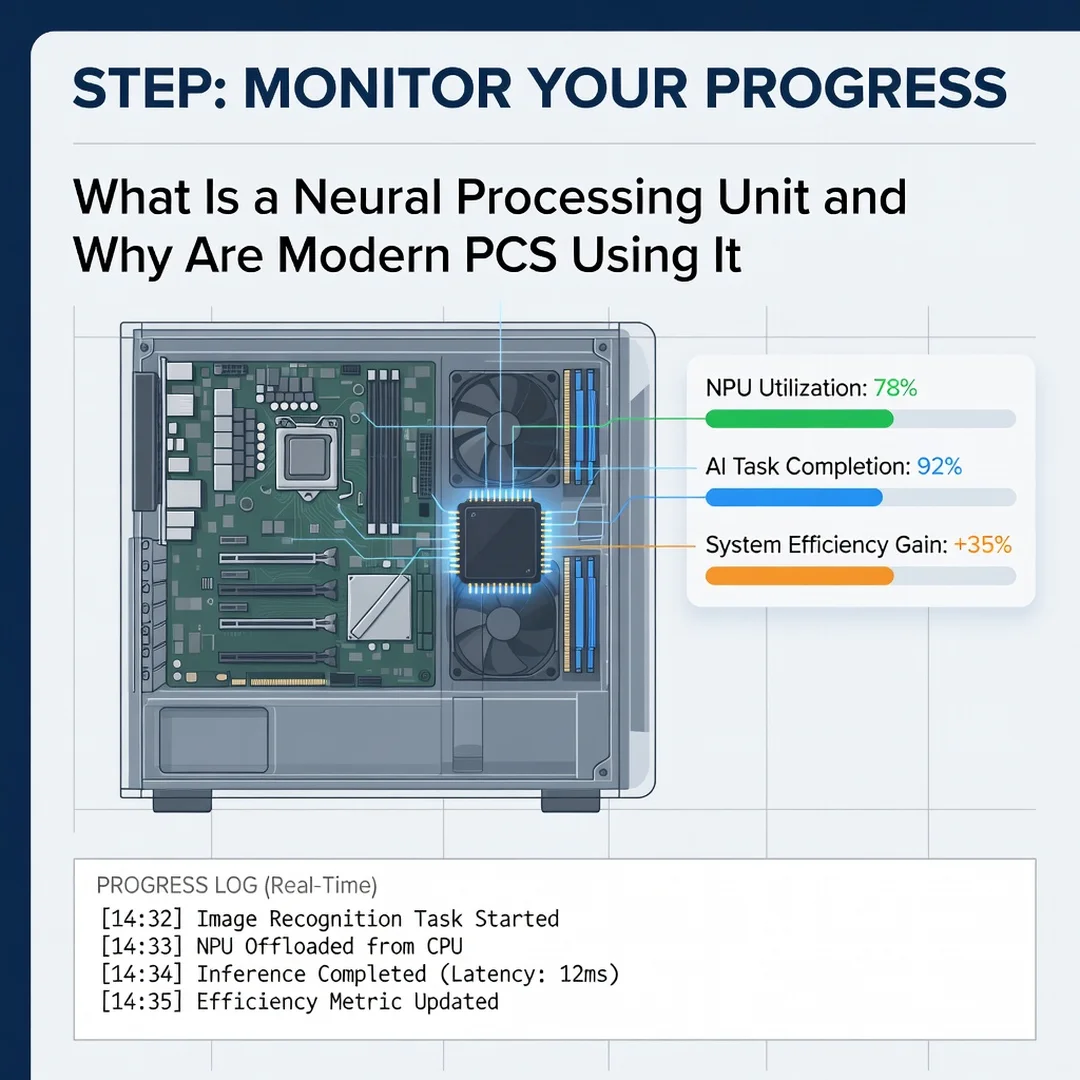
Step 6: Monitor your progress
Track whether your goals are being met. Observe battery life during AI tasks, responsiveness of features, and any compatibility issues. Revisit your assessment every few months as software updates arrive. Consistent habits, such as keeping drivers current and reviewing new AI features, ensure you continue to benefit over time.
FAQ
What should I know about What Is a Neural Processing Unit and Why Are Modern PCs Using It?
You should know that an NPU is a dedicated chip for running AI models efficiently on your device. It differs from a CPU and GPU by focusing on low-power inference, which enables faster, more private, and more battery-friendly AI features. Modern PCs use NPUs because operating systems and applications increasingly include on-device AI, and users expect these features to work without draining batteries or sending data to the cloud.
Who is this guide for?
This guide is for anyone seeking clear, actionable information about NPUs. That includes shoppers comparing laptops, professionals managing office hardware, students curious about AI technology, and general readers who want to understand the specs on a product page. No technical background is required.
Do I need an NPU to use AI features?
Not necessarily. Many AI features run on CPUs or GPUs, but they may be slower, use more power, or require a cloud connection. An NPU makes these features faster, more efficient, and often more private.
Will an NPU make my computer faster overall?
An NPU speeds up specific AI workloads, not general computing. Everyday tasks like browsing and word processing.
You now have a solid foundation for What Is a Neural Processing Unit and Why Are Modern PCs Using It. Apply the best practices above and revisit this guide as your needs evolve.