
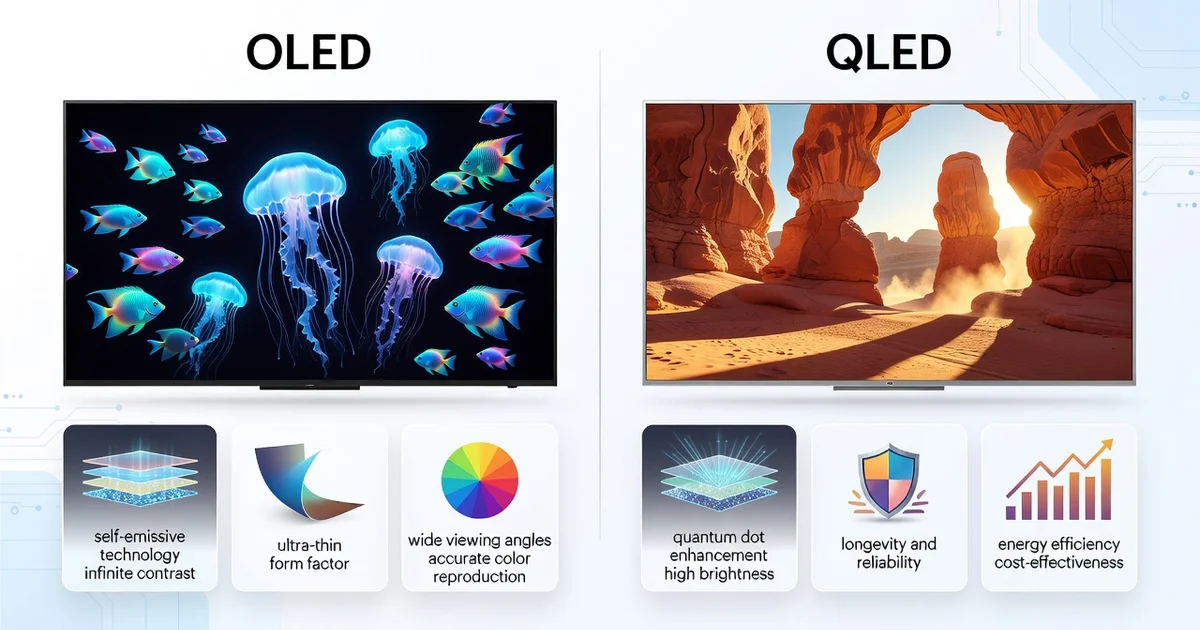
Choosing a new TV or monitor often comes down to two acronyms: OLED and QLED. Both promise stunning picture quality, but they use very different technology to get there. Understanding these differences is the key to picking the right screen for your room, your habits, and your budget.
In this guide, we break down the OLED vs QLED debate in plain language. You’ll learn how each display works, where they excel, and which one offers the best value for movies, gaming, or everyday viewing—so you can buy with confidence.
Introduction
If you have shopped for a television, monitor, or smartphone in the past few years, you have likely encountered two acronyms that dominate the conversation: OLED and QLED. Both promise stunning picture quality, vivid colors, and an immersive viewing experience, yet they rely on fundamentally different technologies. Understanding these differences is not just an academic exercise—it directly affects how much you pay, how the screen performs in your living room, and how long it will last.
This article explores OLED vs QLED: Understanding Modern Display Technology with clear, practical guidance. Rather than drowning you in jargon, we will break down the core science, compare real-world performance, and help you match the right technology to your specific needs. Whether you are a movie enthusiast, a gamer, or someone who simply wants a reliable TV for family nights, the information here will help you make a confident, informed decision.
The display market has evolved rapidly. Early OLED panels were small and expensive; today they come in sizes from 42 inches to 97 inches. QLED, meanwhile, has matured from a marketing term into a sophisticated system using quantum dots and mini-LED backlights. Knowing where each excels—and where each falls short—is the key to getting the most value from your purchase.
Key Concepts
To compare OLED and QLED fairly, you need a grasp of the underlying principles. Let us define the essential terms and mechanisms.
What is OLED?
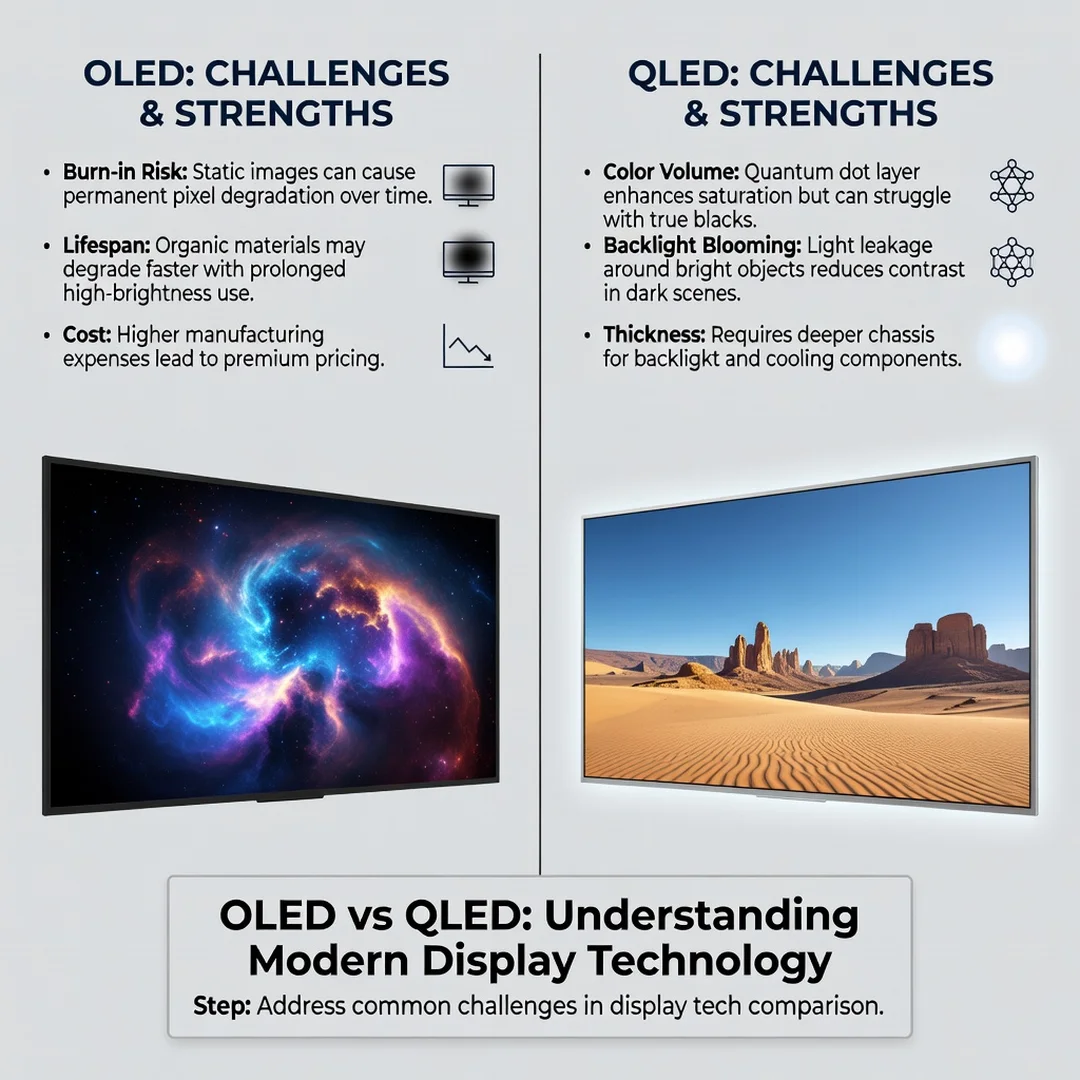
OLED stands for Organic Light-Emitting Diode. In an OLED display, each pixel emits its own light. There is no backlight. When a pixel needs to be black, it simply turns off completely. This self-emissive nature is the source of OLED’s most celebrated advantages: perfect blacks, infinite contrast, and extremely wide viewing angles. The organic compounds in the pixels can degrade over time, which raises concerns about burn-in, though modern panels have mitigations.
What is QLED?
QLED stands for Quantum-dot Light-Emitting Diode. Despite the similar name, QLED is not a self-emissive technology. It is a variation of LCD (Liquid Crystal Display) that uses a layer of quantum dots—tiny semiconductor particles—to enhance color and brightness. A backlight (often LED or mini-LED) shines through the liquid crystal layer, and the quantum dots convert the light into pure, saturated colors. Because the backlight is always on, QLED cannot achieve true black; instead, it relies on dimming zones to approximate darkness.
Contrast and Black Levels
Contrast ratio is the difference between the brightest white and the darkest black. OLED wins here unequivocally. Because each pixel can switch off, black is truly black. QLED, even with advanced mini-LED local dimming, produces dark gray blacks with some blooming (halo effect) around bright objects on dark backgrounds.
Brightness and Color Volume
QLED typically outperforms OLED in peak brightness, especially in large sizes. This makes QLED better for bright rooms with lots of windows or during daytime viewing. QLED also maintains color saturation at higher brightness levels, which is important for HDR content. OLED has improved its brightness in recent years, but QLED still holds the edge for raw light output.
Viewing Angles
OLED offers near-perfect viewing angles. You can sit far off to the side and still see accurate colors and contrast. QLED’s viewing angles are good but not perfect; colors can shift and contrast can drop when viewed from extreme angles, though premium QLED models use wide-angle filters to reduce this.
Response Time and Gaming
OLED pixels switch on and off almost instantly, giving it a near-zero response time. This translates to minimal motion blur and crisp fast-moving images. QLED is also fast, but not quite as fast. For gamers, both technologies now support high refresh rates (120Hz and beyond), variable refresh rate (VRR), and auto low latency mode (ALLM).
Deep Dive
Now that the fundamentals are clear, let us examine the practical implications of choosing one technology over the other.
Burn-in Risk: Real or Overblown?
Burn-in, or image retention, occurs when a static image (like a news ticker or game HUD) is displayed for long periods, leaving a ghostly imprint. OLED is susceptible because the organic pixels age unevenly. However, modern OLED TVs from LG, Sony, and others include pixel shift, logo dimming, and screen refresh routines. For mixed viewing, burn-in is unlikely. For users who watch one channel with a static logo for eight hours a day, QLED is safer.
Bright Room vs Dark Room
If your TV is in a sun-drenched living room, QLED’s higher brightness will fight glare better. If you have a dedicated home theater or mostly watch at night, OLED’s perfect blacks and contrast will deliver a more cinematic, immersive image. Many reviewers recommend OLED for dark rooms and QLED for bright rooms.
Size and Price
OLED is harder to manufacture in very large sizes, so prices climb steeply above 77 inches. QLED scales more easily, making 85-inch and larger sets more affordable. At 55 and 65 inches, prices are increasingly competitive, but QLED generally costs less for the same size. However, high-end QLED (mini-LED) can rival OLED prices.
Durability and Lifespan
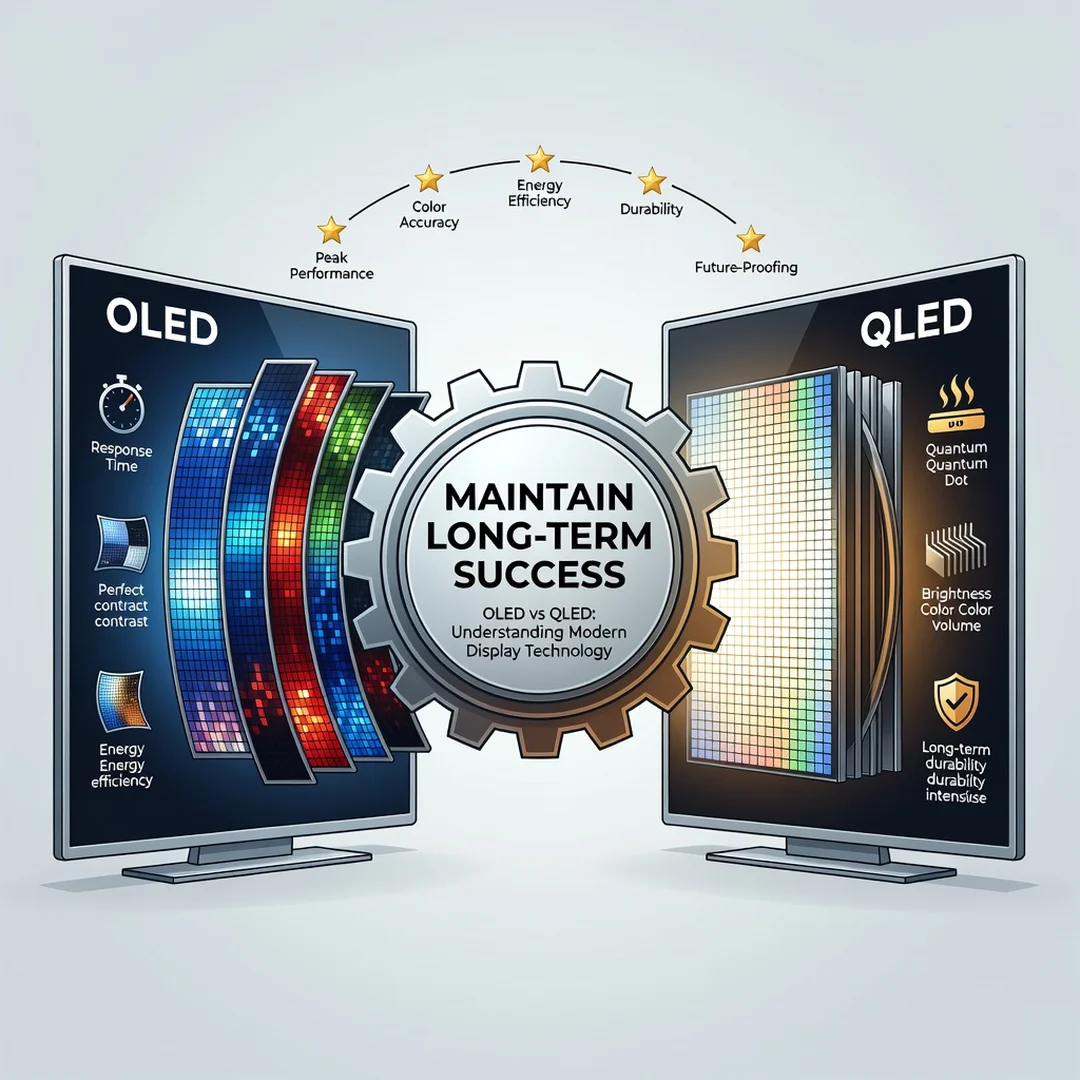
QLED panels typically last longer before noticeable degradation. OLED panels have improved dramatically, with manufacturers claiming 100,000 hours to half brightness. Still, if you are risk-averse about longevity, QLED has a slight edge.
Which is Better for Gaming?
Both are excellent. OLED offers faster response time and perfect blacks, which enhances dark game scenes. QLED offers higher brightness for bright games and less burn-in risk for static HUDs. If you play varied content, OLED is superb. If you play one competitive game for hours daily, QLED may be more forgiving.
Audio and Design
OLED panels are incredibly thin, allowing for sleek designs and even rollable or transparent concepts. QLED panels are thicker due to the backlight but still slim. Neither technology inherently has better sound; that depends on the manufacturer’s speakers.
Best Practices
Making a smart purchase or setup decision requires more than just reading specs. Here are best practices to follow.
- Match the technology to your room lighting. Bright room? Lean QLED. Dark room? Lean OLED.
- Consider your content mix. Movies and varied streaming favor OLED. Constant news or sports tickers favor QLED.
- Check the return policy. Buy from a retailer that allows returns if you notice issues like dead pixels or intolerable blooming.
- Calibrate your picture settings. Both technologies look best after disabling motion smoothing and setting color temperature to a standard like D65.
- Use certified HDMI cables. For 4K 120Hz, you need HDMI 2.1 cables to avoid signal dropouts.
- Update firmware regularly. Manufacturers often improve dimming algorithms and reduce burn-in risk via updates.
- Do not chase peak nits blindly. A brighter TV is not always better if it washes out blacks or causes eye strain in a dark room.
Step-by-Step Guide to Choosing Your Display
Follow these steps to move from confusion to a confident decision.
Step 1: Understand the fundamentals
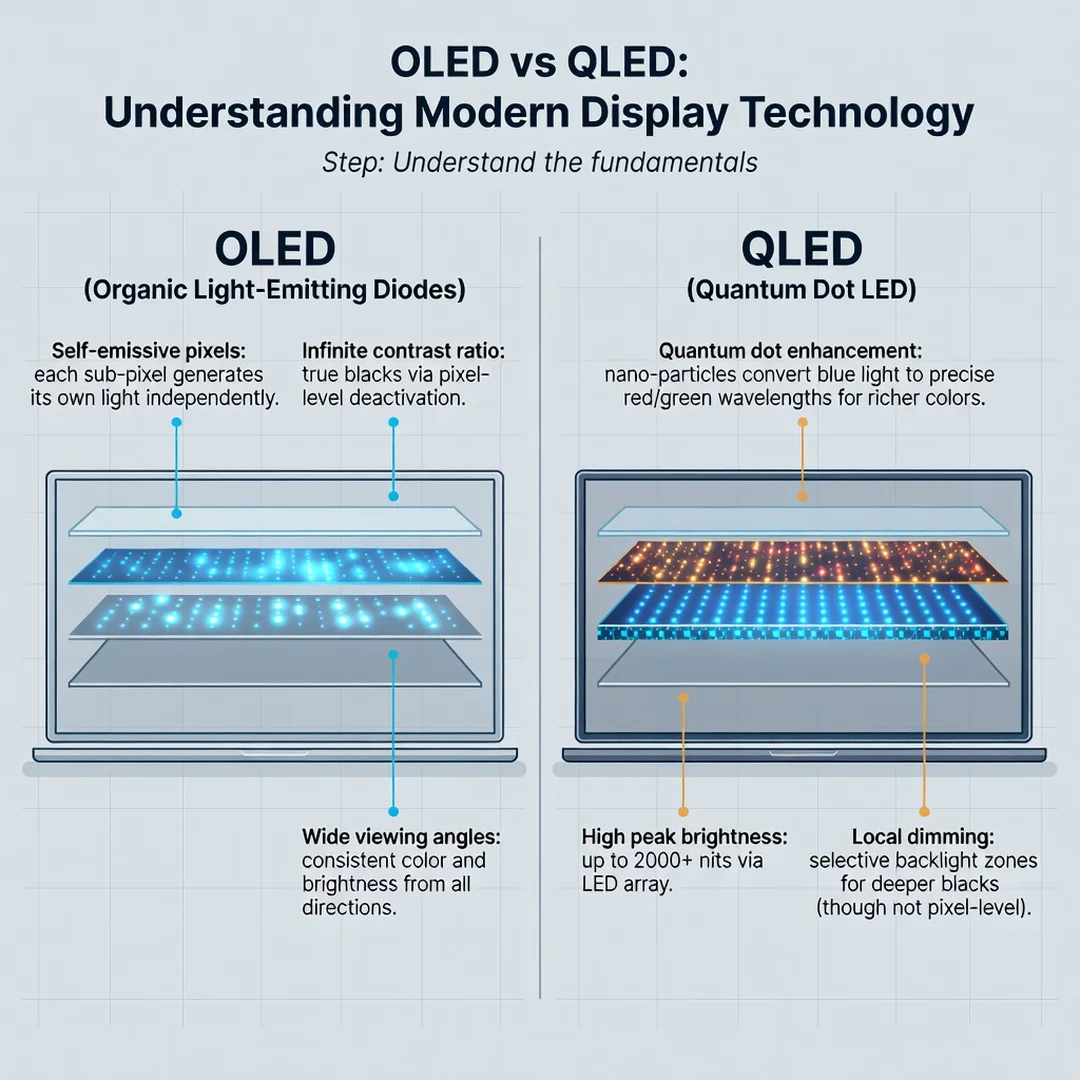
Before you look at any specific model, ensure you can explain the difference between self-emissive (OLED) and backlit (QLED) displays. Know that OLED turns pixels off for true black, while QLED relies on a backlight and quantum dots for brightness and color. This conceptual clarity will help you interpret every spec sheet you encounter.
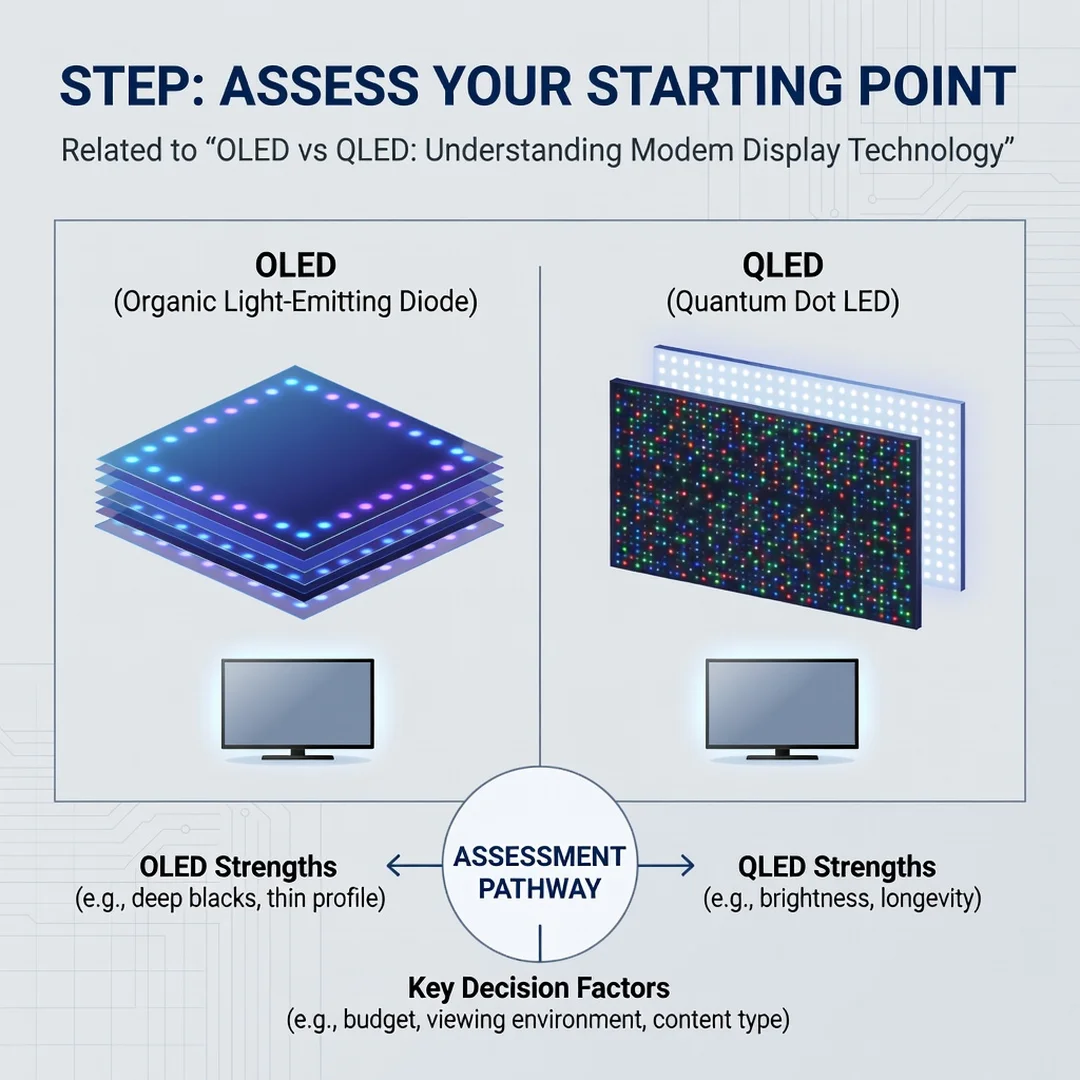
Step 2: Assess your starting point
Evaluate your current viewing environment. Measure the distance from your couch to the TV. Note the amount of ambient light during your typical viewing hours. List what you watch: movies, sports, news, games, or a mix. Identify any static elements that appear frequently (channel logos, game UI). This assessment narrows your options immediately.
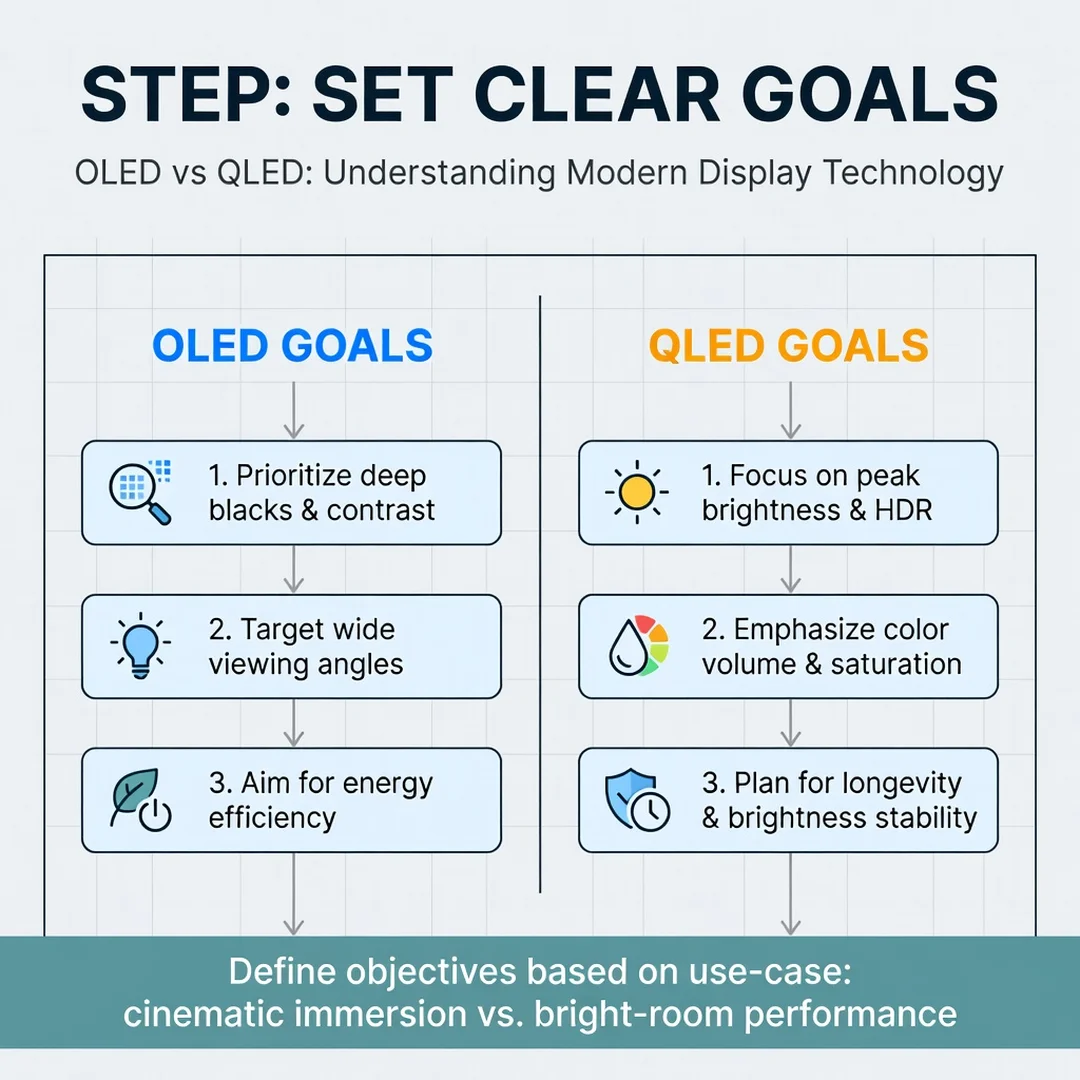
Step 3: Set clear goals
Decide what matters most to you. Is it perfect black levels for movie nights? Maximum brightness for daytime sports? The lowest input lag for competitive gaming? A specific size like 85 inches? Write down your top three priorities. This prevents you from being swayed by marketing hype for features you will never use.
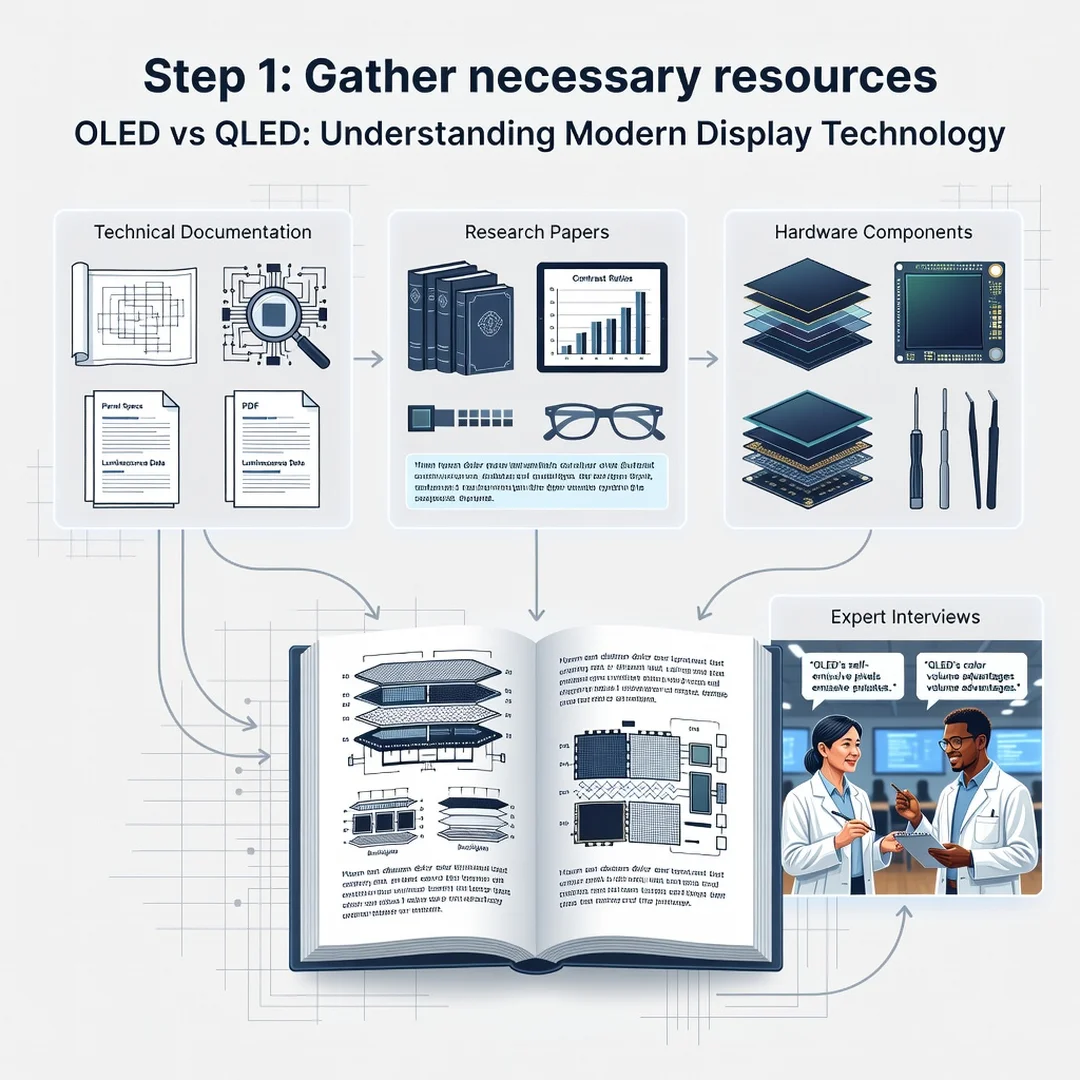
Step 4: Gather necessary resources
Collect reliable information. Read professional reviews from sites that measure contrast, brightness, and color accuracy with instruments. Watch video reviews that show real-world footage in bright and dark rooms. Visit a store if possible, but remember showroom lighting is rarely representative. Also, set a realistic budget that includes a soundbar or stand if needed.
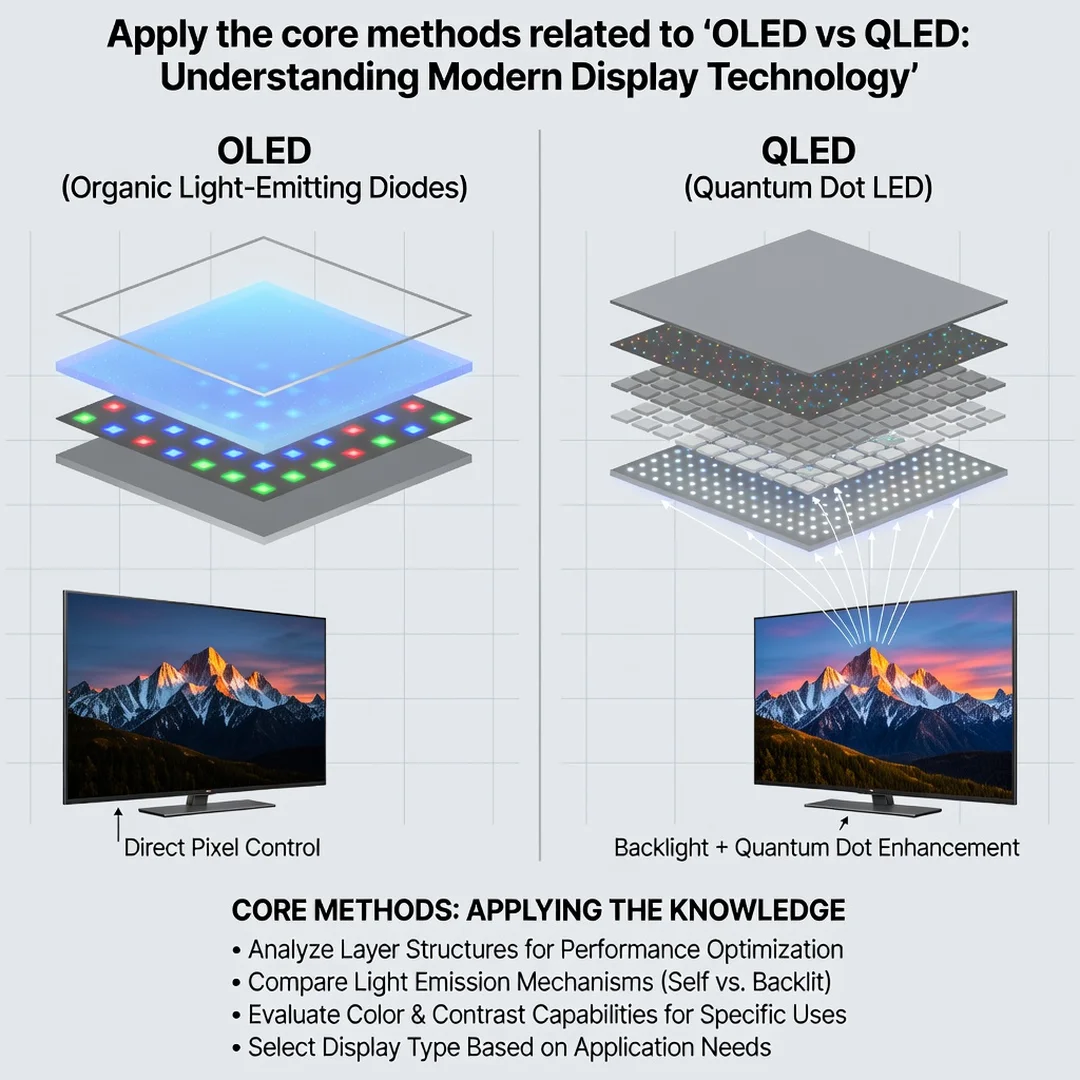
Step 5: Apply the core methods
Use a structured comparison. Create a shortlist of 3–5 models. For each, note the technology (OLED or QLED), size, price, peak brightness, contrast performance, HDMI 2.1 features, and burn-in warranty. Then, match each model against your priorities from Step 3. Eliminate any that fail on a non-negotiable point. For the rest, weigh the trade-offs: you might accept slightly lower brightness for perfect blacks, or vice versa.
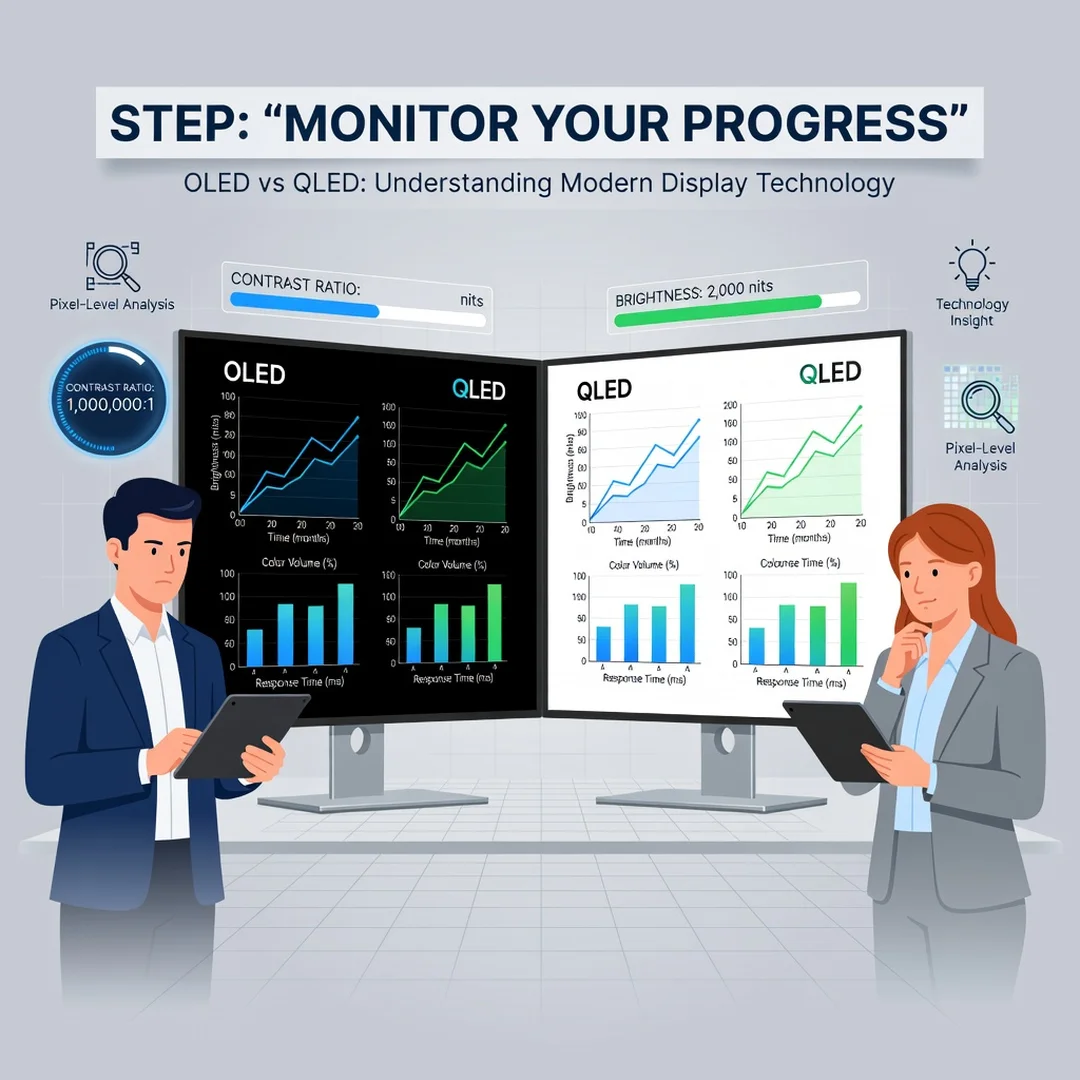
Step 6: Monitor your progress
After purchase, track your satisfaction. Note whether you notice blooming, burn-in, or eye strain. Adjust settings accordingly. If you are still within the return window and something feels wrong, act on it. Over time, keep an eye on firmware updates that improve performance. This monitoring ensures your display continues to meet your needs long after the initial excitement fades.
FAQ
What should I know about OLED vs QLED: Understanding Modern Display Technology?
The single most important takeaway is that OLED and QLED use different light-generation methods. OLED pixels emit their own light and can turn completely off, delivering perfect blacks and wide viewing angles. QLED uses a backlight and quantum dots, offering higher brightness and no burn-in risk. Neither is universally better; the right choice depends on your room lighting, viewing habits, and content. You should also know that both technologies support 4K, HDR, and high refresh rates, so the decision often comes down to contrast versus brightness.
Who is this guide for?
This guide is for anyone who wants a clear, practical explanation of modern display technology without marketing fluff. It is ideal for first-time TV buyers, gamers comparing monitors, and home theater enthusiasts who want to make an informed upgrade. If you have ever felt overwhelmed by spec sheets or sales pitches, this step-by-step approach will give you the confidence to choose the right screen for your home and habits. No prior technical knowledge is.
You now have a solid foundation for OLED vs QLED: Understanding Modern Display Technology. Apply the best practices above and revisit this guide as your needs evolve.