
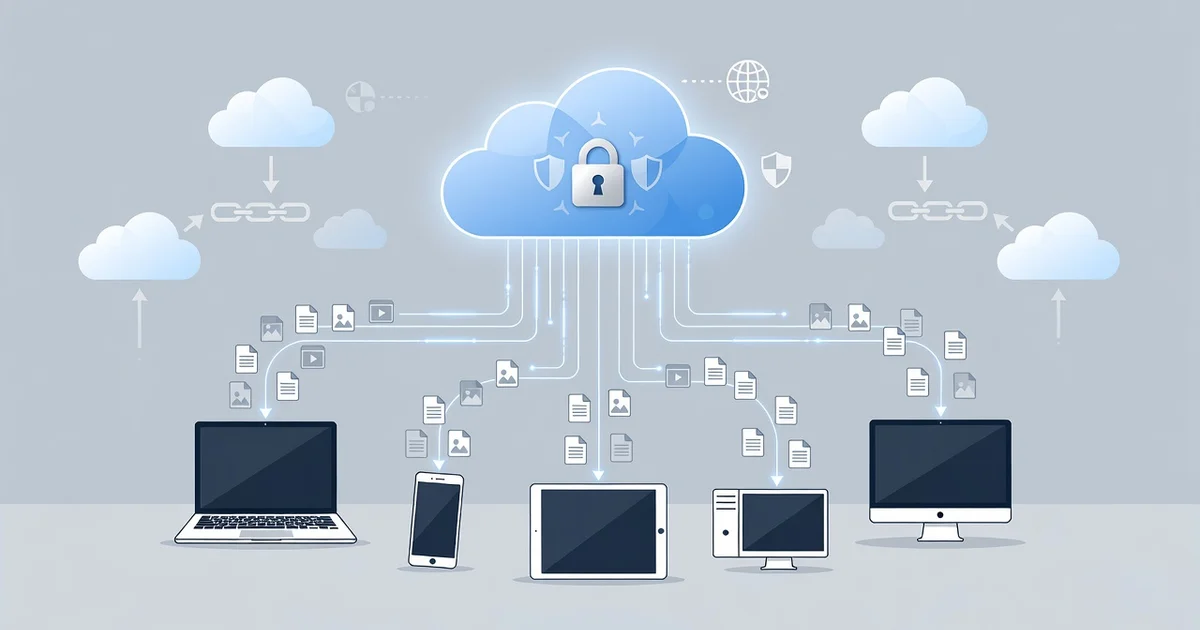
Cloud storage has become the backbone of how we save, sync, and share files across devices. But behind the simple drag-and-drop experience lies a complex network of data centers, encryption, and synchronization technology. Understanding how cloud storage works helps you make smarter decisions about where your files actually live.
Not all providers are created equal, though. From security protocols to sharing limits, the features that matter most can vary depending on your needs. This guide breaks down the essentials so you can choose a service that protects your data and fits your workflow.
Introduction
Cloud storage has quietly become the backbone of how people and businesses keep files safe, share work, and run applications. Instead of saving a document only to a laptop that could be lost or stolen, you upload it to a provider that keeps multiple copies in data centers. The result is access from almost anywhere, automatic backups, and the ability to scale capacity up or down as your needs change. This article explores How Cloud Storage Works and Which Features Matter Most with clear, practical guidance so you can choose and use a service with confidence.
Understanding the fundamentals of How Cloud Storage Works and Which Features Matter Most helps you make informed decisions. You will learn how files move from your device to remote servers, what separates object storage from block and file storage, which features deserve your attention, and how to build habits that protect your data over time. Reliable information and consistent habits lead to better long-term outcomes, whether you are a student, a freelancer, or part of a large IT team. The goal is not to turn you into a storage engineer but to give you enough knowledge to avoid surprises and pick tools that fit your actual workflow.
The article follows a logical path: key concepts, a deeper look at architecture and trade-offs, a step-by-step method you can apply, best practices drawn from common pitfalls, and answers to frequently asked questions. By the end, you should be able to evaluate a provider’s claims, understand the cost model, and configure your storage so it works the way you expect.
Key Concepts
At its simplest, cloud storage means saving data on remote servers that you reach over the internet. A provider such as Amazon S3, Google Drive, Microsoft OneDrive, Dropbox, or Backblaze owns and operates the physical hardware. You interact with it through a web interface, a desktop sync client, a mobile app, or an API. The provider handles disk failures, power, cooling, and network redundancy so you do not have to.
Several terms appear constantly, and knowing them makes feature comparisons much easier.
- Object storage: Data is stored as discrete objects with metadata and a unique key. It scales enormously and is ideal for backups, media files, and static websites. Amazon S3 and Google Cloud Storage are examples.
- Block storage: Data is split into fixed-size blocks, each with its own address. This is what virtual machines use for their virtual disks. It offers low latency and is often attached to a single server.
- File storage: A hierarchical system of folders and files, familiar from network drives. It is easy to share but scales less efficiently than object storage for billions of files.
- Durability vs. availability: Durability is the probability your data is not lost (often quoted as 99.999999999%, or eleven nines). Availability is the percentage of time the service is reachable and responsive. A service can be durable but briefly unavailable during an outage.
- Redundancy: Copies of your data stored across multiple disks, servers, or geographic regions. More redundancy usually means higher durability and higher cost.
- Latency and bandwidth: Latency is the delay before data transfer begins; bandwidth is how much data moves per second. Both affect whether cloud storage feels instant or sluggish.
- Sync vs. backup: Sync keeps copies of the same files consistent across devices. Backup creates a separate, versioned copy you can restore from. They are not the same, and relying on sync alone can delete a file everywhere at once.
Encryption also belongs in this list. Data can be encrypted in transit using TLS and at rest using provider-managed or customer-managed keys. Client-side encryption happens on your device before upload, so the provider never sees readable data. Each option shifts convenience and responsibility differently.
Deep Dive
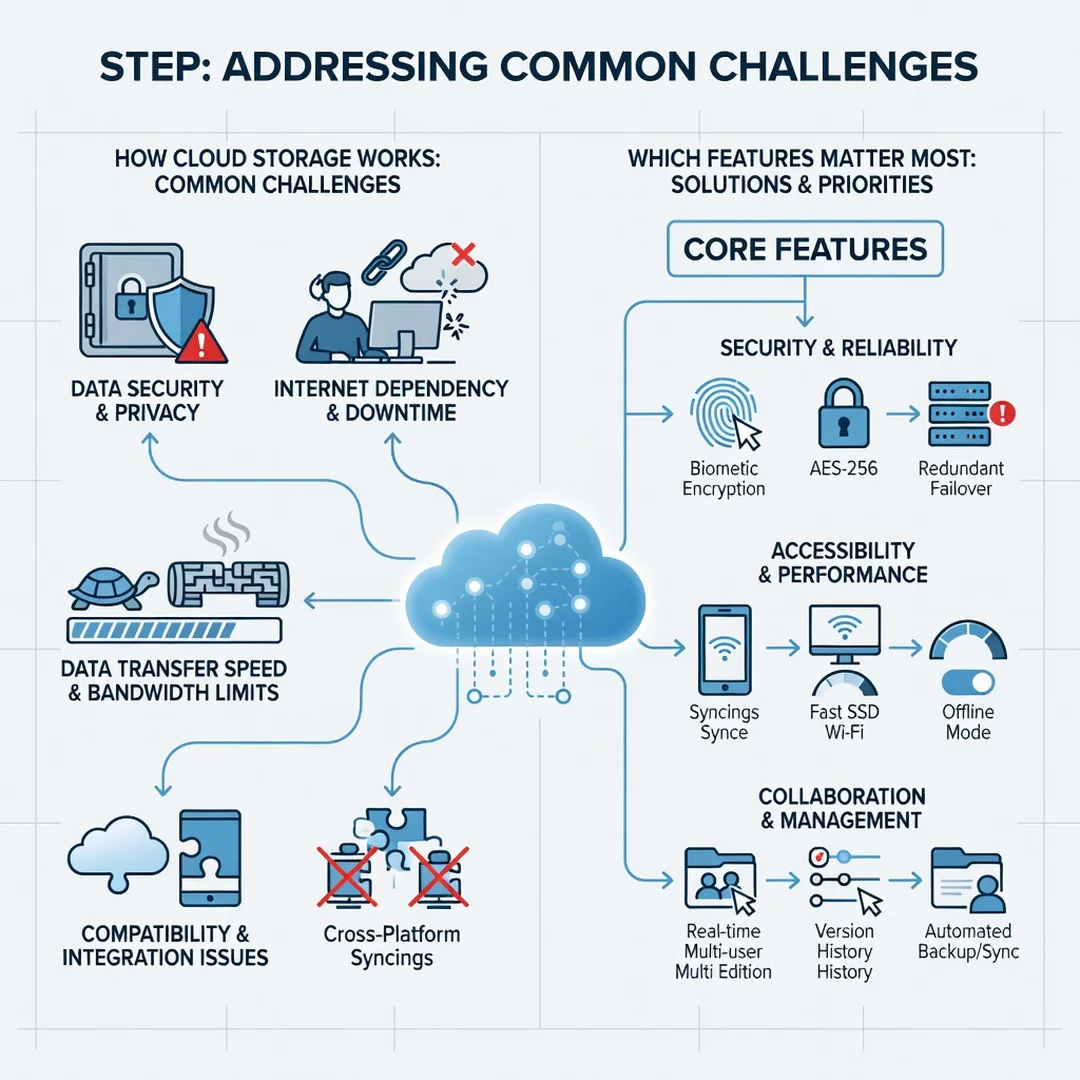
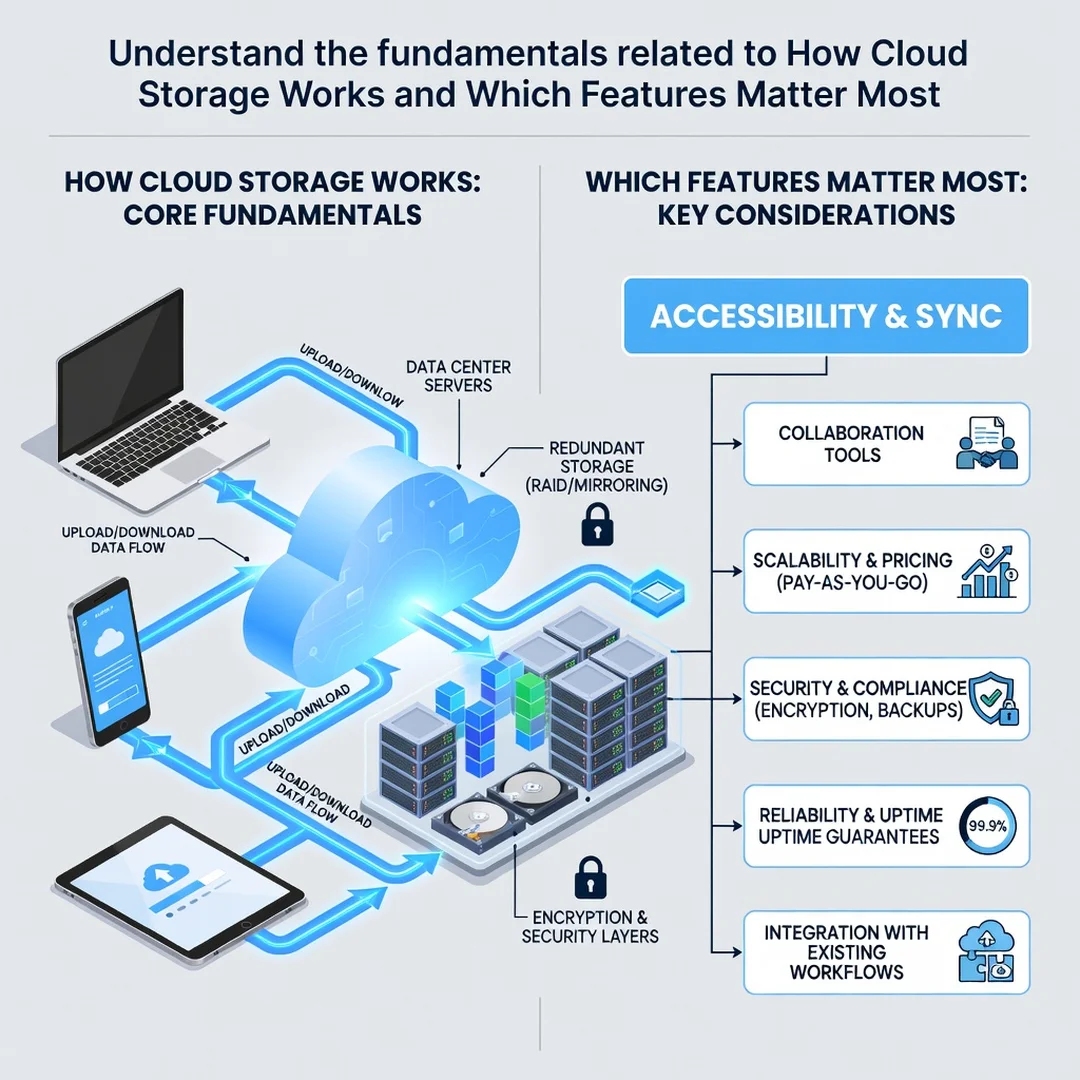
To understand how cloud storage actually works, follow a single file from your device to the data center. When you save a document into a synced folder, the client software splits it into chunks, computes a hash for each chunk, and compares those hashes with what is already stored. Unchanged chunks are skipped, which is why a small edit to a large presentation uploads quickly. Changed chunks travel over an encrypted connection to a gateway, which authenticates your account, then routes the data to storage nodes. The provider writes multiple copies, updates metadata in a database, and returns an acknowledgment. Your other devices, listening for change notifications, pull the new chunks and reconstruct the file.
That process explains several real-world behaviors. Upload speed depends on your connection’s upload bandwidth, not just download speed. Many home connections are asymmetric, so large backups can take much longer than expected. Versioning, if enabled, keeps prior chunks so you can roll back a mistake. If versioning is off, a sync client may propagate a deletion everywhere in seconds. This is why backups and sync should work together, not be confused.
Feature choices flow directly from this architecture. Consider these dimensions:
- Capacity and pricing model: Some services charge per gigabyte per month with additional fees for requests and egress (data leaving the provider). Others offer flat tiers. Egress fees are the most common budgeting surprise.
- Access patterns: Hot data is accessed often and belongs on fast, pricier tiers. Cold or archival data (compliance records, old projects) can live on cheaper tiers with slower retrieval, sometimes minutes to hours.
- Sharing and permissions: Look for granular roles (view, comment, edit), expiring links, password-protected links, and audit logs showing who accessed what and when.
- Security controls: Multi-factor authentication, encryption key management, IP allowlists, and the ability to wipe a lost device remotely are baseline expectations for business use.
- Integration and APIs: If you build applications, SDKs, CLI tools, and event notifications matter as much as the web interface.
- Compliance and residency: Regulations may require data to stay in a specific country or region. Confirm where the provider stores and replicates your data.
The trade-offs are real. Maximum redundancy and instant access cost more; aggressive cost savings mean slower retrieval and more management overhead. The best configuration matches the value and volatility of the data. A photo library you browse weekly deserves fast access. Tax records you open once a year can sit in an archive tier. Recognizing these patterns prevents both overspending and painful restore times.
Best Practices
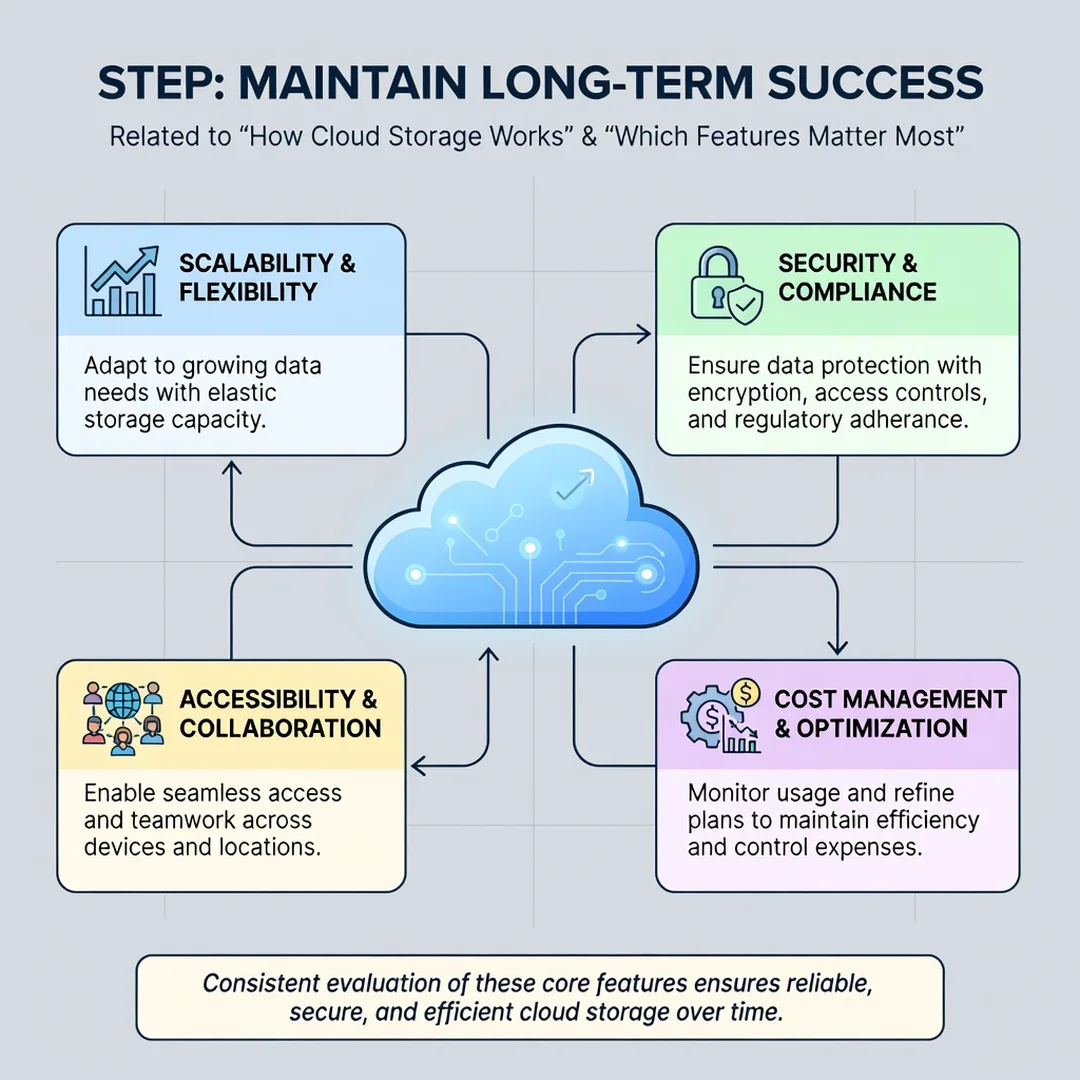
Good outcomes come from a few consistent habits. The following practices apply whether you manage a personal account or an enterprise deployment.
- Follow the 3-2-1 rule: Keep at least three copies of important data, on two different media types, with one copy off-site (the cloud often serves as that off-site copy).
- Enable versioning and retention: Versioning protects against ransomware, accidental overwrites, and sync errors. Set retention policies so deleted files remain recoverable for a defined period.
- Turn on multi-factor authentication: Account compromise is the most common cause of data loss in the cloud. MFA blocks the vast majority of automated attacks.
- Test restores, not just backups: A backup you have never restored is a hypothesis. Schedule a quarterly test of a few files and one full recovery.
- Watch egress and request costs: Review billing dashboards monthly. Set budget alerts before a runaway process or public dataset drives unexpected charges.
- Use lifecycle rules: Automatically move aging data to colder tiers and delete what you no longer need. This is the single easiest way to control costs.
- Encrypt sensitive data: Use client-side encryption for highly sensitive files and manage keys separately from the storage account.
- Document your structure: A simple naming convention and folder scheme saves hours when you or a colleague need to find something quickly.
- Review sharing links: Audit public links periodically and set expiration dates by default.
Step-by-Step Guide
Step 1: Understand the fundamentals
Before choosing a provider or plan, make sure you can explain object, block, and file storage, the difference between durability and availability, and why sync is not backup. Read the provider’s documentation on encryption, regions, and pricing. This foundation lets you ask precise questions instead of relying on marketing claims, and it makes every later decision faster.
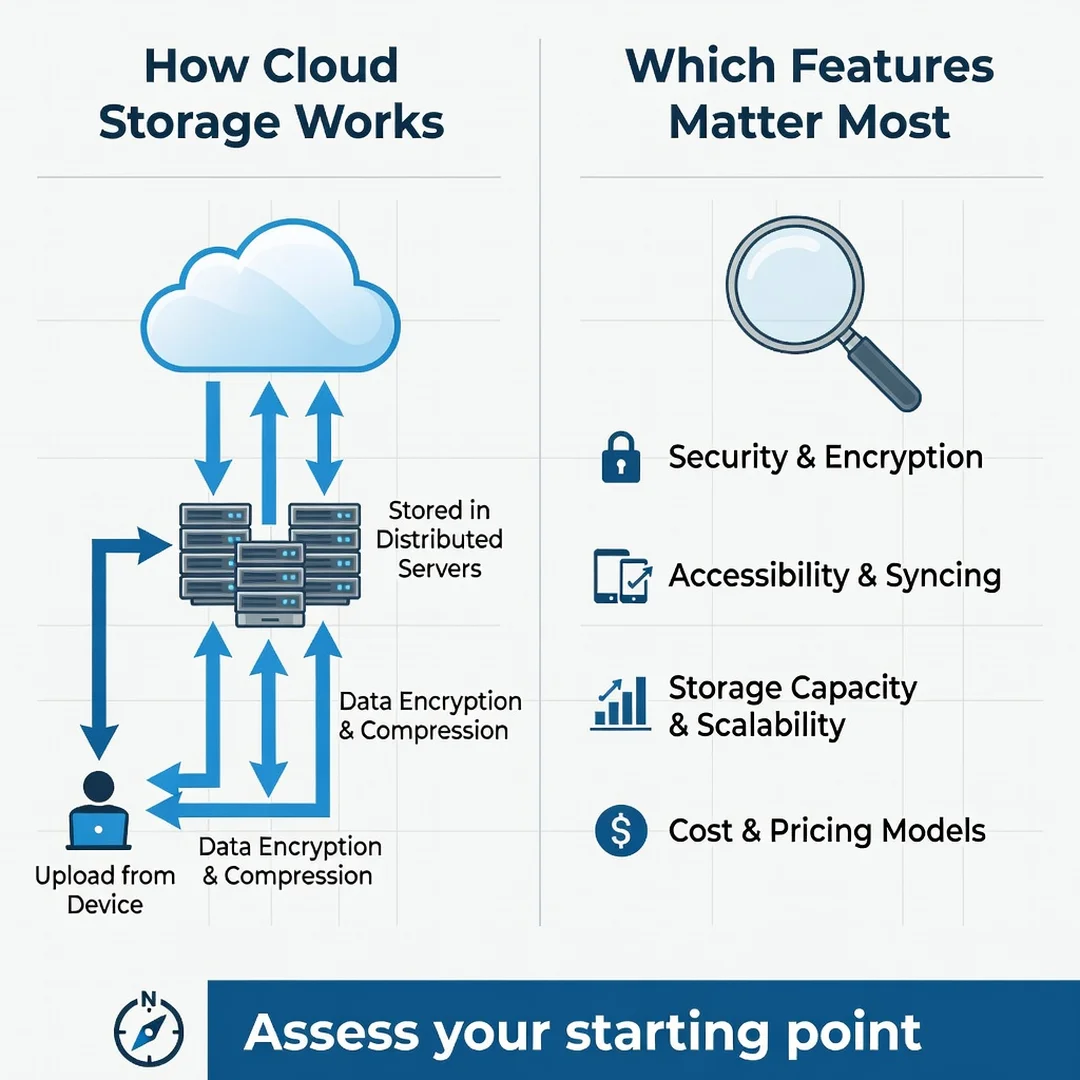
Step 2: Assess your starting point
Inventory what you currently store and where. Note total volume, how often each category is accessed, which files are sensitive, and which devices need access. Check your upload bandwidth if you plan large backups. Identify any compliance requirements such as data residency. A written inventory, even a short one, turns vague needs into measurable requirements.
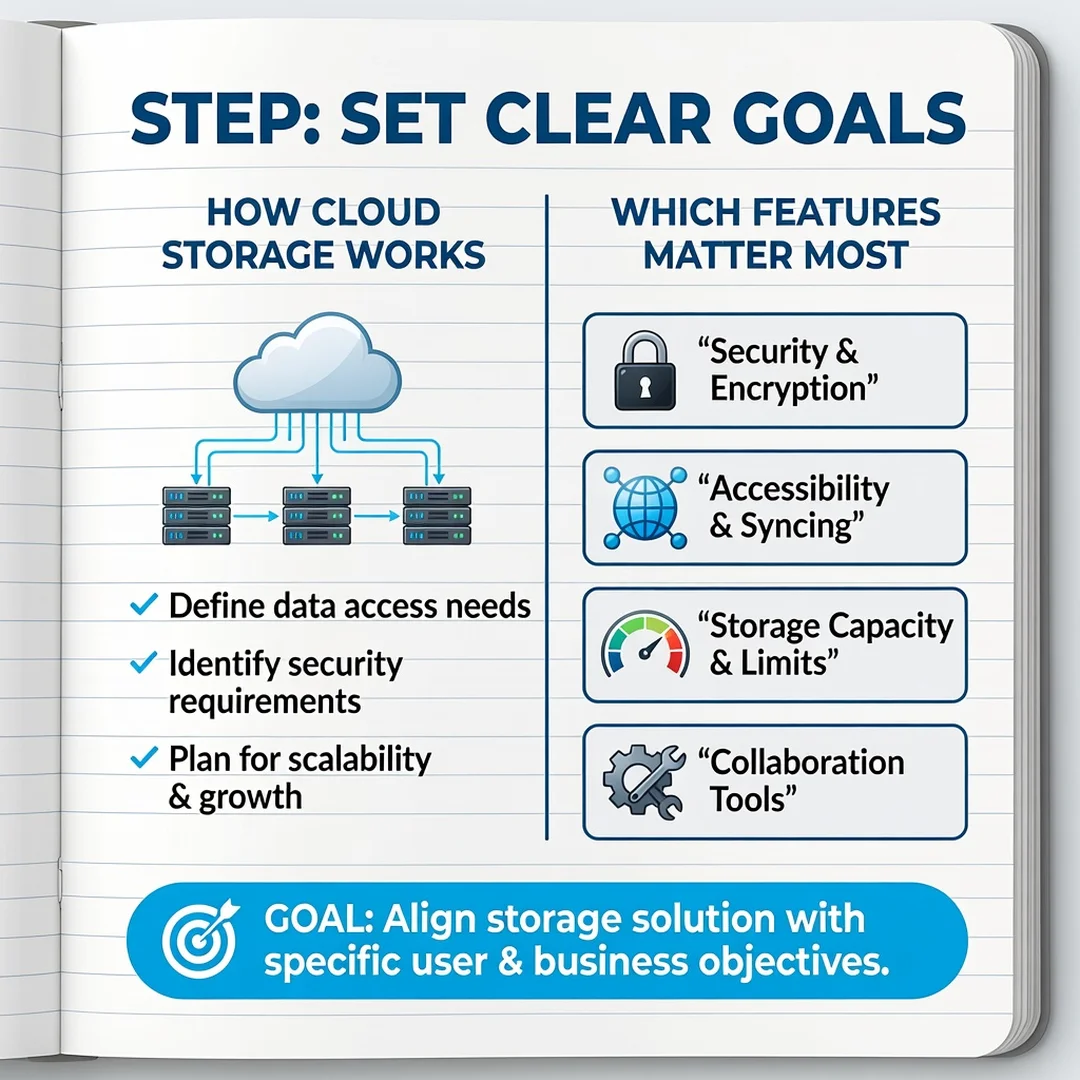
Step 3: Set clear goals
Define what success looks like. Examples: “All work files recoverable within four hours,” “Monthly storage cost under $30,” “Family photos accessible on phones and laptops,” or “Customer data stays in the EU.” Specific goals reveal which features matter most and which you can safely ignore. They also give you a way to judge the service later.
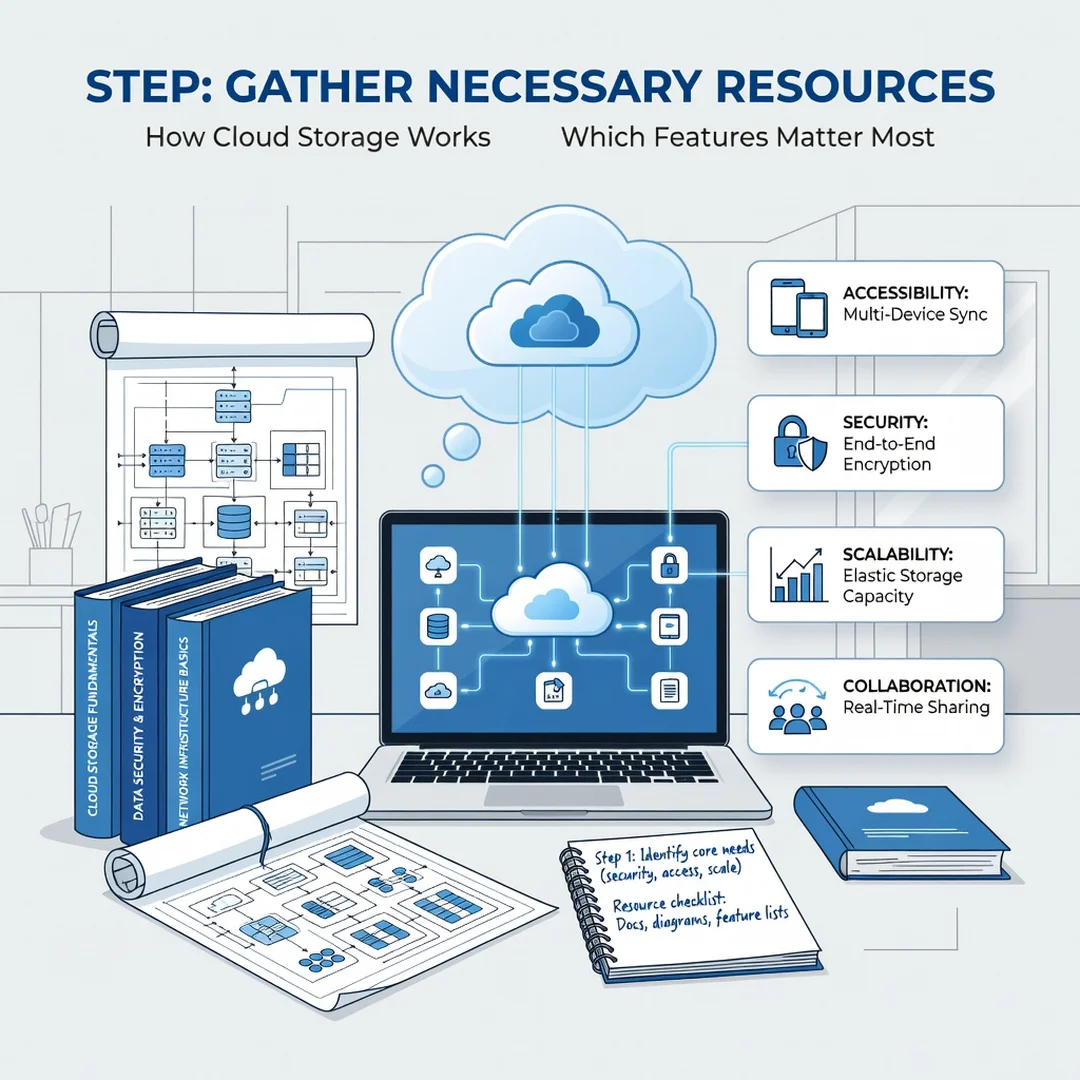
Step 4: Gather necessary resources
Collect the practical inputs: budget, a list of devices and operating systems, account credentials, and any existing backup drives. If you are working in a team, identify who administers the account and who approves spending. For business use, gather security policies and regulatory notes. Having these ready prevents mid-setup delays.
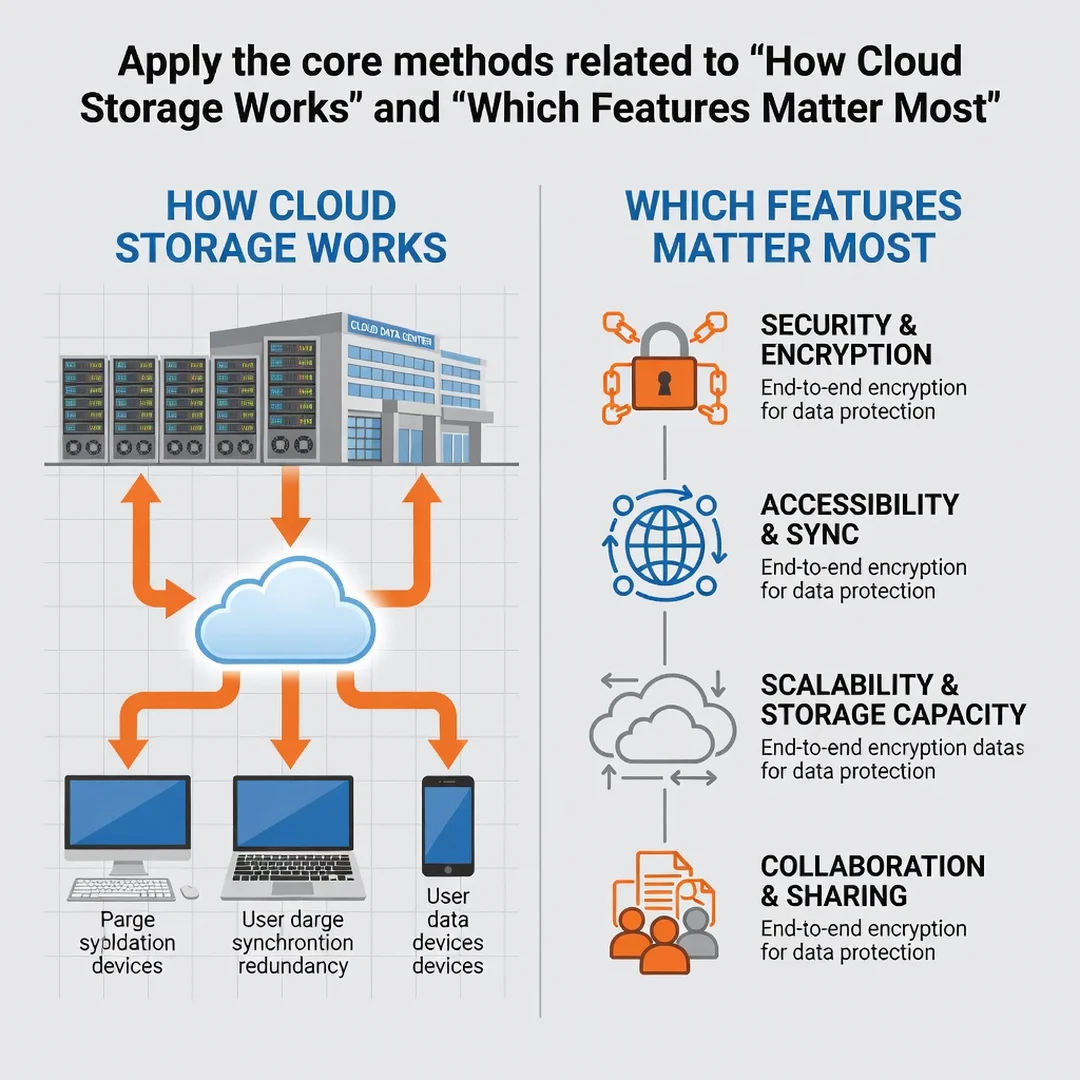
Step 5: Apply the core methods
Create the account, enable MFA, and turn on versioning. Install the sync or backup client on each device and select folders deliberately rather than syncing everything by default. Configure lifecycle rules to move cold data to cheaper tiers. Set up a separate backup job for critical files. Test a small upload and download to confirm speed and behavior. Document the configuration so it can be repeated or handed over.
Step 6: Monitor your progress
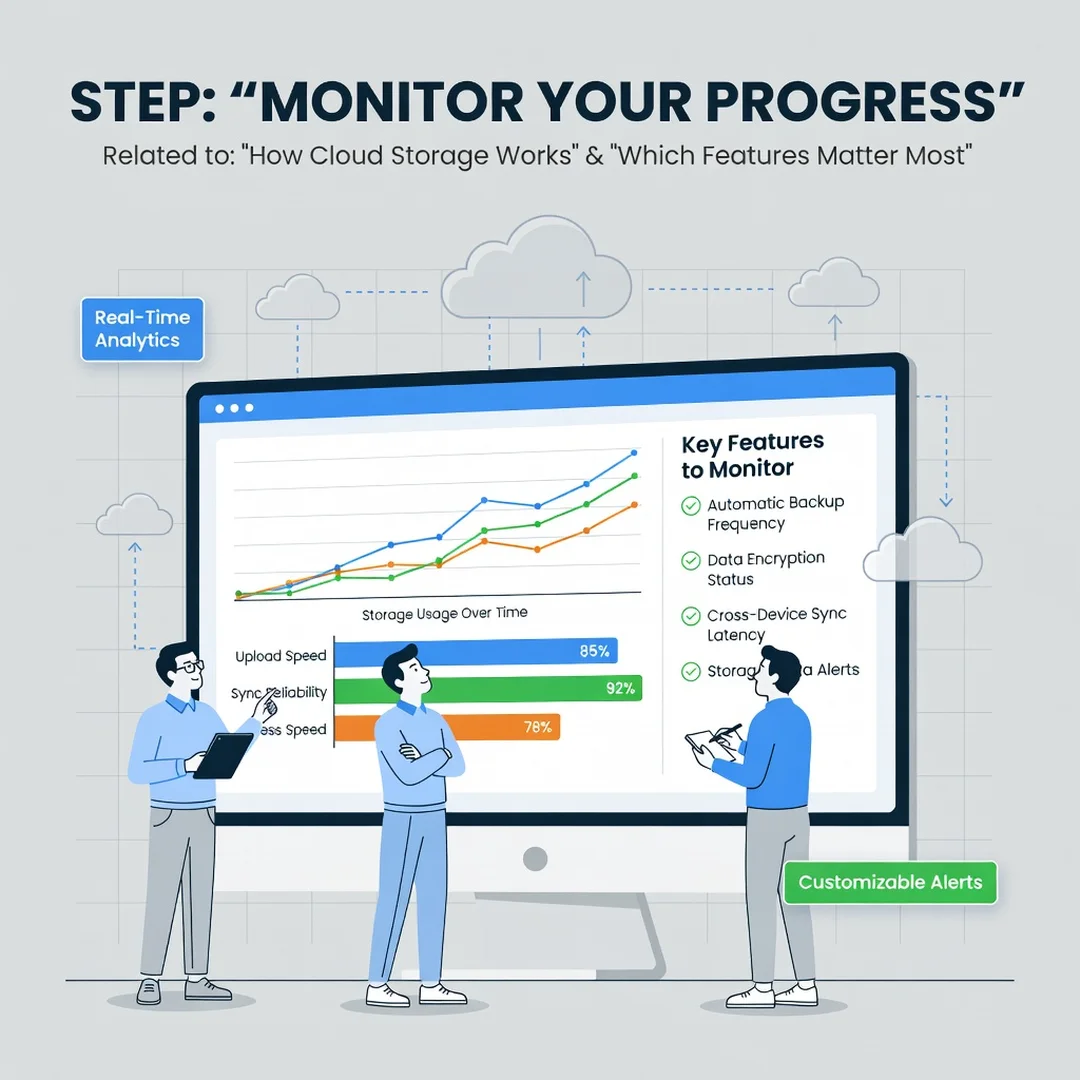
Check sync status weekly and billing monthly. Set alerts for failed uploads, storage growth, and unexpected egress. Perform a restore test each quarter and record the result. Review sharing links and stale accounts. Adjust tiers and retention as your data changes. Monitoring turns a one-time setup into a durable system that keeps working as your needs evolve.
FAQ
What should I know about How Cloud Storage Works and Which Features Matter Most?
You should know that files are chunked, encrypted, and replicated across servers,.
You now have a solid foundation for How Cloud Storage Works and Which Features Matter Most. Apply the best practices above and revisit this guide as your needs evolve.