

Artificial intelligence is no longer a luxury reserved for big tech companies. Whether you are a student racing to finish a research paper or a professional juggling deadlines, the best free AI tools can save you hours of work every single week.
In this guide, we break down the top free AI tools for students and professionals, from writing assistants to image generators. You will learn what each tool does best, where its free plan hits its limits, and how to pick the right one for your workflow — no credit card required.
Introduction
Artificial intelligence has moved from research labs into everyday workflows, and a growing number of capable tools are available at no cost. This article explores Best Free AI Tools for Students and Professionals with clear, practical guidance, focusing on what each category of tool actually does and where free tiers hold up under real workloads. Whether you are writing a term paper, debugging code, preparing a client presentation, or summarizing a long report, there is likely a free AI tool that can save you meaningful time.
The catch is that “free” means different things across products. Some tools are completely open source and run on your own machine, some offer generous free tiers with usage limits, and others are free only for students who verify an academic email address. Understanding these distinctions prevents frustration later, when a tool you have built your routine around suddenly asks for a credit card.
This guide is written for two overlapping audiences. Students typically need help with research, writing, note-taking, and coding assignments on a tight budget. Professionals usually need drafting, summarization, data analysis, and meeting support that fits within workplace policies. Both groups benefit from the same underlying approach: pick a small set of tools, learn them well, and build habits around them rather than constantly chasing new releases.
Key Concepts
Before comparing specific products, it helps to understand the vocabulary that shapes what a free AI tool can and cannot do for you.
Free tier versus open source
A free tier is a commercial product that limits usage by message count, token volume, feature access, or time period. Open-source tools, by contrast, are distributed with their source code, so you can run them locally without sending data to a third party. Free tiers are usually more powerful and easier to start with; open-source options offer more privacy, no usage caps, and long-term availability, at the cost of setup effort and hardware requirements.
Large language models (LLMs)
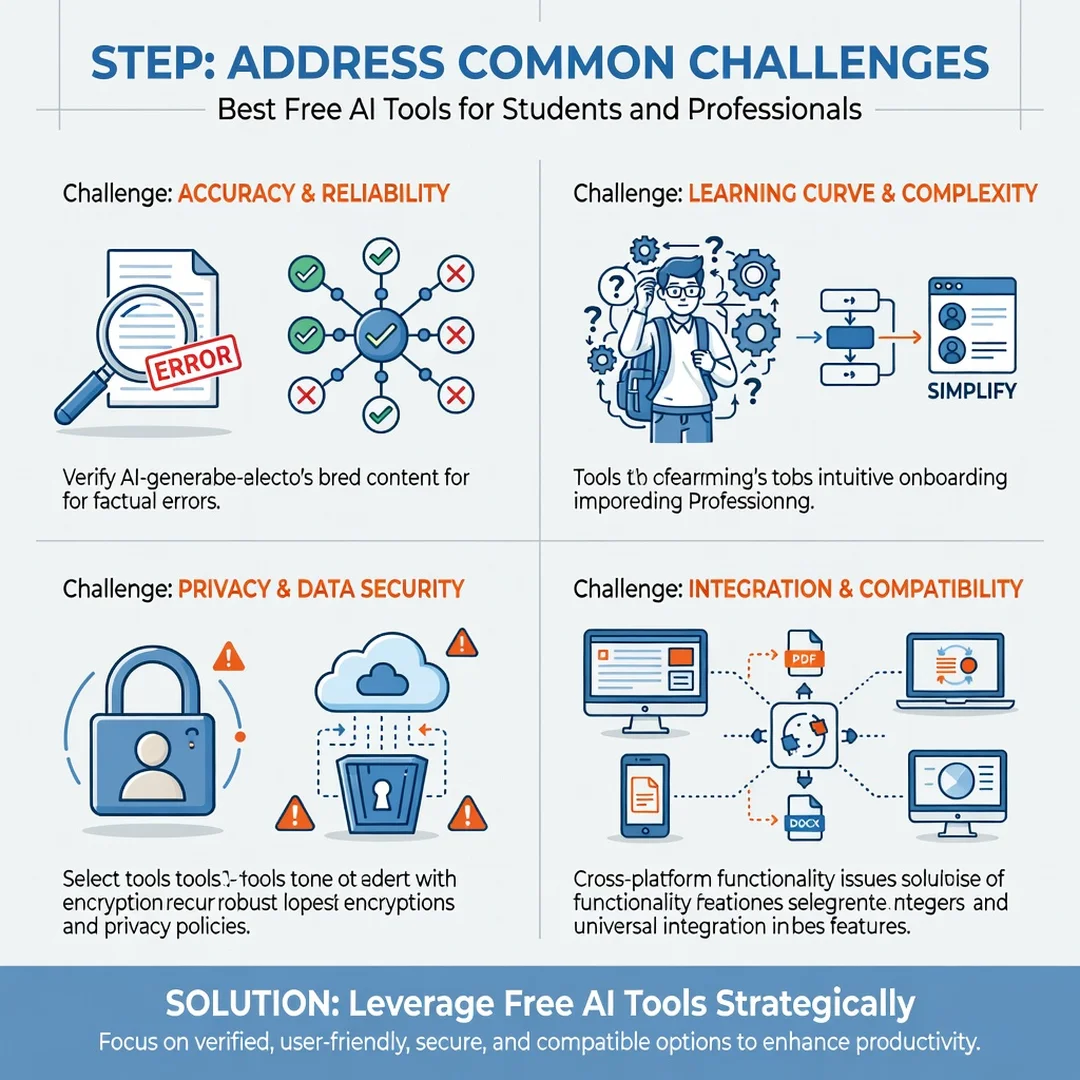
Most general-purpose AI tools are built on large language models. These systems generate text by predicting likely sequences of words based on patterns learned from vast datasets. They are strong at drafting, rewriting, summarizing, translating, and explaining concepts. They are not databases: they can produce confident but incorrect statements, a behavior commonly called hallucination. Always verify factual claims, citations, and numbers before relying on them.
Token limits and context windows
AI models process text in units called tokens, roughly three-quarters of a word in English. Every model has a context window, the maximum amount of text it can consider at once, and free tiers often impose smaller effective limits than paid plans. If you paste a 40-page document into a tool with a small context window, it may silently truncate your input. Chunking long documents into sections is a reliable workaround.
Specialized versus general tools
General assistants handle a wide range of text tasks acceptably. Specialized tools outperform them in narrow areas: transcription, image generation, citation management, code completion, or spreadsheet analysis. The practical strategy is to use one general assistant as your default and add one or two specialists for tasks you do frequently.
Privacy and data handling
Free tools often fund themselves by using anonymized inputs for training or by upselling premium features. Before pasting confidential client data, unpublished research, or personal information, check the tool’s data policy. Many providers allow you to disable training on your inputs in settings; some offer no such control on free plans.
Deep Dive
With the concepts established, here is how the main categories of free AI tools map onto real student and professional tasks.
Writing and editing assistants
General chat assistants such as ChatGPT, Google Gemini, Microsoft Copilot, and Anthropic’s Claude all offer free access with varying rate limits. They are useful for outlining essays, rewriting awkward paragraphs, adjusting tone, and generating practice questions. For students, the strongest use case is feedback rather than generation: ask the tool to critique your thesis statement or identify weak transitions in a draft you wrote yourself. For professionals, these tools excel at first drafts of routine communications, condensing long email threads, and producing alternative phrasings for sensitive messages.
Research and summarization tools
Research-oriented assistants like Perplexity and the free tiers of Elicit or Semantic Scholar help you find sources and summarize papers. They cite their sources, which reduces hallucination risk, but citations still need verification. A practical habit is to ask for primary sources, then open each link and confirm the quoted claim actually appears in the document.
Note-taking and transcription
Tools such as Otter.ai and the free tiers of Notta or Whisper-based apps transcribe lectures and meetings automatically. Whisper itself is open source and can run locally, which is attractive if recordings are confidential. Transcription accuracy drops with heavy accents, background noise, and overlapping speakers, so always skim the output before quoting it.
Coding assistants
GitHub Copilot offers a free tier for verified students and for a limited number of monthly completions for other users. Codeium and the free plan of Tabnine provide similar autocomplete and chat features. Open-source options like Continue or local models through Ollama suit users who cannot send proprietary code to external servers. These tools are best at boilerplate, unit tests, and explaining unfamiliar code, and weakest at subtle logic bugs and security review.
Image, design, and presentation tools
Canva’s free plan includes AI writing and design features with monthly limits. Microsoft Designer and the free tiers of image generators cover basic graphic needs. For presentations, tools like Gamma and Tome offer free credits that are enough for occasional use. Quality is usually sufficient for internal documents and class projects, not for brand-critical materials.
Data analysis and spreadsheet helpers
Free assistants can write spreadsheet formulas, explain pivot tables, and generate Python or R snippets for cleaning data. They are less reliable at interpreting your actual dataset unless you supply a sample. For sensitive data, generate the code with AI but run it locally.
Best Practices
Getting consistent value from free AI tools depends less on which products you choose and more on how you use them.
- Verify everything factual. Treat AI output as a draft. Check names, dates, statistics, and citations against primary sources before submitting or sending anything.
- Use AI for feedback, not substitution. Students should write first and use AI to critique; professionals should draft their own key messages and use AI to refine them. This preserves your voice and your judgment.
- Keep a small toolkit. Two or three well-understood tools beat ten half-learned ones. Master prompting, limits, and quirks of your core set before adding more.
- Write specific prompts. State the task, audience, format, length, and constraints. “Summarize this in five bullet points for a non-technical manager” reliably outperforms “summarize this.”
- Respect privacy boundaries. Never paste confidential, personal, or unpublished data into a free tool without checking its policy and your organization’s rules.
- Watch the limits. Free tiers reset daily, weekly, or monthly. Note when yours reset and plan heavy tasks accordingly.
- Disclose AI use where required. Many universities and employers now have policies on AI assistance. Follow them, and cite AI involvement when asked.
- Keep human review in the loop. AI errors are most damaging when they pass through unchecked. A two-minute review catches most problems.
Step-by-Step: Building Your AI Workflow
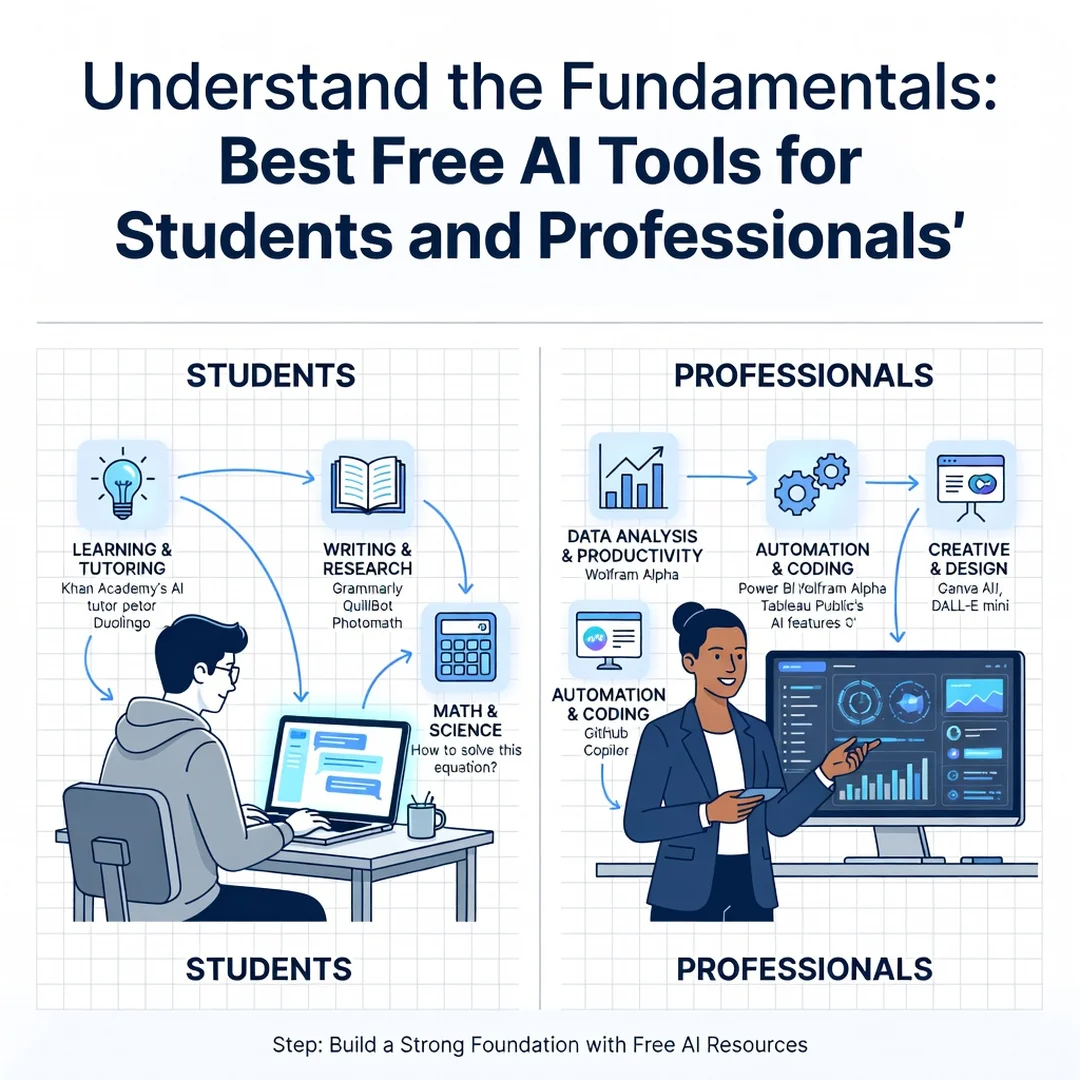
Step 1: Understand the fundamentals
Start by learning what these tools are and are not. Read the documentation for one general assistant, paying attention to its context window, data policy, and rate limits. Understanding the fundamentals of Best Free AI Tools for Students and Professionals helps you make informed decisions instead of switching tools every time a limitation appears. Spend an hour testing the same prompt in two different tools and compare the outputs; this calibrates your expectations faster than any review article.
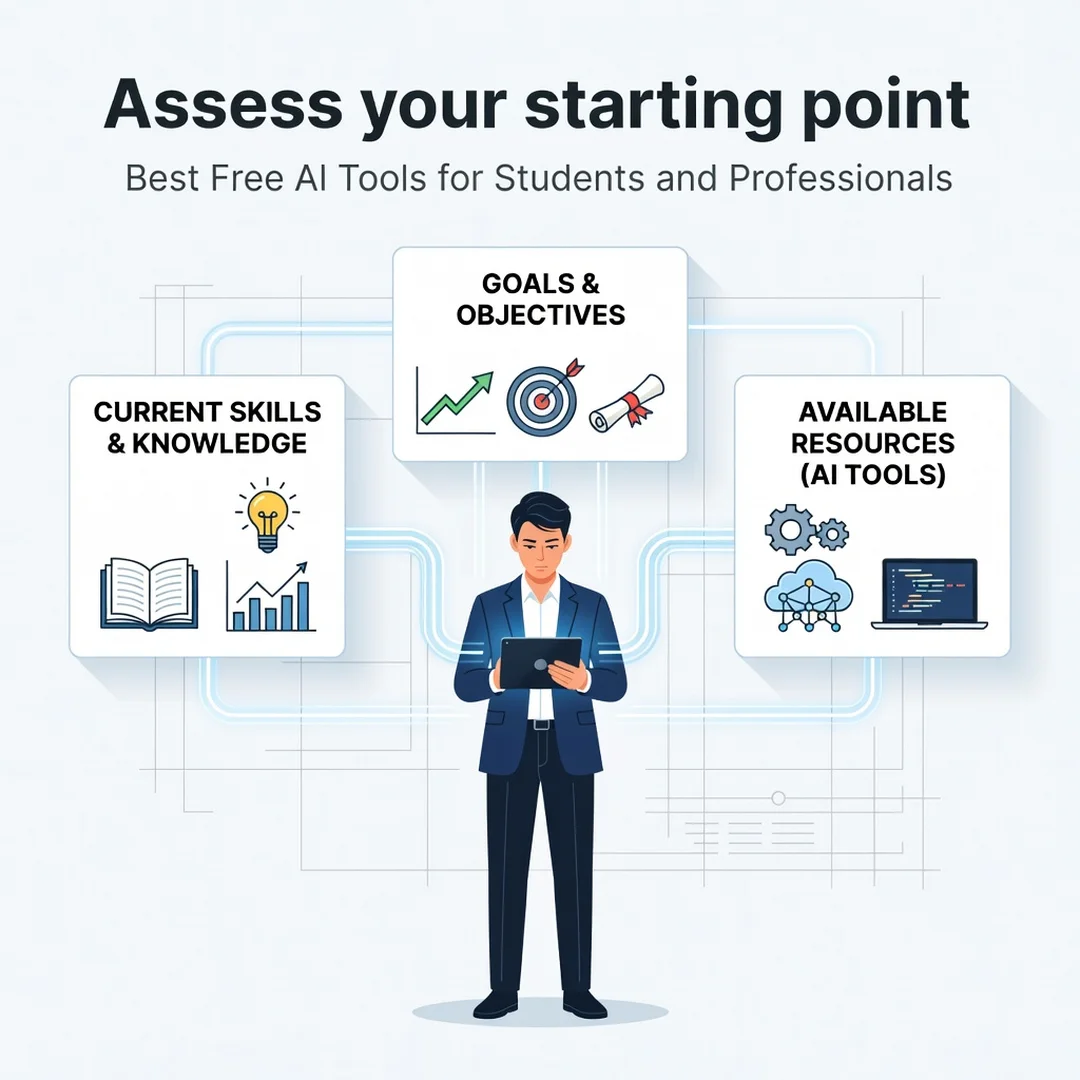
Step 2: Assess your starting point
List the tasks that consume most of your time and where you lose momentum: drafting, researching, transcribing, coding, formatting. Rate your current comfort with AI tools honestly, from “never used one” to “use daily.” Identify any constraints you face, such as a slow laptop, restricted campus or workplace networks, or policies limiting what data can leave your organization. This inventory determines which tools are actually viable for you.
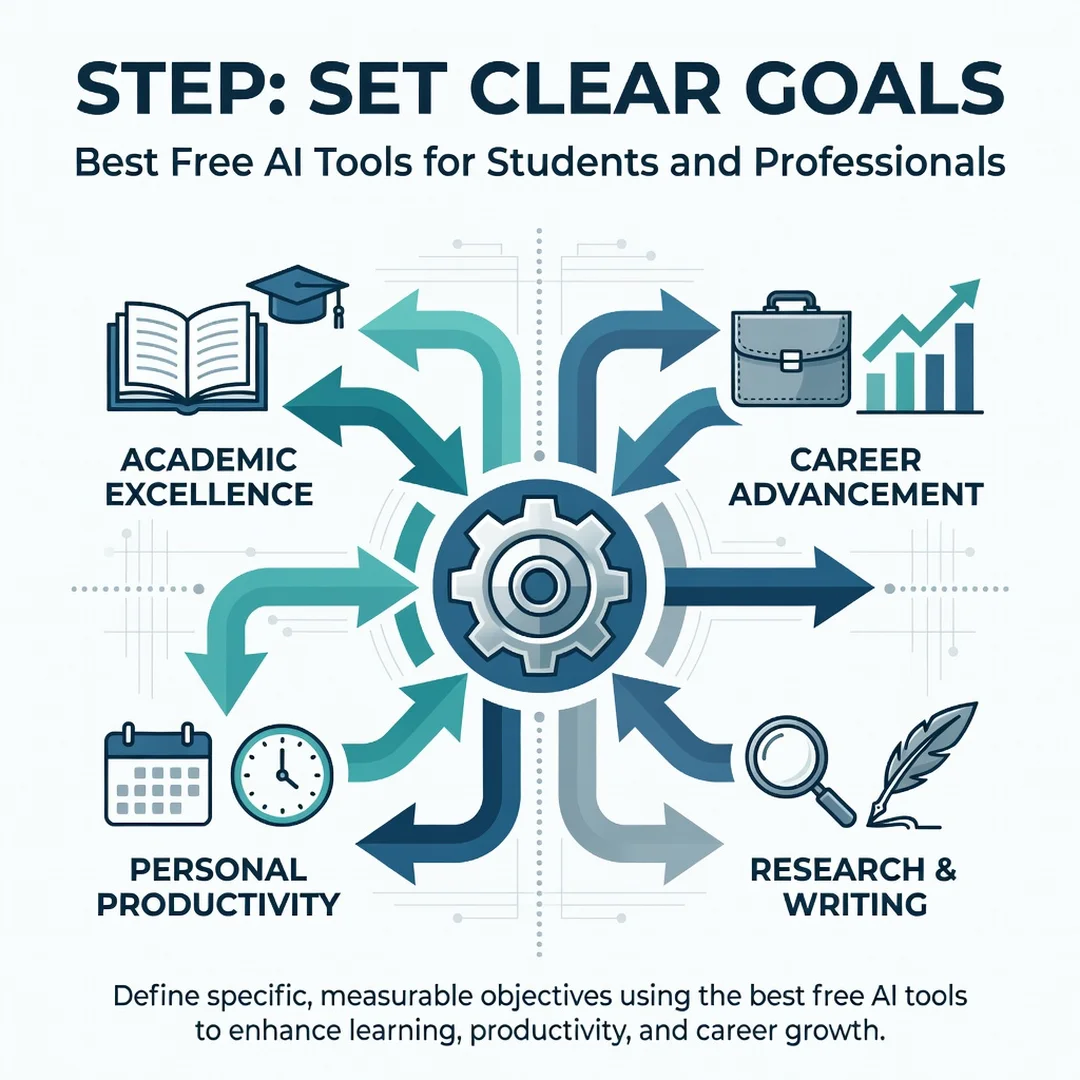
Step 3: Set clear goals
Define specific, measurable outcomes rather than vague intentions. Examples: “Cut literature review time by half using a research assistant,” “Transcribe all lectures automatically this semester,” or “Draft routine client emails in under five minutes.” Goals should be tied to tasks you already do, not new projects. Write them down with a target date so you can evaluate progress later.
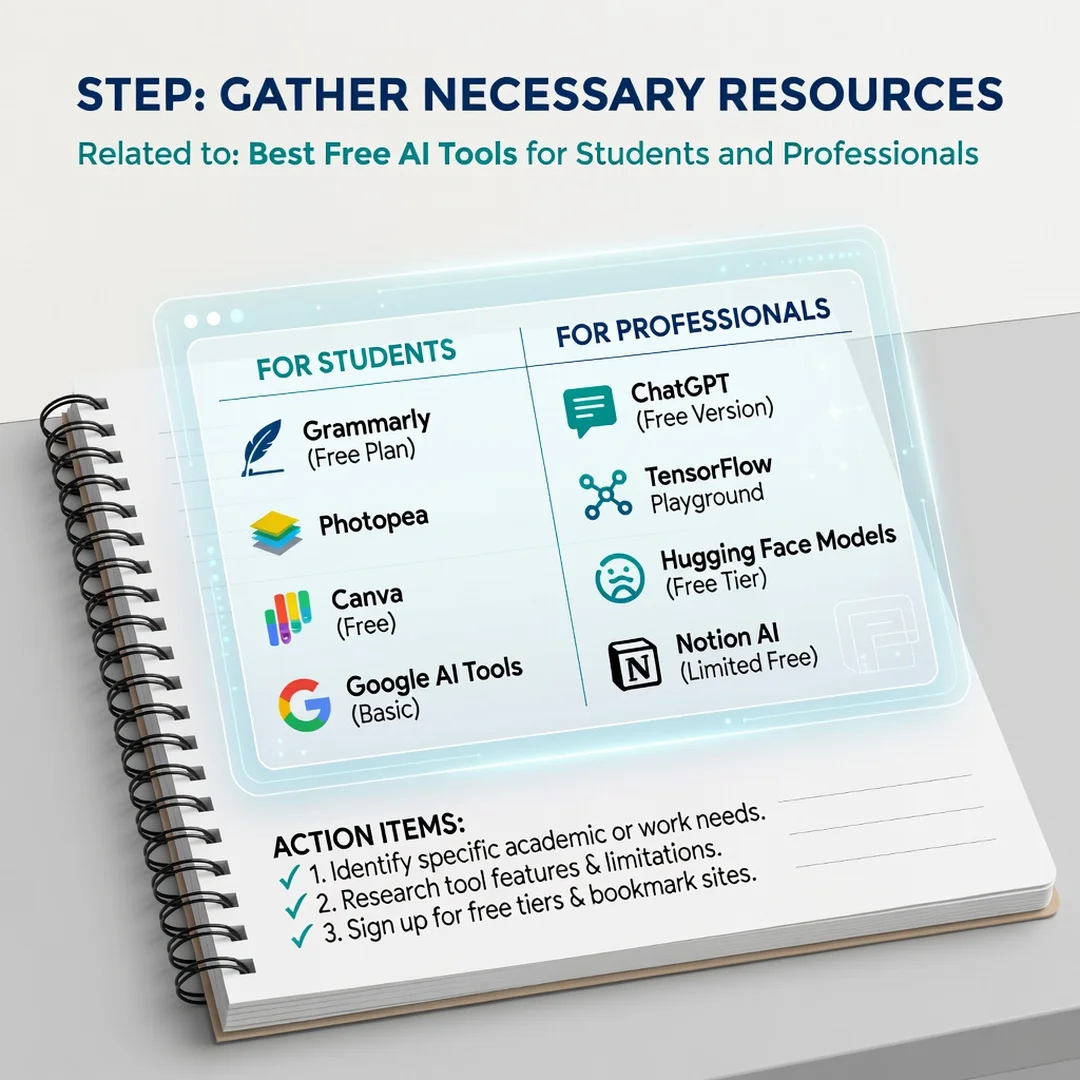
Step 4: Gather necessary resources
Create accounts for one general assistant, one specialist tool matching your biggest need, and a notes app to store prompts that work well. Verify student status where discounts or free upgrades require it. Check hardware requirements if you plan to run local or open-source tools. Bookmark official documentation and a reliable help forum for each tool, because free tiers change frequently and community threads often explain workarounds faster than support channels.
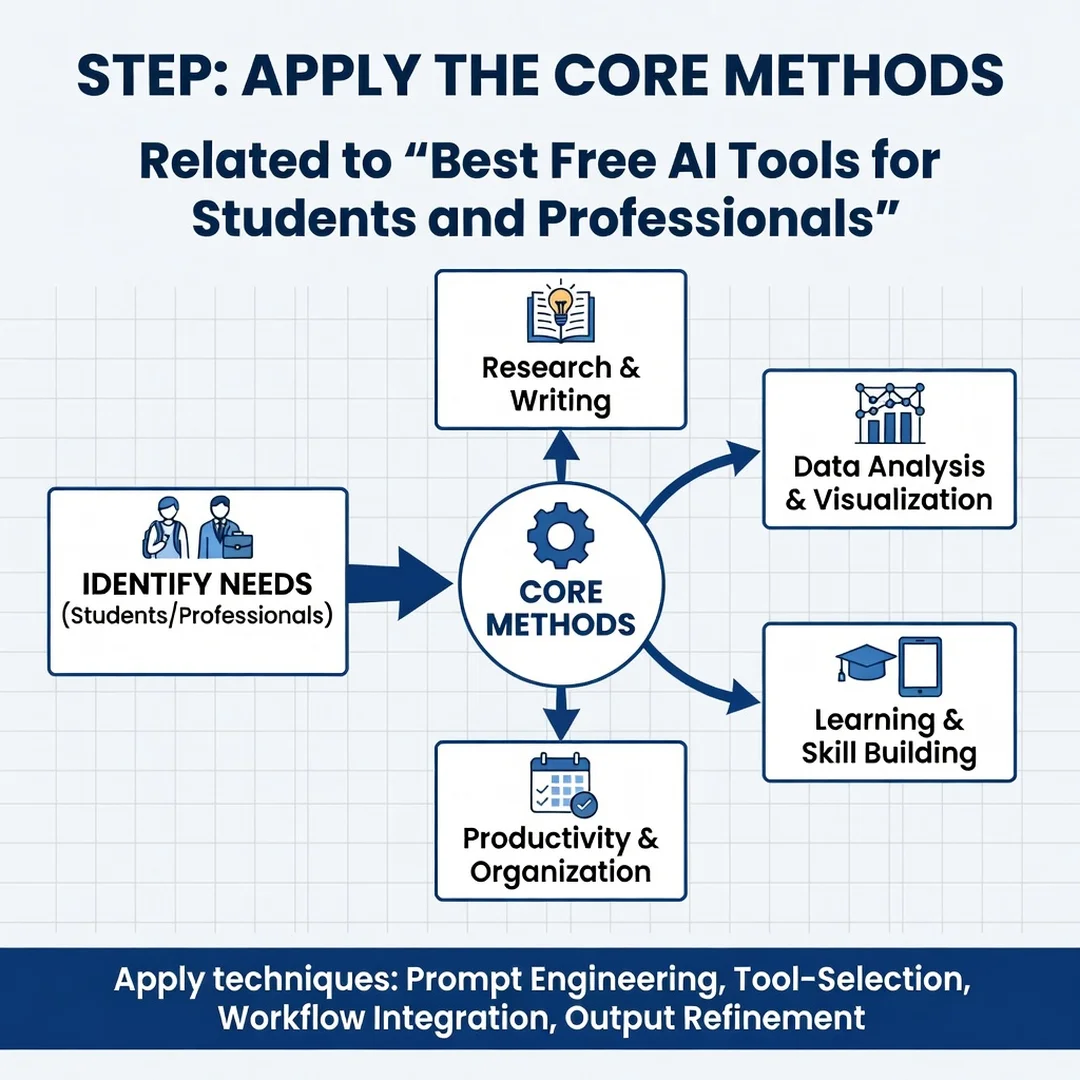
Step 5: Apply the core methods
Begin using your chosen tools on real tasks, following the best practices above. Use structured prompts with role, task, context, and format. Chunk long documents. Iterate on outputs instead of accepting the first response. For writing, draft yourself and ask for critique. For research, request sources and verify them. For coding, generate tests alongside code. Keep a simple log of what worked and what failed so your prompting improves deliberately rather than by accident.
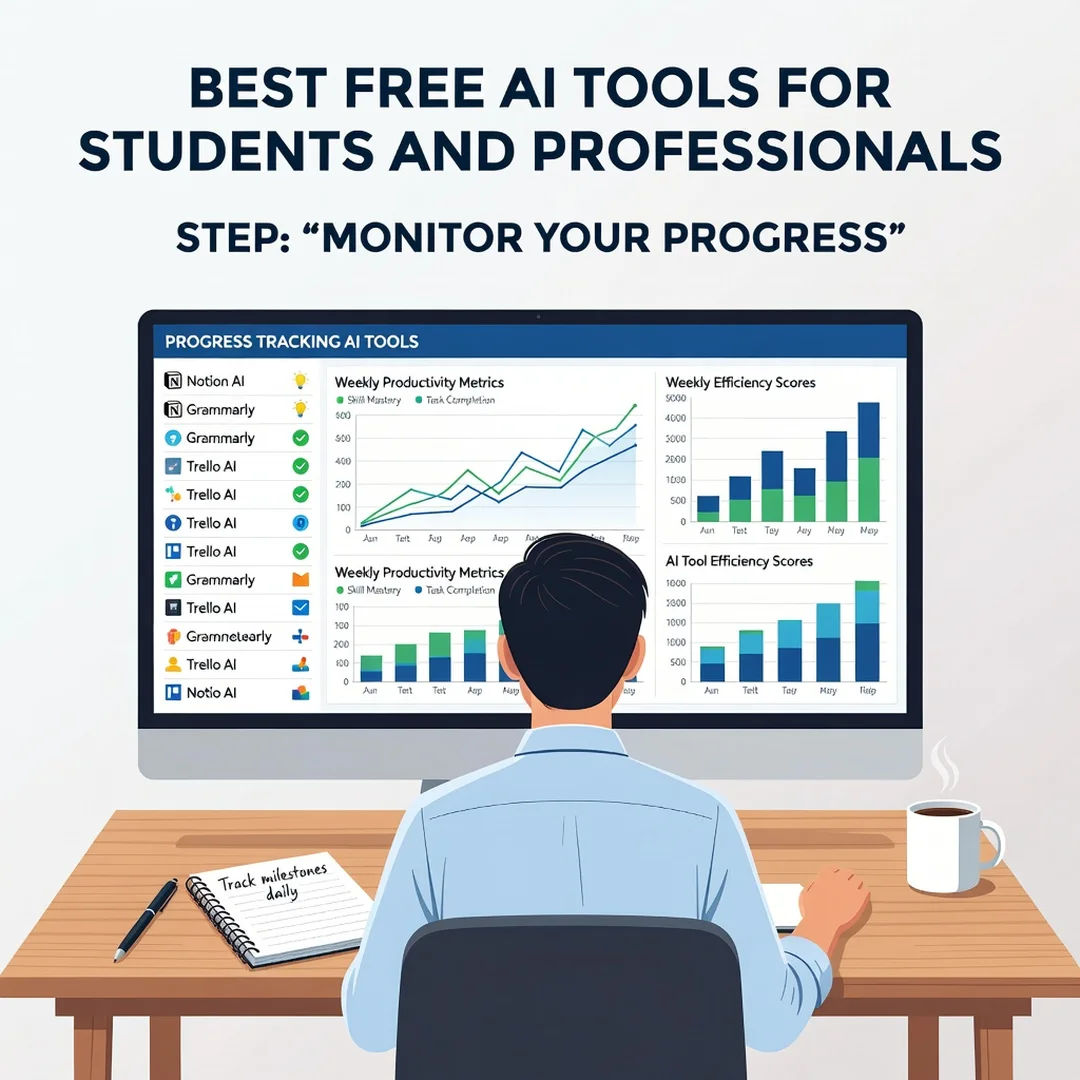
Step 6: Monitor your progress
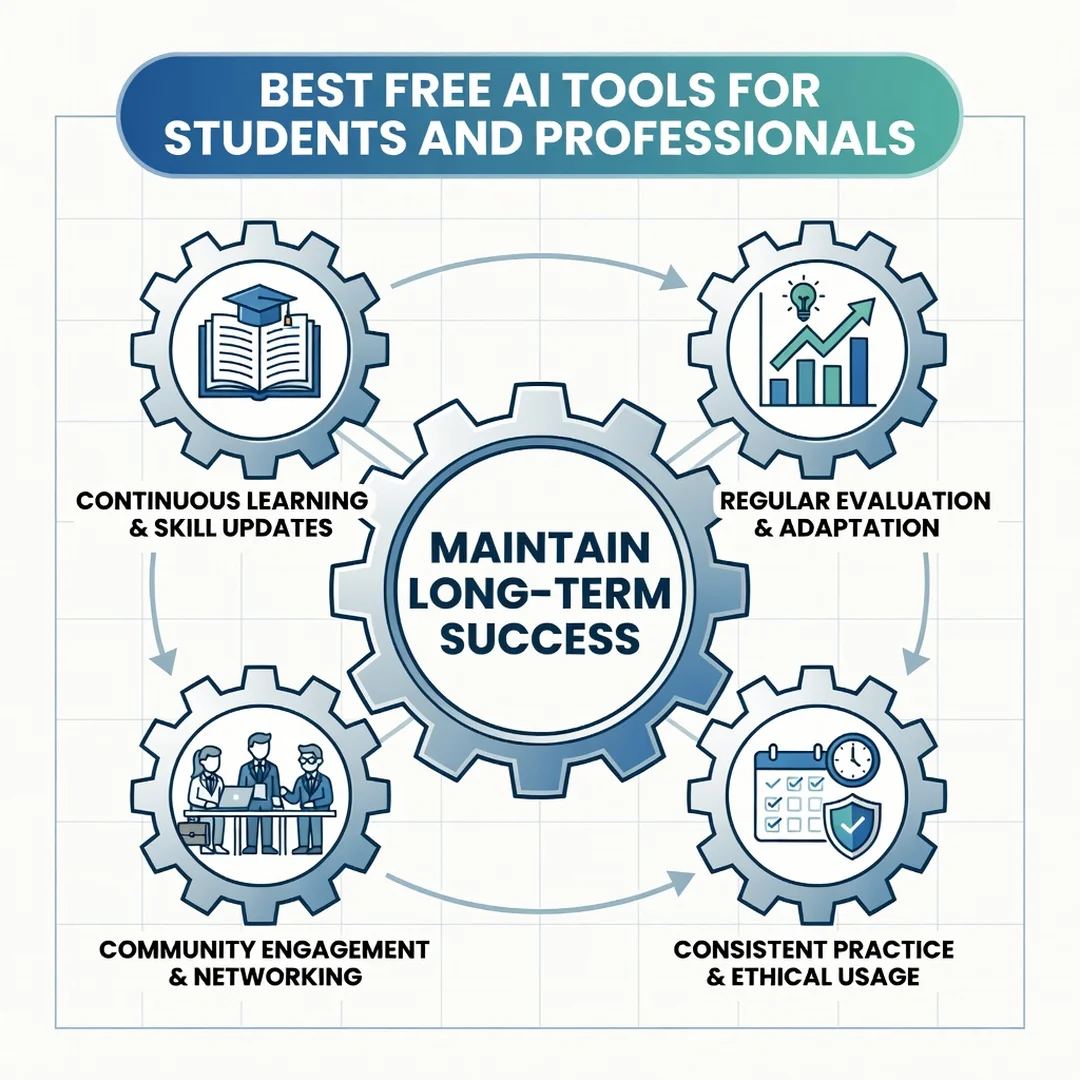
Review your goals after two to four weeks. Are the tools actually saving time, or are you spending longer correcting outputs than doing the task yourself? Track how often you hit free-tier limits and whether that disrupts your workflow. Adjust your toolkit: drop tools that add friction, replace them with alternatives, and double down on the one or two that clearly help. Reliable information and consistent habits lead to better long-term outcomes, so favor steady routines over constant tool-hopping.
FAQ
You now have a solid foundation for Best Free AI Tools for Students and Professionals. Apply the best practices above and revisit this guide as your needs evolve.