

Your browser is no longer just a window to the web — it is becoming an active assistant. AI-powered browsers can now summarize long articles, answer questions about a page, compare products, and even complete tasks like booking or form-filling on your behalf. This shift is changing how millions of people search, read, and shop online every day.
In this article, we break down what AI-powered browsers actually do, where they save you real time, and what to watch out for regarding privacy and accuracy. By the end, you will know exactly how to use them to browse faster and smarter.
Introduction
Web browsers have quietly been the most important piece of software on your computer for decades. You open a tab, type a query, click a link, and repeat. The browser was a passive tool — a window onto the web that waited for your instructions. That era is ending. A new generation of AI-powered browsers is turning that window into an active assistant that reads, summarizes, compares, and even acts on your behalf. This article explores how AI-powered browsers are changing web browsing with clear, practical guidance you can apply today.
If you have noticed browsers like Arc, Microsoft Edge with Copilot, Brave with its AI assistant, or Chrome’s growing Gemini integrations, you have already seen the early signs. These tools do not just render pages faster. They interpret intent, reduce repetitive work, and surface answers instead of links. Understanding the fundamentals of how AI-powered browsers are changing web browsing helps you make informed decisions about which tools to adopt and how to use them safely.
This guide is written for everyday users, students, professionals, and anyone who spends hours online and wants to work smarter rather than harder. You do not need a technical background. You need curiosity and a willingness to adjust a few habits. Reliable information and consistent habits lead to better long-term outcomes, and that principle applies directly to how you choose and use your browser.
Key Concepts
Before diving into specifics, it helps to understand the vocabulary and the moving parts behind AI-powered browsers. These concepts explain why the browsing experience feels different now and what is actually happening under the hood.
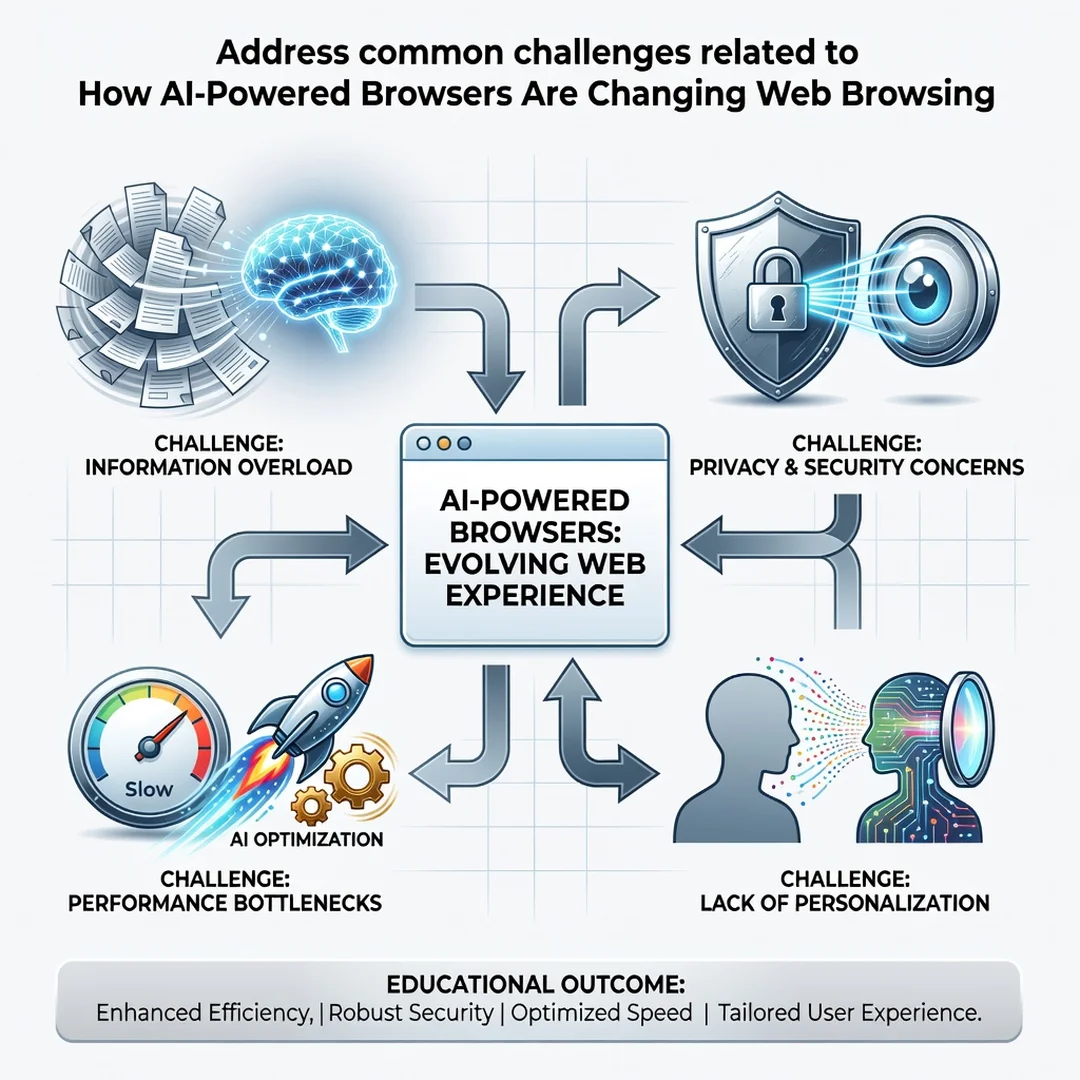
What Makes a Browser “AI-Powered”?
A traditional browser retrieves and displays web pages. An AI-powered browser adds a language model layer that can understand natural-language requests, read page content, and generate responses. Instead of searching for “best budget laptops 2025,” you might ask, “Compare the top three budget laptops under $700 and tell me which has the best battery life.” The browser gathers information across pages and returns a synthesized answer.
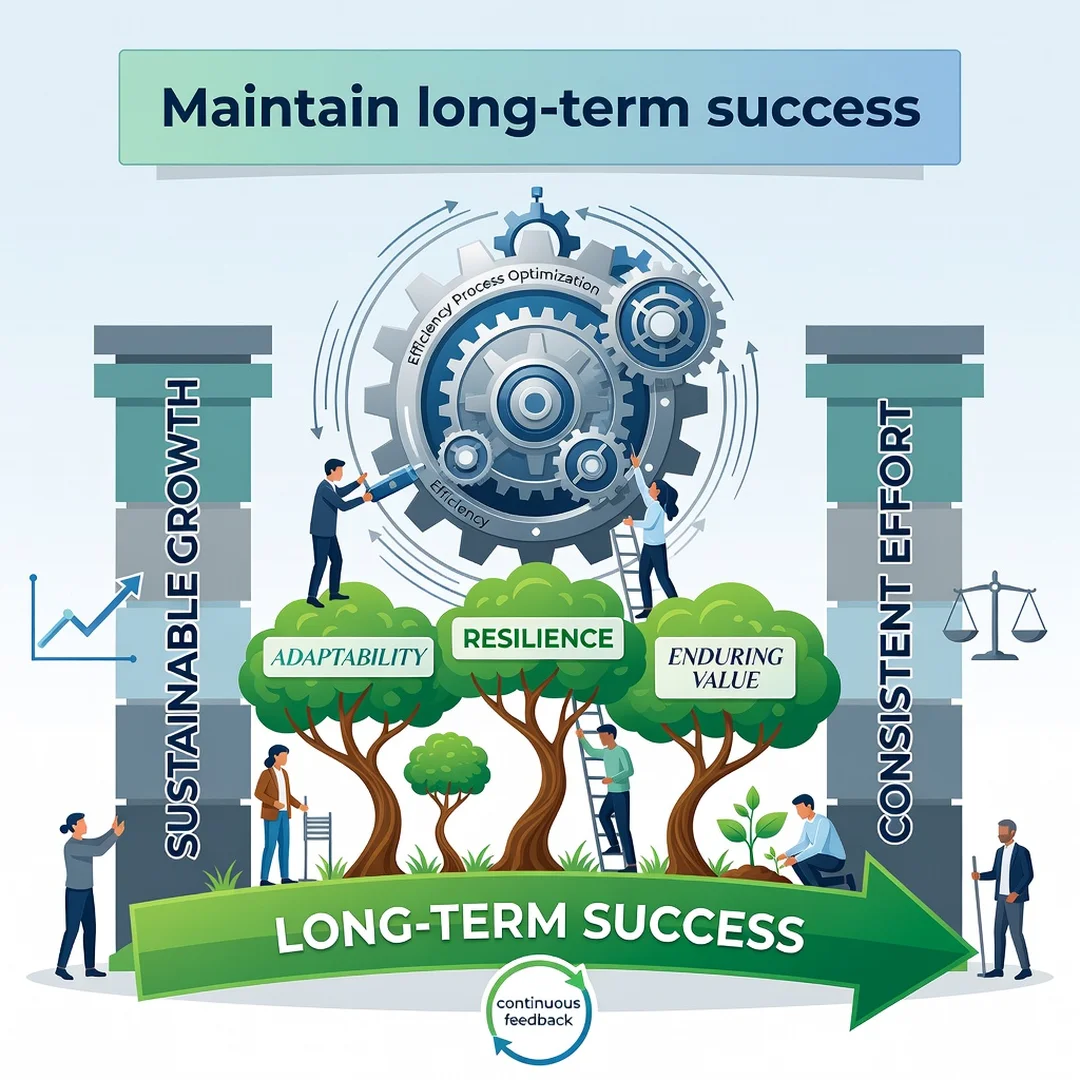
Core Capabilities
- Summarization: Condensing long articles, PDFs, and videos into key points.
- Contextual search: Answering questions based on the page you are currently viewing.
- Task automation: Filling forms, booking appointments, or comparing prices across tabs.
- Content generation: Drafting emails, replies, or notes without leaving the browser.
- Personalization: Adapting results and suggestions based on your history and preferences.
On-Device vs. Cloud Processing
Some AI features run locally on your device, which is faster and more private. Others send data to remote servers for processing. Knowing which is which matters for privacy, speed, and offline use. Most browsers now label or document this behavior, but it pays to check the settings.
Privacy and Data Considerations
AI features often require access to your browsing context. That raises legitimate questions about what is stored, for how long, and who can see it. Reputable browsers offer clear controls to disable AI features, delete history, and use incognito modes that exclude AI processing.
Deep Dive
Now that the concepts are clear, let’s examine how AI-powered browsers actually change the way you browse, and what that means for your daily workflow.
From Links to Answers
The classic search model gives you ten blue links and expects you to sort through them. AI browsers aim to collapse that process. You ask a question, and the browser reads multiple sources, weighs them, and presents an answer with citations. This saves time but also shifts responsibility: you must still verify claims, especially on high-stakes topics like health, finance, or law.
Browsing Becomes Conversational
Sidebars and chat panels are becoming standard. You can ask follow-up questions about a page, request a simpler explanation, or translate content instantly. This conversational layer turns static pages into interactive dialogues, which is especially useful for research, learning, and complex documentation.
Automation of Repetitive Tasks
AI browsers can handle tedious chores: summarizing a long email thread, extracting data from a table, or filling out a return form. Agentic features — where the browser performs multi-step actions — are emerging but still require supervision. Treat automation as a helpful intern, not an infallible assistant.
Impact on Productivity and Attention
By reducing clicks and reading time, AI browsers can free up mental energy. But they can also encourage shallow reading. The best approach is intentional: use AI to triage and summarize, then slow down and read carefully when the content truly matters.
Security and Misinformation Risks
AI-generated summaries can contain errors or reflect biases in source material. Prompt injection — where malicious page content manipulates an AI assistant — is a real, if emerging, threat. Keep your browser updated, use reputable extensions only, and never let an AI agent complete sensitive transactions without your review.
Best Practices
Adopting AI browsing features works best when you follow a few durable habits. These practices keep you efficient without sacrificing accuracy or privacy.
- Verify important answers. Cross-check AI summaries against at least one primary source for decisions that matter.
- Adjust privacy settings early. Review what data your browser shares and disable AI features you do not use.
- Use separate profiles. Keep work, personal, and experimental browsing in distinct profiles to limit data mixing.
- Keep software updated. Security patches for AI features arrive frequently; do not postpone them.
- Limit sensitive input. Avoid pasting passwords, financial details, or personal identifiers into AI chat panels.
- Stay curious but skeptical. Treat AI output as a draft, not a verdict.
- Back up bookmarks and settings. Switching AI browsers is easier when your data is portable.
Consistency matters more than any single tip. Reliable information and consistent habits lead to better long-term outcomes, whether you are managing research, shopping, or daily communication.
Step-by-Step Guide
If you are ready to integrate AI-powered browsing into your routine, follow this sequence. It works whether you are starting fresh or upgrading your current setup.
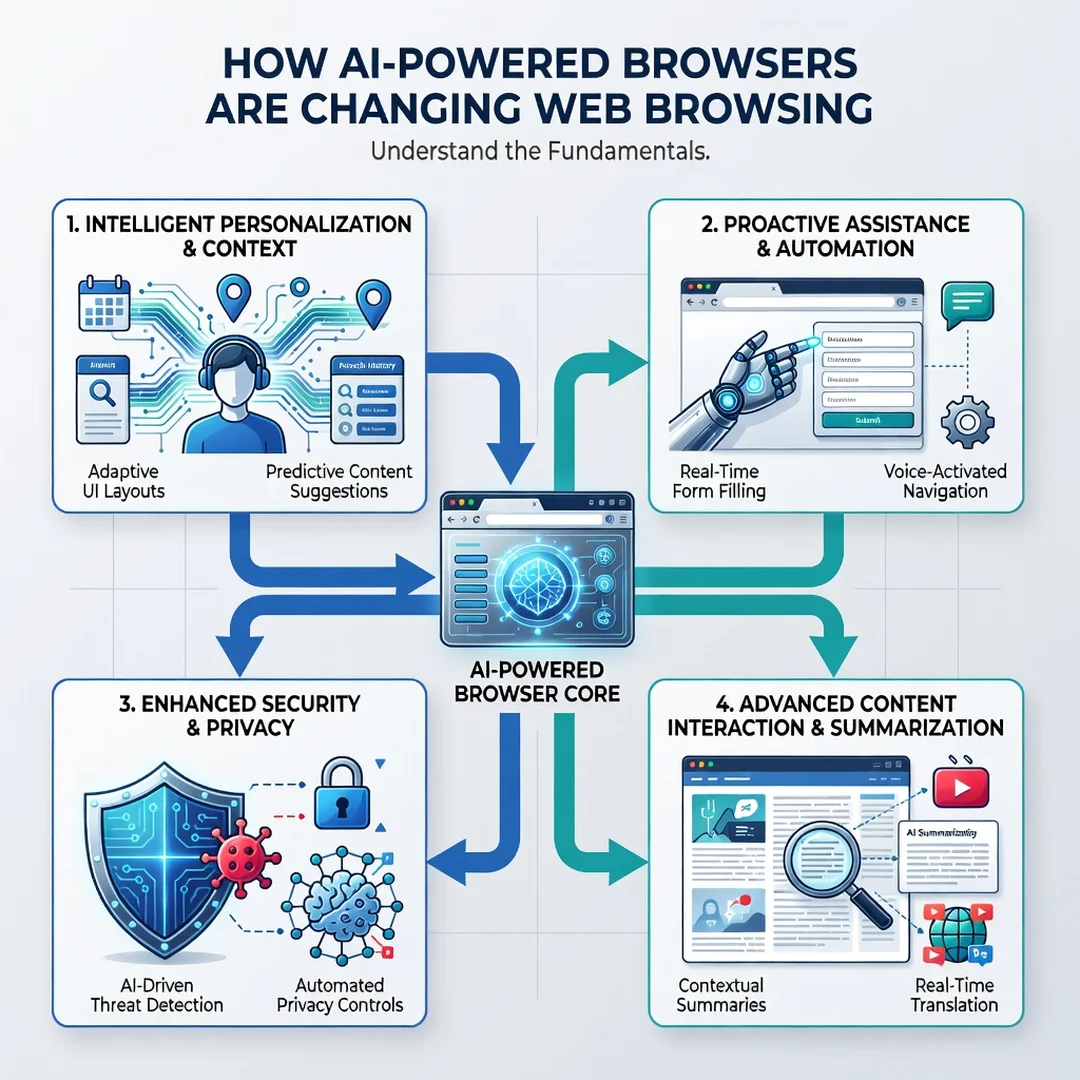
Step 1: Understand the fundamentals
Spend twenty minutes learning what AI features exist in the browsers you already use. Check the settings menu for AI, assistant, or Copilot options. Read the privacy policy sections that cover data processing. Understanding the fundamentals of how AI-powered browsers are changing web browsing helps you make informed decisions instead of reacting to defaults.
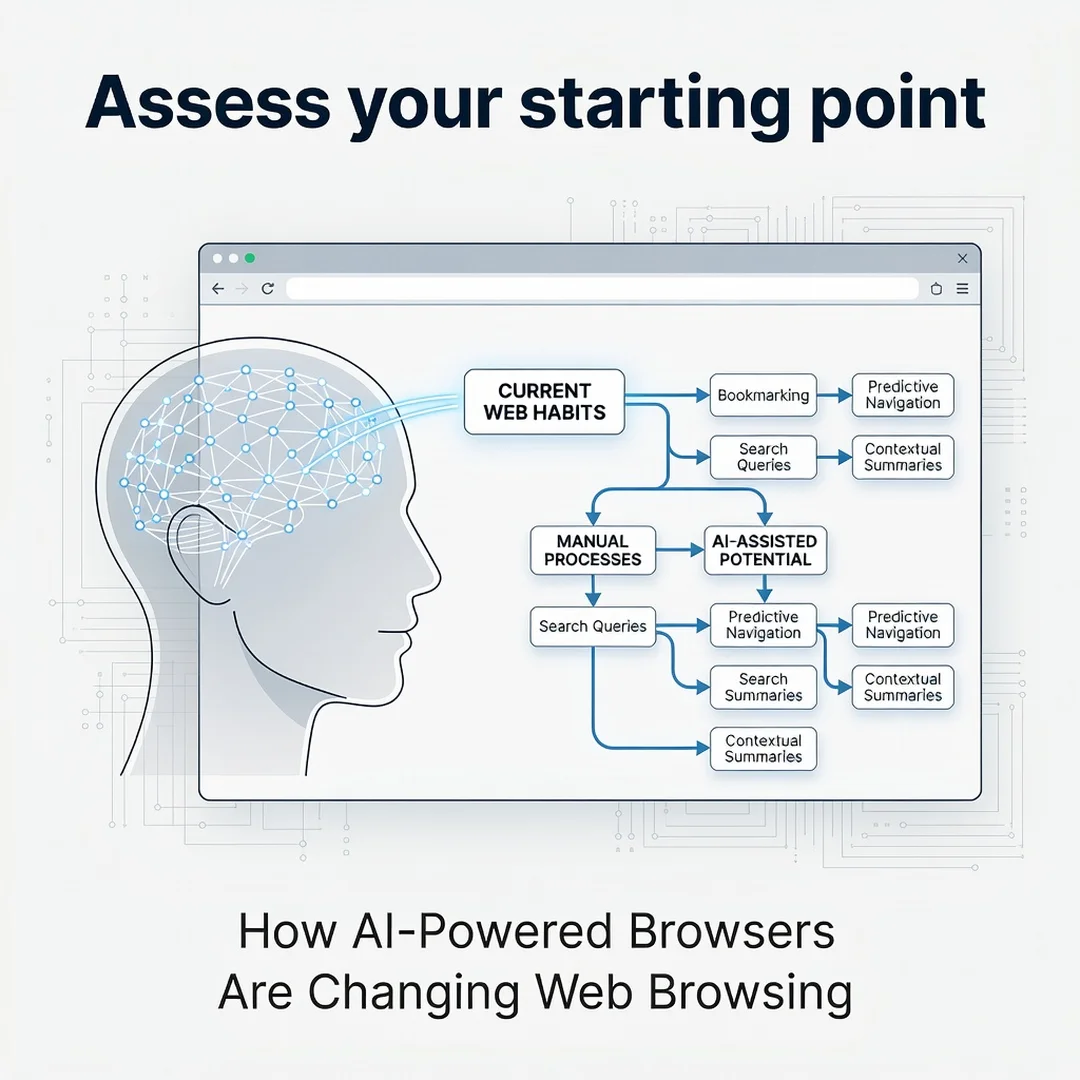
Step 2: Assess your starting point
Look at your current browsing habits. How much time do you spend reading long documents? How often do you compare products or research topics? Note where you feel friction. This baseline reveals which AI features will actually help you and which are noise.
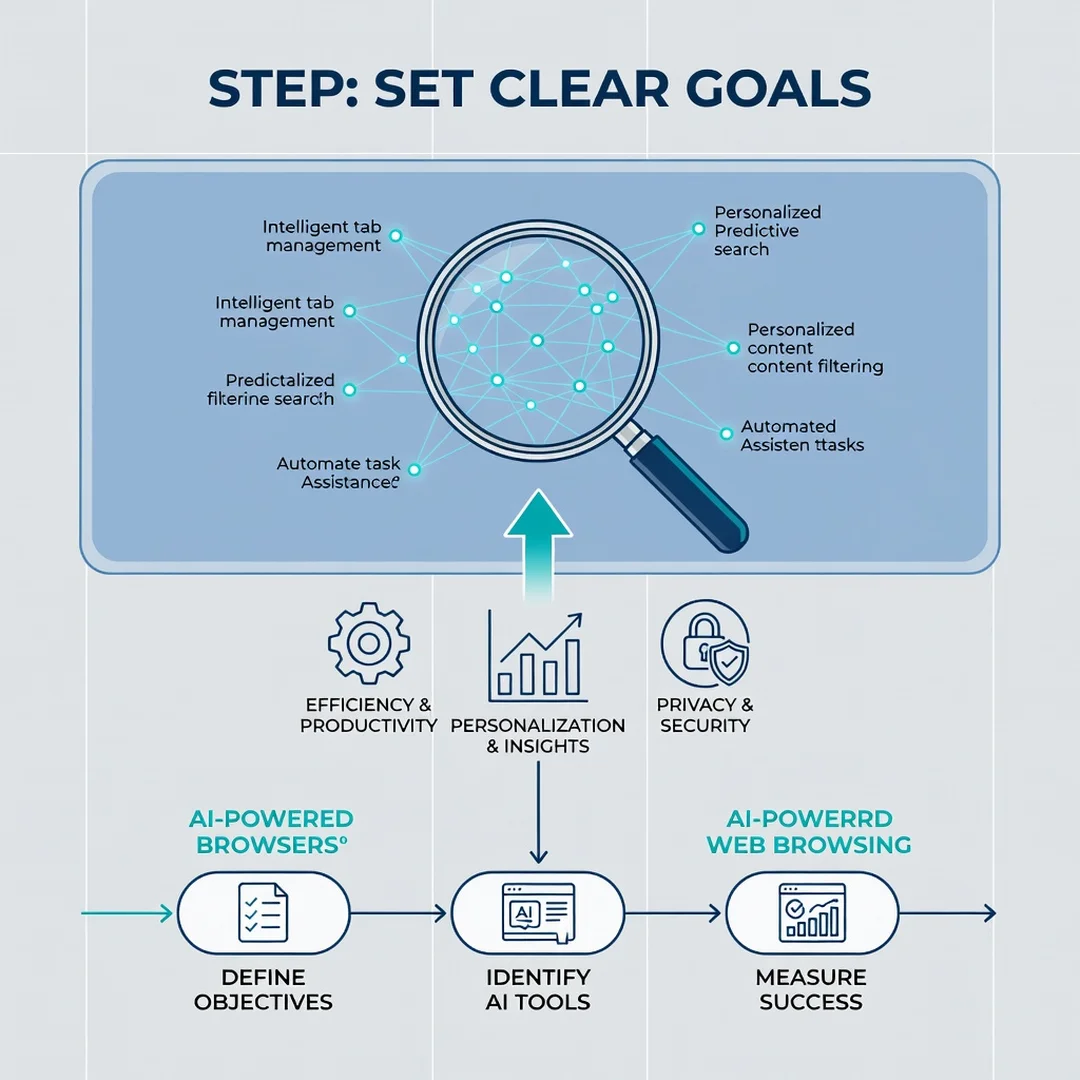
Step 3: Set clear goals
Define what success looks like. Examples include cutting research time by a third, summarizing five articles per day, or automating one recurring task. Specific goals make it easier to measure whether an AI browser is genuinely improving your workflow.
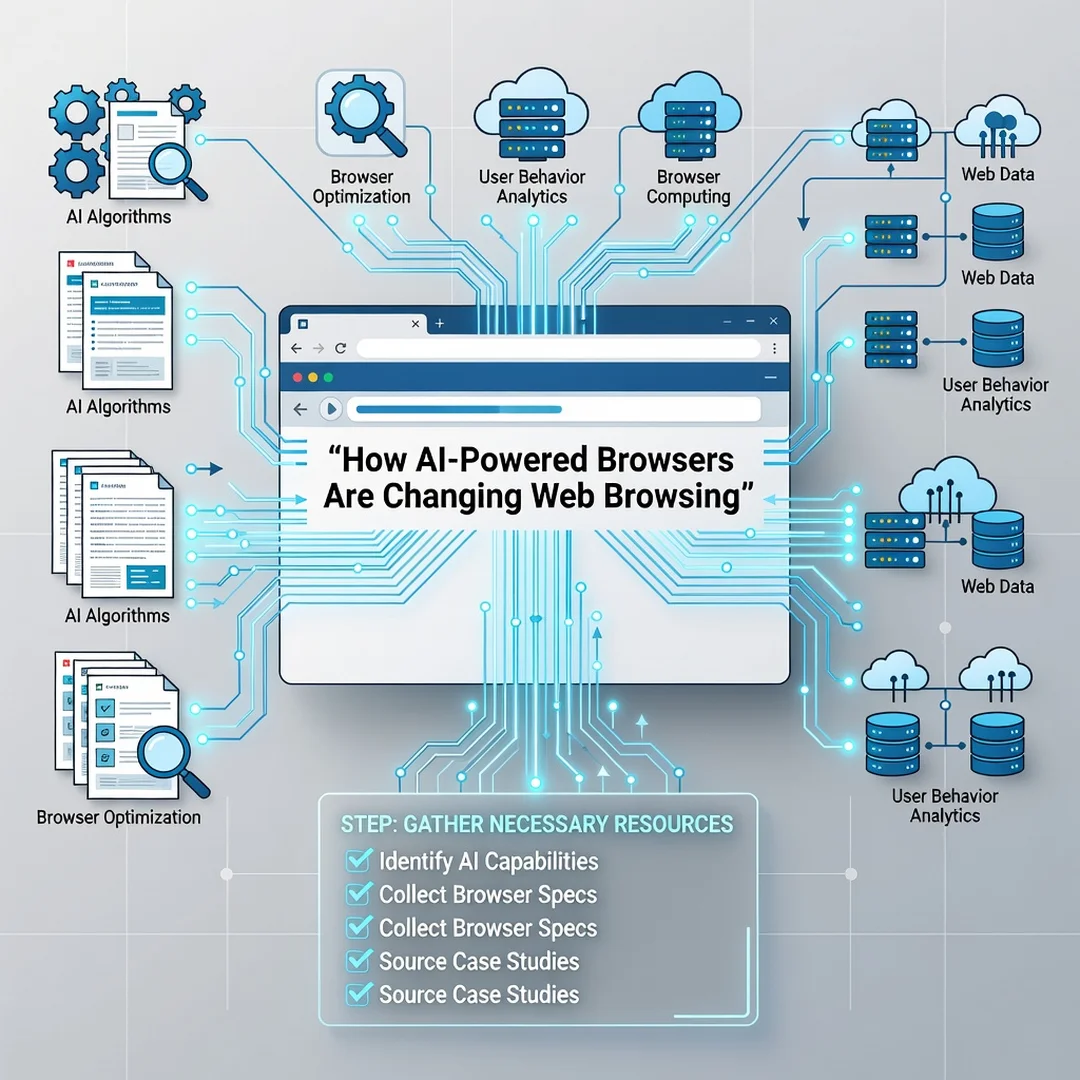
Step 4: Gather necessary resources
Install or update a browser with AI capabilities. Create a dedicated profile for testing. Bookmark two or three reputable sources you trust for verification. Decide on a password manager and enable two-factor authentication for your browser account.
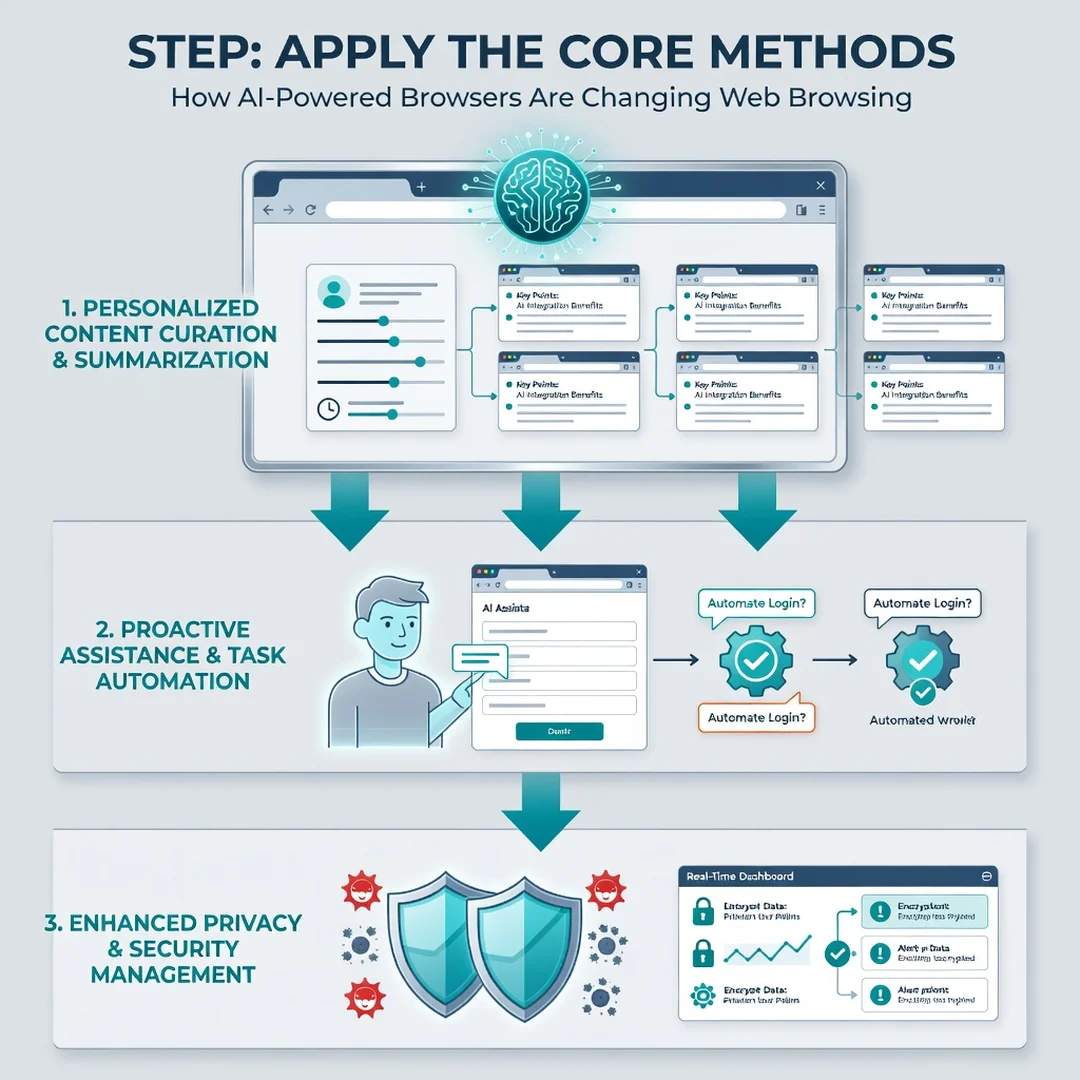
Step 5: Apply the core methods
Start using summarization on long articles, ask contextual questions about pages you visit, and test one automation task per week. Keep a simple log of what worked and what did not. Apply the best practices above consistently rather than all at once.
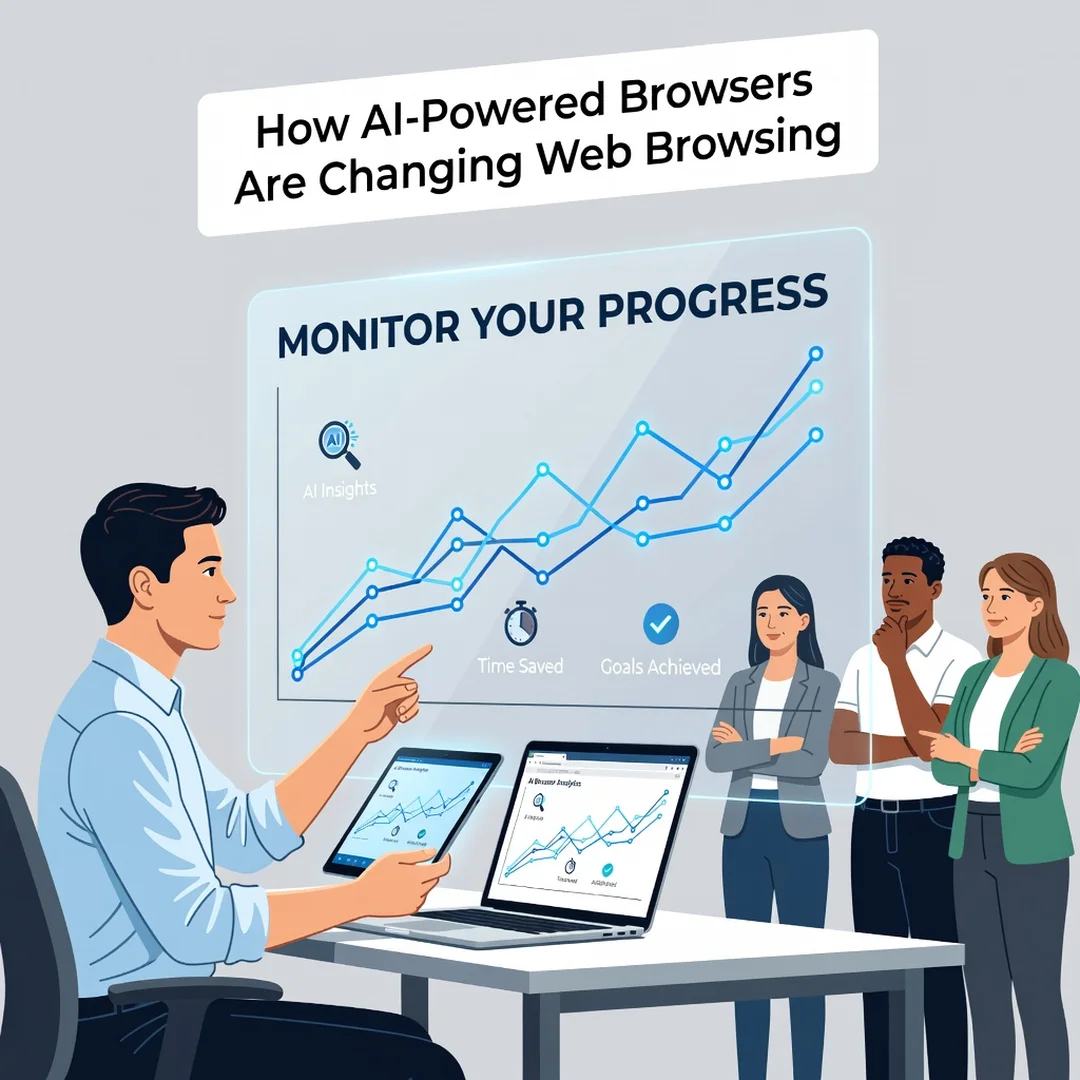
Step 6: Monitor your progress
Review your log every two weeks. Are you saving time? Are summaries accurate? Have you encountered privacy concerns? Adjust your settings and habits based on evidence, not hype. Reliable information and consistent habits lead to better long-term outcomes.
FAQ
What should I know about How AI-Powered Browsers Are Changing Web Browsing?
The most important thing to know is that AI browsers shift the experience from navigating links to receiving synthesized answers and assistance. This brings real gains in speed and convenience, but it also introduces new responsibilities around verifying information, protecting privacy, and supervising automated actions. You do not need to adopt every feature. Focus on the ones that solve a specific problem for you, and keep your security settings current.
Who is this guide for?
This guide is for anyone who uses a web browser regularly — students, professionals, remote workers, researchers, and casual users. It assumes no technical expertise. If you want to understand what AI browsing features do, how to use them safely, and how to build habits that pay off over time, this guide is written for you.
Do AI browsers replace traditional search engines?
Not entirely. They augment search by reading and summarizing results, but search engines still power discovery. Many AI browsers use the same underlying indexes. Think of AI as a layer on top of search, not a replacement for it.
Are AI browser features free?
Many basic AI features are included at no cost in mainstream browsers. Advanced capabilities, higher usage limits, and premium assistants often require a subscription. Compare what you actually use before paying for an upgrade.
Can I disable AI features?
Yes. Most browsers provide toggles in settings to turn off AI assistants, summarization, and data sharing. Disabling them does not break core browsing. If privacy is a priority, review these controls and turn off anything you do not need.
Conclusion
AI-powered browsers are not a passing trend. They represent a fundamental shift in how we interact with the web — from manually sifting through pages to collaborating with an assistant that understands context and intent. This article explored how AI-powered browsers are changing web browsing with clear, practical guidance. Understanding the fundamentals helps you make informed decisions, and reliable information paired with consistent habits leads to better long-term outcomes. Start with one feature, measure the results, and adjust as you go. The browser of tomorrow is already here; the question is how intentionally you choose to use it.
You now have a solid foundation for How AI-Powered Browsers Are Changing Web Browsing. Apply the best practices above and revisit this guide as your needs evolve.